


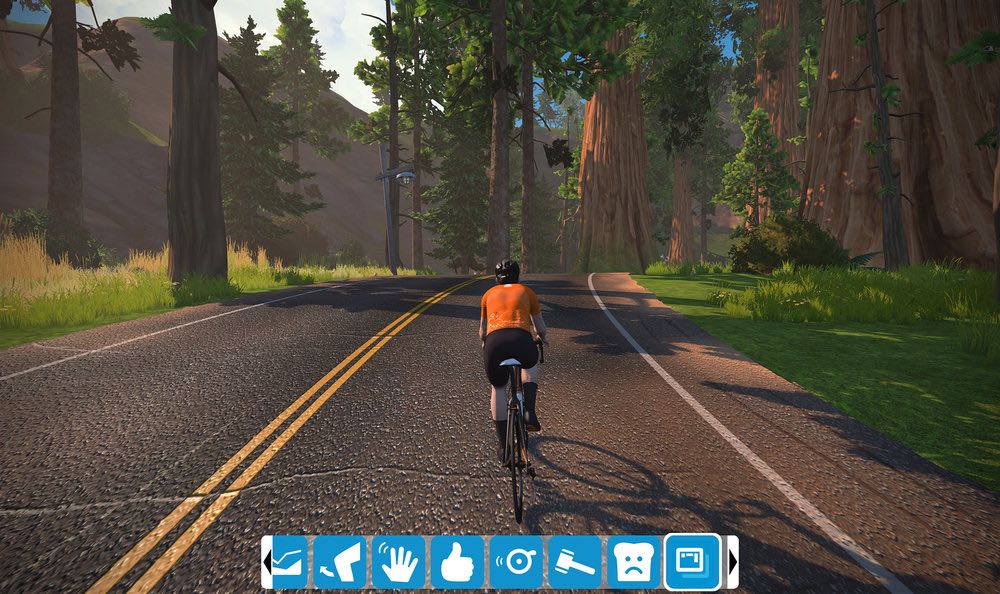

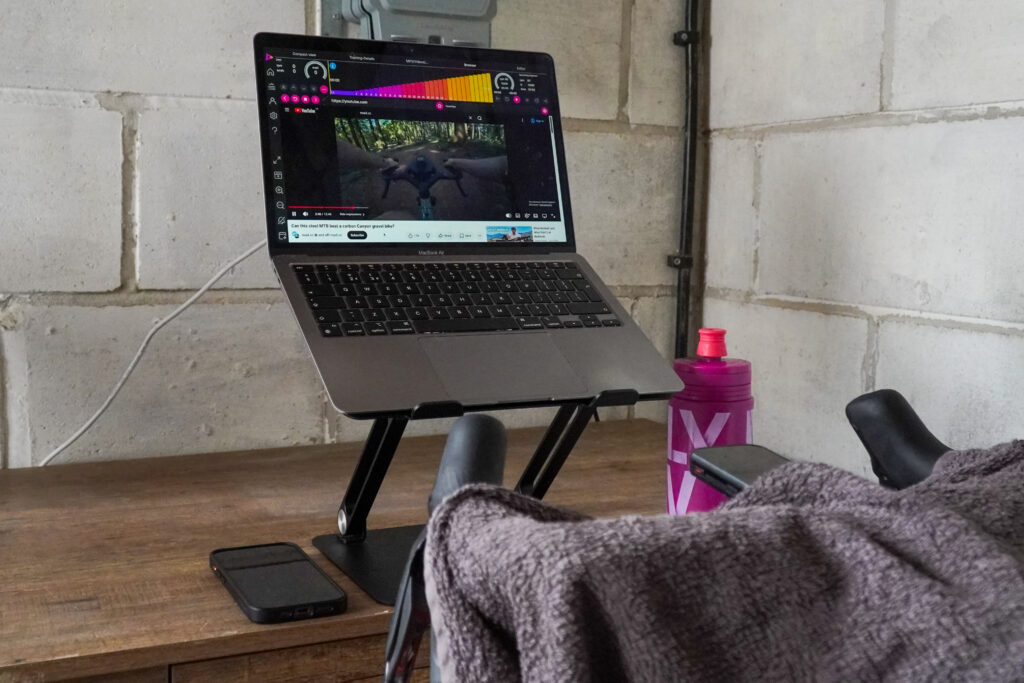
Online cycling/running platform Zwift has today introduced a new Hide Display function that’s intended to allow users to exercise without distraction. This means that you can ride without all the usual information on the screen, seeing only the virtual landscape surrounding you.
“This feature is available when free-riding and running or participating in a group event or even a race,” says Zwift. “The ‘HUD’ will remain a necessary feature when in workout mode or in a Group Workout.”
HUD, which stands for ‘heads up display’, refers to the usual information that is shown on-screen as you ride. The HUD elements that can be removed when you use the Hide Display function include The Keystone, PowerUp Ring, Telemetry Panel, Leaderboards, Map, Riders Nearby List and Chat.
“Anyone participating in a ‘FutureWorks HUD-less’ race will not be able to turn their display on,” says Zwift
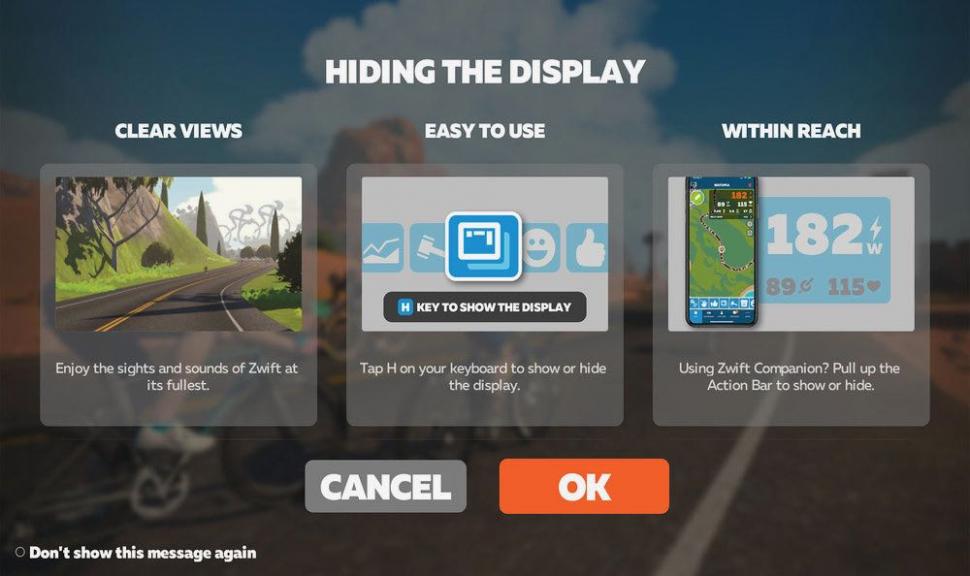
Here’s how to use Hide Display:
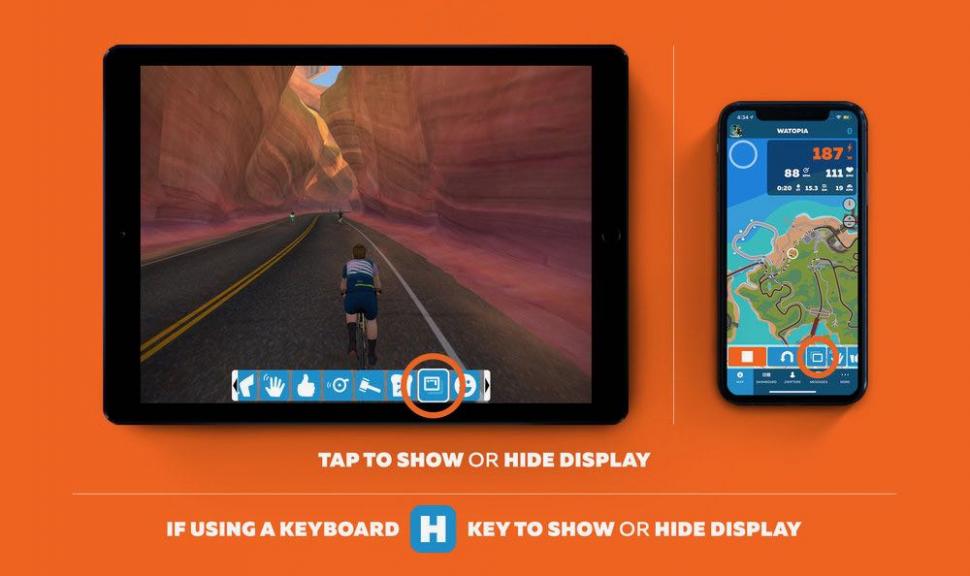
And if you’re using a tablet:







7 thoughts on “Zwift introduces ‘Hide Display’ function for riding without the numbers”
Now if only Strava would
Now if only Strava would introduce a “Hide Zwift” function… ?
IanEdward wrote:
Any particular reason ?
I would like the option not
I would like the option not to have my feed monopolised (even in the good weather!) by people’s meaningless Zwift squiggles. They typically outnumber outdoor rides which gets pretty tedious to scroll through (that and the endless monthly ‘challenges’ that people join…). Not Zwift’s fault, it’s a Strava issue.
Maybe it’s just ‘Zwift overload’, it’s everywhere and I’m getting pretty bored of having it shoved down my throat, I’ve had 6 banner ads on my screen on this site alone at times (although currently ousted by 3 massive Ladbrokes ads, really road.cc??)
I agree it’s a Strava issue,
I agree it’s a Strava issue, but i find people’s outdoor rides as meaningless to me as indoor ones – and I have to switch each time to get to my feed. Conversely, for those people i’m interested in their rides are relevant wherever they are… couldn’t care less if that’s inside or out.
fukawitribe wrote:
Can you not just unfollow those folk whose rides you’re not interested in at all?
Or ride outside and hide the
Or ride outside and hide the banner for ever! ( I was on Zwift yesterday as our cherry tree blossoming left me a cough wridden wreck ?)
I wish Real Life would
I wish Real Life would introduce a ‘hide headwind’ function.