


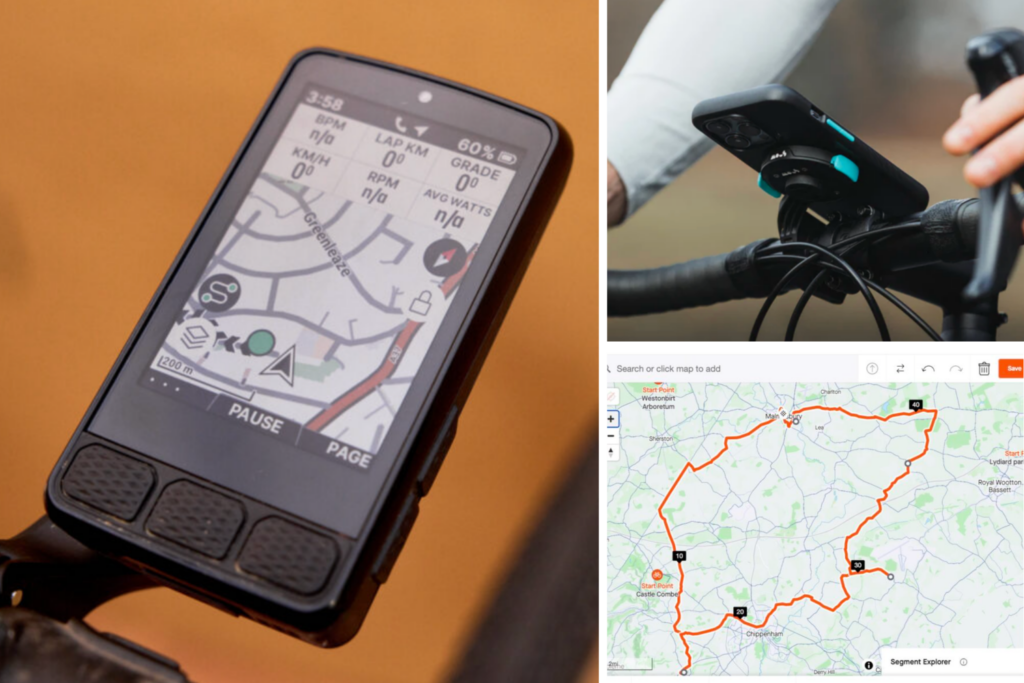

GPS bike computers, such as Garmin Edge and Wahoo Elemnt devices, along with smartphone mapping apps, make it easier than ever to plan and follow a cycling route. While you can of course still navigate roads and tracks using paper maps if you want to go old-school, almost all cyclists now rely on digital navigation. Here’s how to do it…
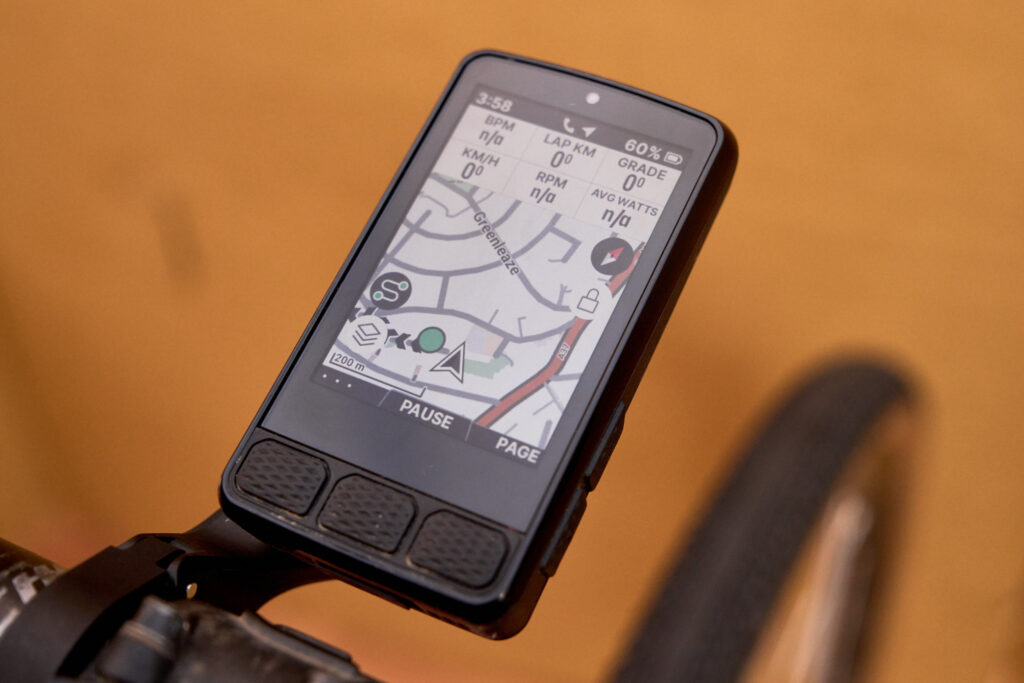
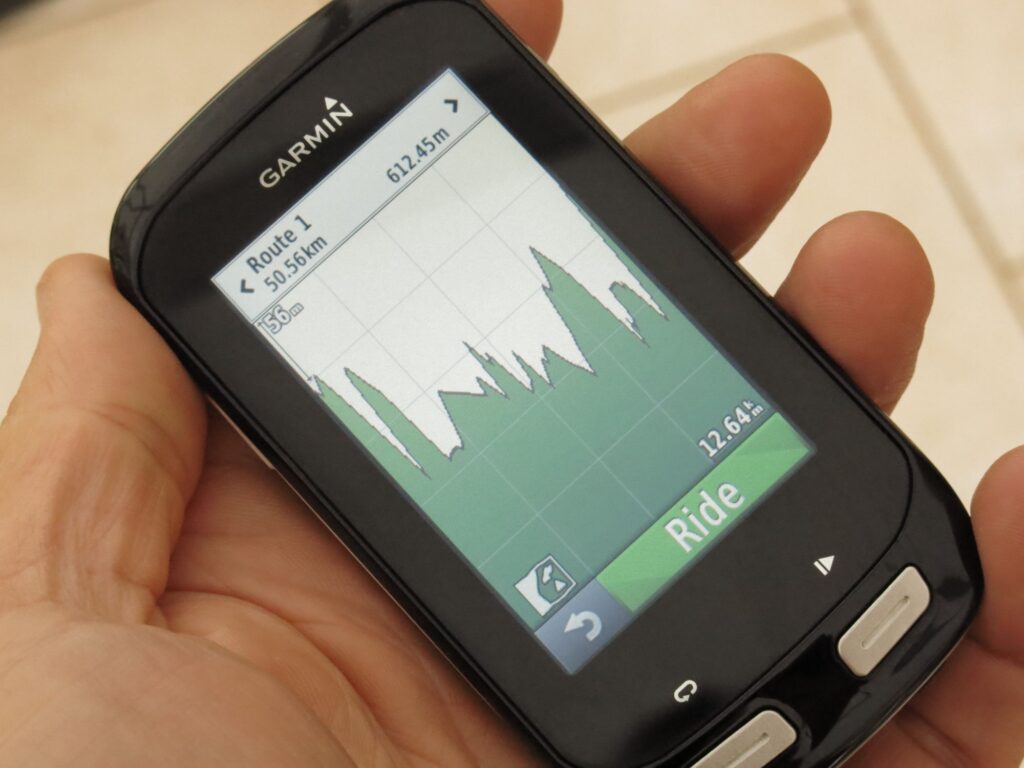
Basic GPS bike computers offer core metrics like speed and distance, but more advanced models come with larger, clearer screens and full mapping and navigation features. They allow you to create, upload and follow routes in real time directly from your device.
Some devices just let you put in the postcode or address and will calculate a route for you to follow, but it’s better if you can manually plot a route to suit the distance you want to ride or the time you have available. This is ideal if you’re new to an area, you’re on holiday and aren’t sure where to cycle, or you just want to ride somewhere different.
Why plan a route using mapping software or an app?
Planning a route using mapping software or an app has certain advantages. You can scout out interesting-looking roads and hills and devise a route that suits you cycling requirements precisely, so you can pack in as many hills as possible or avoid them altogether.
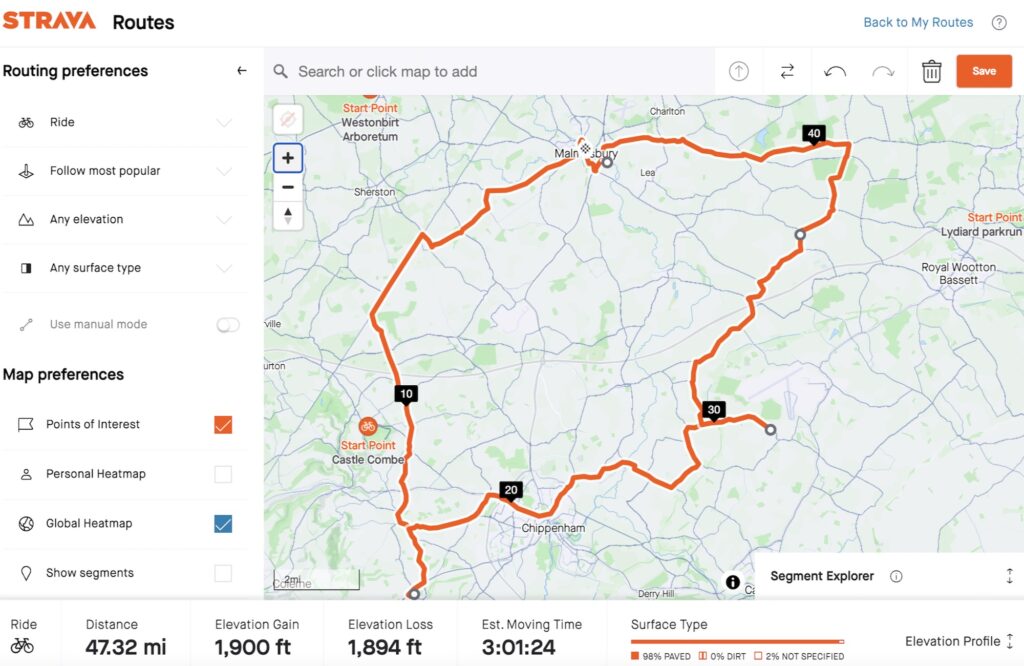
If you’re short of time, planning a route means you know what time you’ll be back (assuming no mechanicals). Many apps provide an estimated time of completion based on an average speed so you won’t find yourself pedalling along in the middle of nowhere when you should be at home for something important.
> Have we reached peak cycling computer?
Other advantages to planning a route are that you can see exactly how much climbing to expect and you can also make sure that you avoid busy areas. On many apps you can also decide whether you’d prefer road, gravel, or mountain biking.
Following a route on a handlebar-mounted computer or smartphone also means you don’t have to spend any of your valuable ride time stressing about navigation. You just follow the map/instructions and enjoy the scenery.
If you don’t fancy planning your own route, many devices will offer a choice of routes based on a distance, and you can simply choose to follow the one you like best.

If you’re riding a sportive, many organisers provide a downloadable route that you can put on your bike computer as a backup to following the usual arrows by the side of the road. Even a sport as traditional as Audax has joined the modern age with many organisers providing GPS routes, and clubs often offer downloadable routes for their regular weekend rides.
How to plot a cycling route
There are a range of mapping websites and apps that make it easy to plot your own route, with both free and paid options available. Strava provides mapping, there’s Komoot, and the simple BikeHike. Other options include MapMyRide, RideWithGPS, AllTrails, Garmin Connect and PlotaRoute.
Strava’s Route Builder, which is open to paid subscribers only, is clever because it taps into the vast database of users’ shared activities and segments to show you the most popularly ridden roads in an area. This can be useful if you’re riding in a new location and aren’t sure where’s best to go.
If you’re interested in routes that other cyclists are riding, there are websites that allow you to search through them.
With Komoot, for example, you tap in the area where you’d like to ride and filter other users’ routes by distance, difficulty, elevation, road surface, and so on. When something takes your fancy, you can download the GPX file or send it direct to your bike computer or phone.
Komoot was controversially bought by Italian tech firm Bending Spoons in March 2025, but despite a different interface, it continues to be one of the most best apps for navigation.
The OpenCycleMap.org website highlights roads and paths suitable for cycling, which can be handy if you’re cycling in a large city and want to avoid heavily congested main roads. It can’t be used to plan routes, but CycleStreets.net can. It lets you pick a start location and final destination, and it’ll offer a choice of three routes – the fastest route, the quietest route, and a balanced route – using the National Cycle Network where possible.
Use the best navigation apps on a computer

While plotting a route on a smartphone is quick, for more detailed route planning there’s no beating a larger computer screen. You can check out a more extensive area at once and it’s easier to move around the screen and zoom in and out.
You can usually just tap any places you’d like to ride through and the website you’re using will work out the route for you. Then you can review the route and make any adjustments you like.
Most of the more popular mapping services offer both an app and a website, and you can save and store routes, making them easy to transfer onto your phone.
Download to a GPS bike computer or smartphone
Once you’ve planned your route, the next step is getting it onto your device so you can follow it on the road.
Using a smartphone is the simplest option, as you don’t need a separate computer. You just choose a compatible app, create your route, and start navigation. Many apps, such as Strava, will also record your ride and provide live speed and distance data.
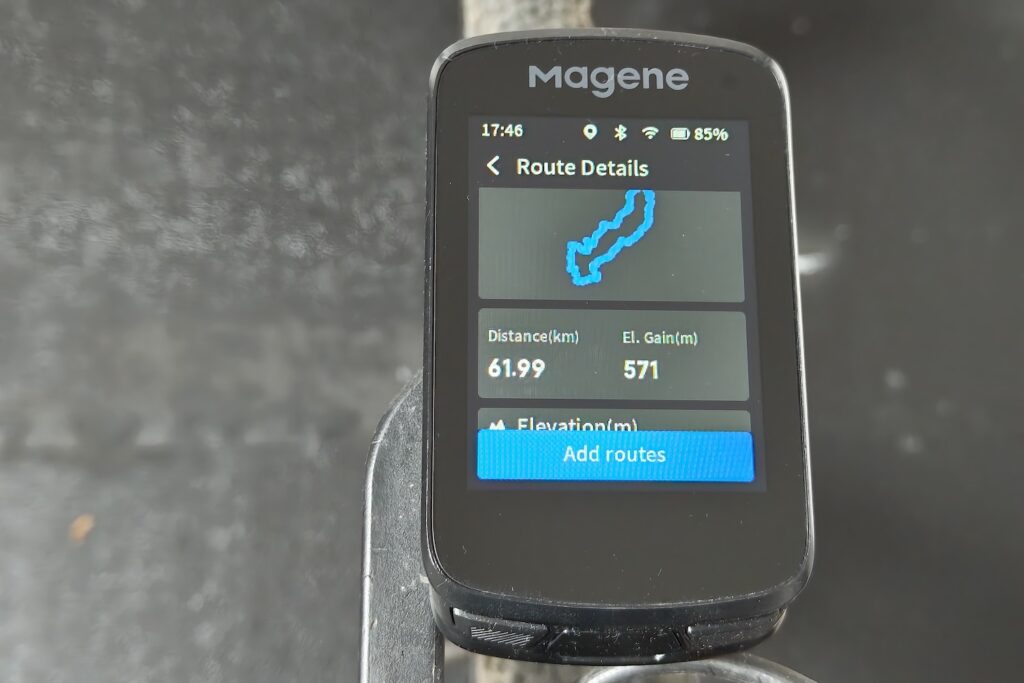
If you’re using a GPS bike computer such as a Garmin Edge or Wahoo Elemnt, you’ll need to transfer the route to the device. This is usually done via Bluetooth or through a companion app or desktop software.
The exact process varies between brands, so it’s worth following the specific instructions for your device. The easiest method is typically to use a platform that allows direct export of routes to a connected GPS unit.
Following a route on the bike
With your route created and downloaded to your GPS computer or smartphone, it’s simply a case of following the route. There are two key choices when following a route.
You can either use turn-by-turn directions, and the app will flag up which way to go at key junctions. This is the simplest choice because you can get on with enjoying the ride and the scenery, and not worry about which turn to take.
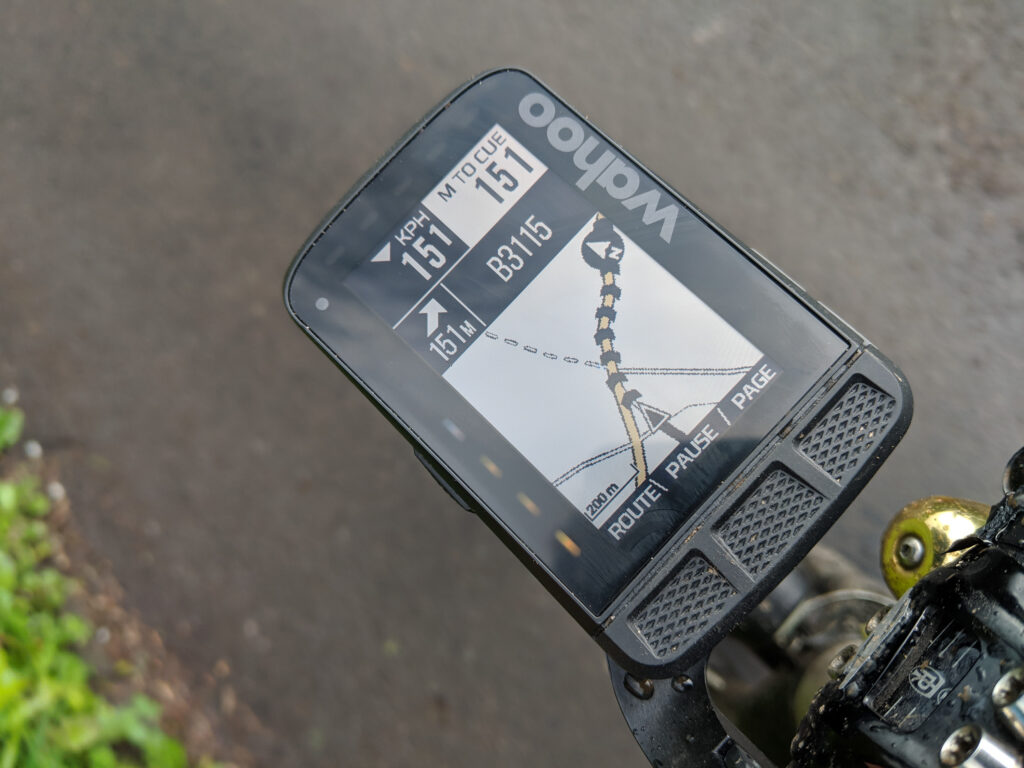
The other option simply displays your location on the map, with a coloured line indicating the route you need to follow. This option means you have to pay more attention to the route but does offer a bit more freedom if you want to divert off the route for any reason, such as spotting an interesting-looking road.
Can you use a smartphone as a bike computer?
Most of us carry a smartphone with built-in GPS, making it easy to plan and follow cycling routes. While dedicated GPS bike computers are purpose-built devices, there’s now a wide range of apps that can record, track and upload rides directly from your phone.
> Is a smartphone better than a cycling computer?
Both smartphones and GPS bike computers have their pros and cons. Given that most people already own a powerful navigation device in their pocket, the question is – why invest in a separate bike computer?
Smartphones have large colour screens that make following a route easy. Battery life can be a problem, though, because all that GPS and data (consider using one of the many offline mapping apps) eat the power. Having the screen on the entire time can also rapidly drain the battery, so consider having the screen turned off and only switching it on for turn-by-turn directions.
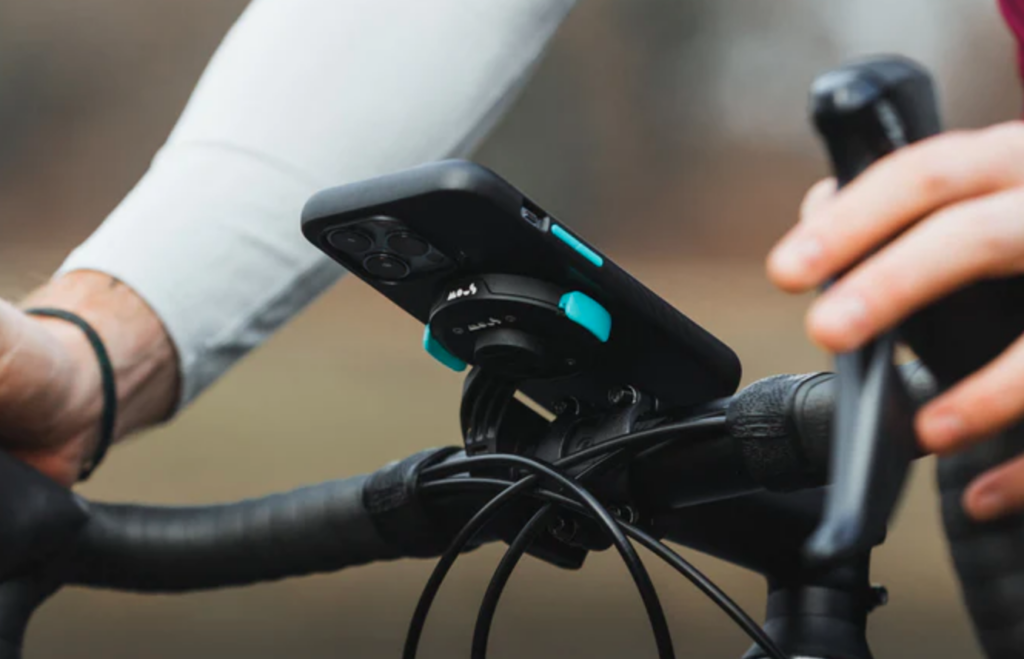
Smartphones aren’t as rugged or waterproof as dedicated cycle computers, so you’ll want to make sure yours is protected from the elements. If you’re planning to use your smartphone, there are a host of mounts available these days so you can pop your phone on the handlebar and follow the route you’ve created.
A dedicated GPS cycling computer is designed for cycling, so it’s weatherproof and fairly sturdy. You can typically expect a much longer battery life as well. The display uses a transflective screen which is easy to view without a backlight, the biggest drain on the smartphone’s reflective display.
For extending battery life on a GPS device, you can buy an external battery pack. For example, Garmin offers a Charge Power Pack (£129.99) that plugs directly into a compatible Edge cycling computer and is said to offer up to 24 hours of additional battery life.














2 thoughts on “How to plan and follow the perfect cycle route on your bike computer”
Or if you’re not riding the sportive, you can nab the GPX and ride it in your own time instead. 😁
One thing that’s not mentioned here is when planning a route, choosing a service that has Streetview integrated into it is a really useful thing, as it allows you to quickly check suspect stretches to make sure that they’re not too busy/scary-looking, or too impassable for your choice of bike. RideWithGPS has this – don’t know/can’t remember about others.
I use the free cycle.travel , which uses traffic count data and also lets me look at street view easily.
I did a ~50 mile ride on Saturday which I planned on cycle.travel . I tried to duplicate it just now on Strava’s web tool (I’m a premium member) and it looks like it did okay. Much harder to use, though.
I may try its route for the same ride next year.