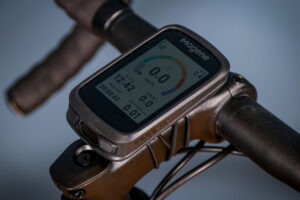


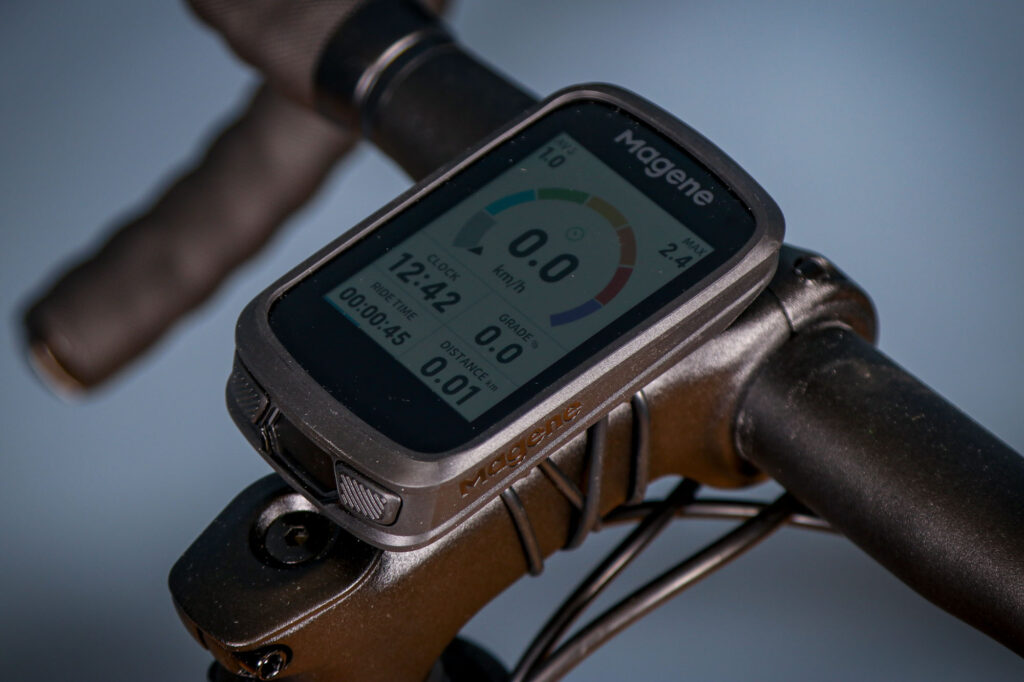

The Magene C606 Pro Smart GPS Bike Computer threatens to be an interesting rival to the big names. However, despite a good app, the computer often baffled me. If you just want to use the stats page it’s fine; if you want it as a radar-light display, it’s not great; and I found it irritating to navigate with. I ended up leaving it on the stats page and trying not to interact with it.
Getting start with the C606 Pro, the manual supplied wasn’t much help. It was very wordy with no pictures or diagrams. I tend to read manuals first, but I had to use YouTube and Google to answer my setup questions. I did return to the manual later on, and found it more helpful once I knew what I was looking for.
Once I’d got a feel for the app, it was pretty easy to set up to my requirements. I spent about 90 minutes playing with it to get it the way I wanted, but it was a fun thing to do.
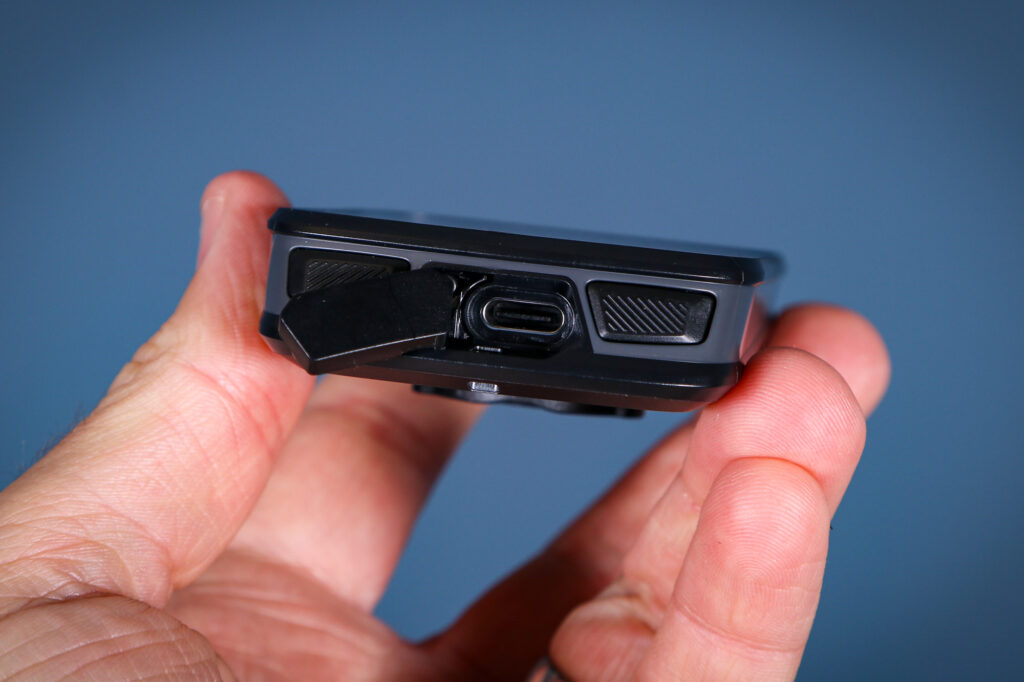
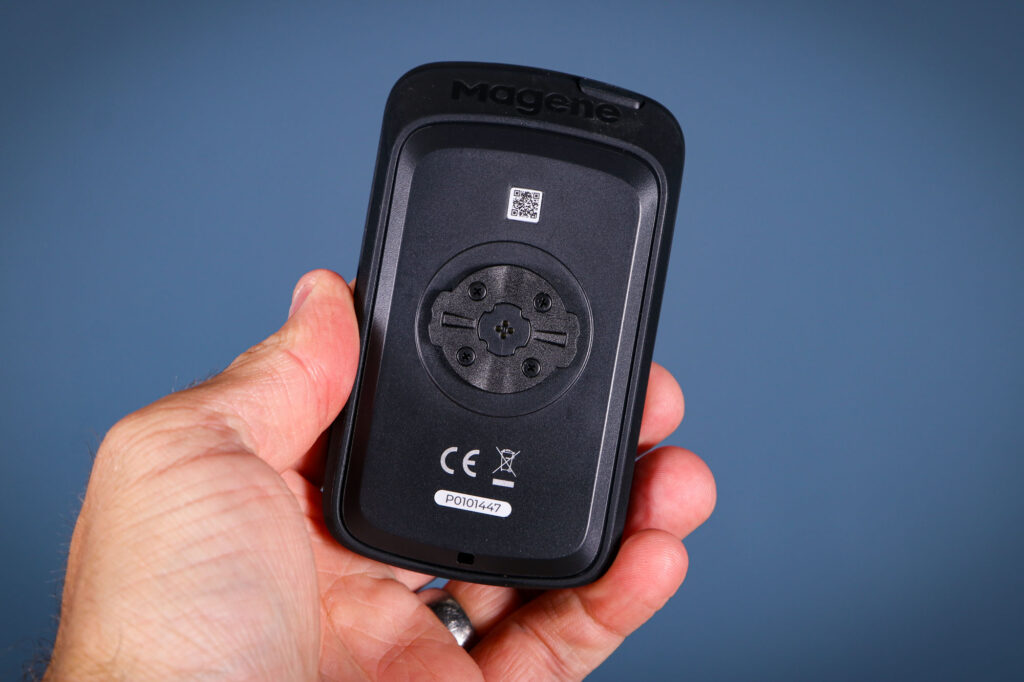
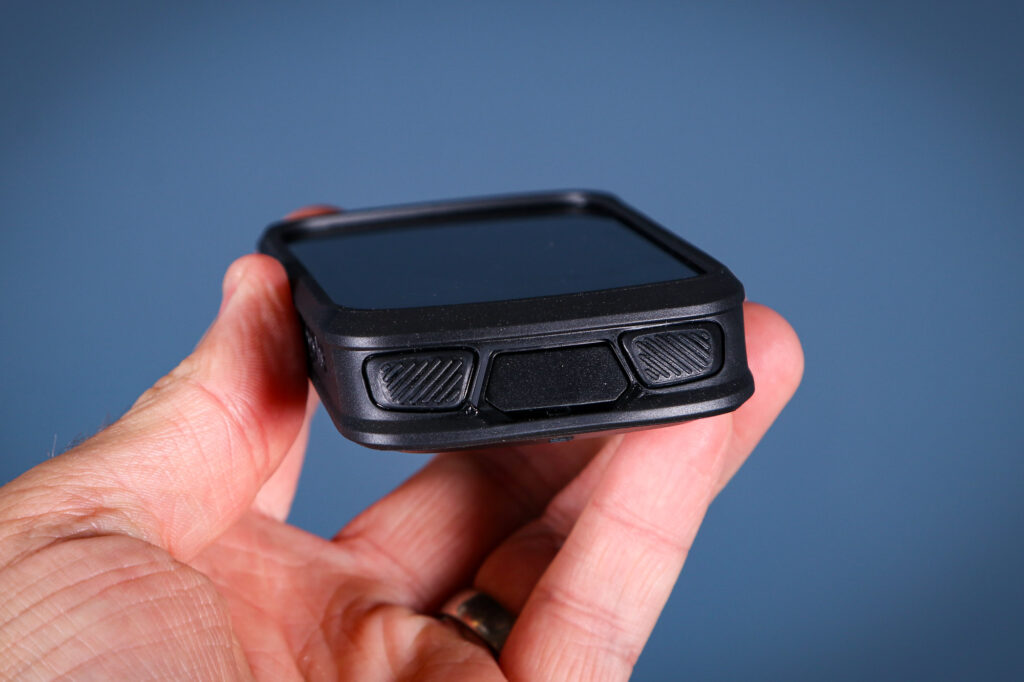
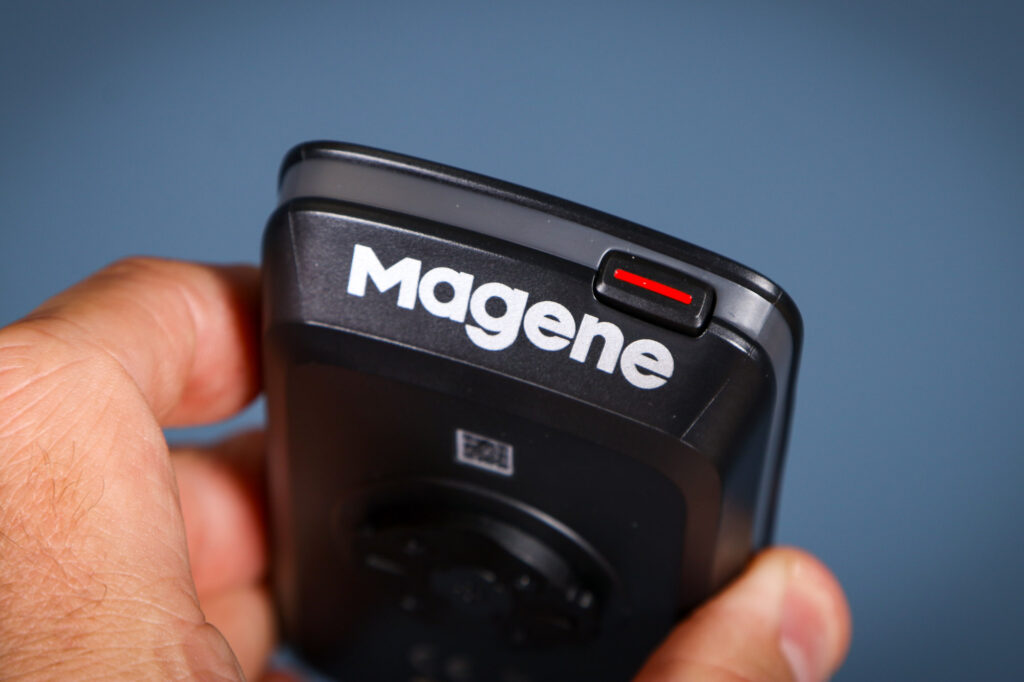
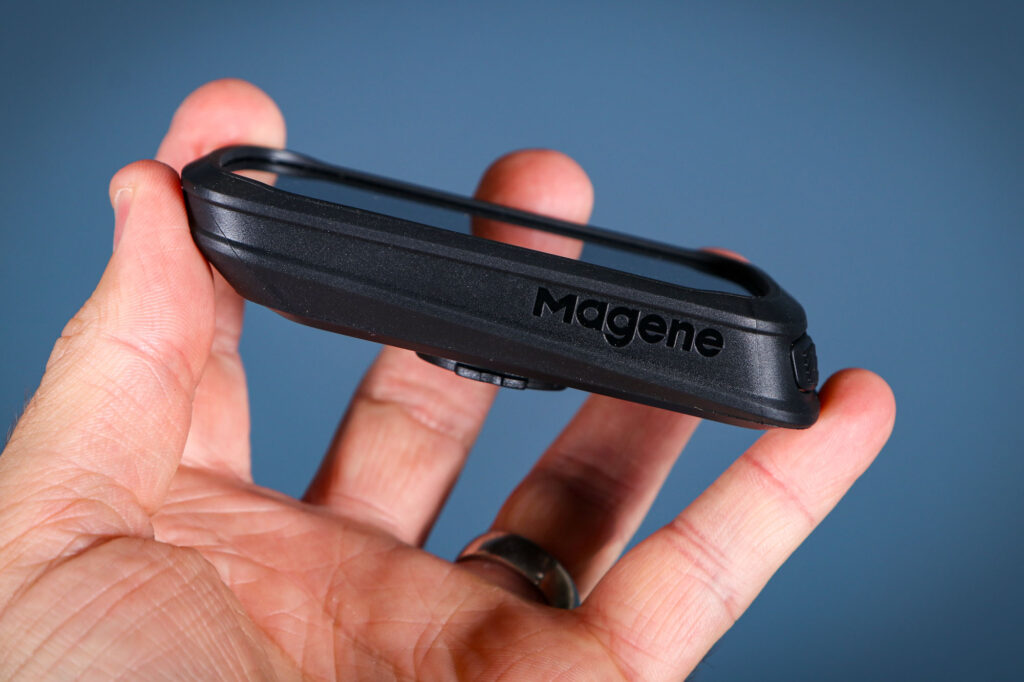
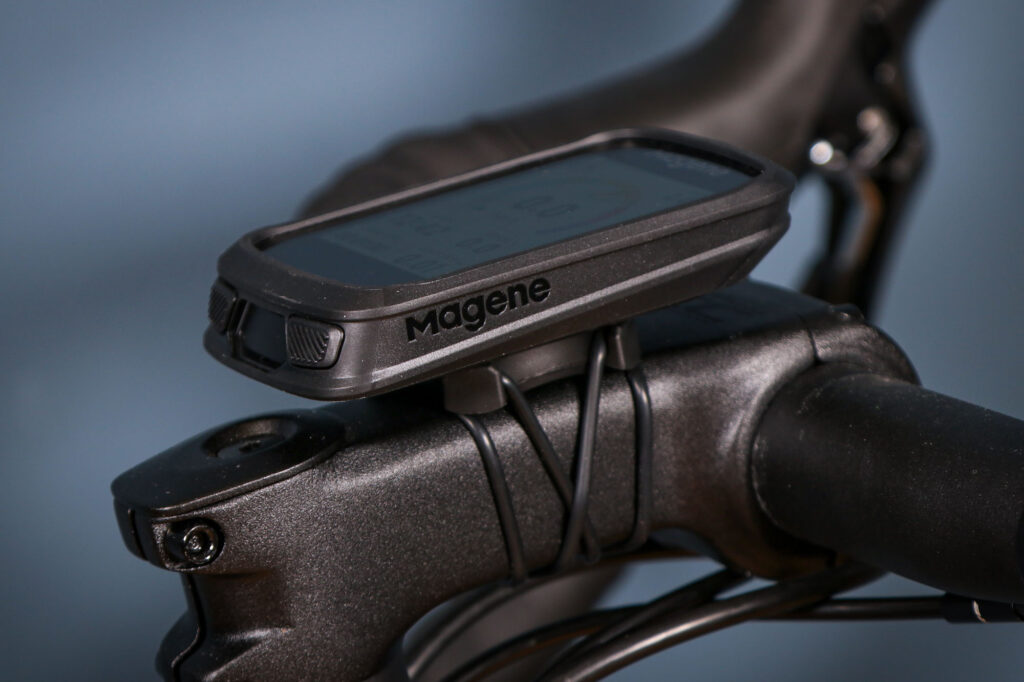
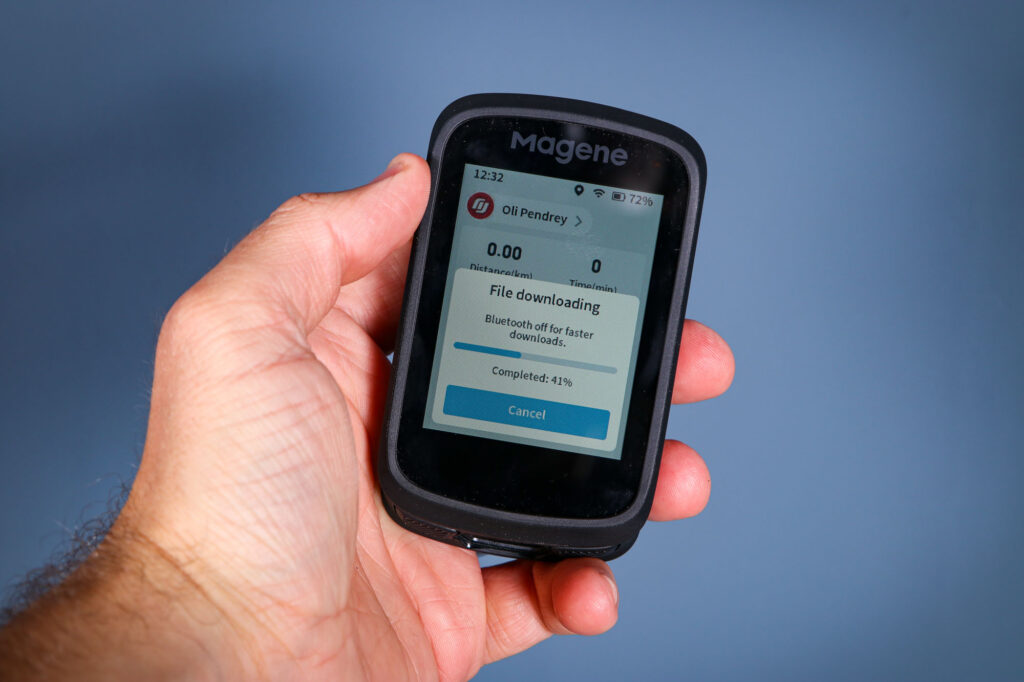
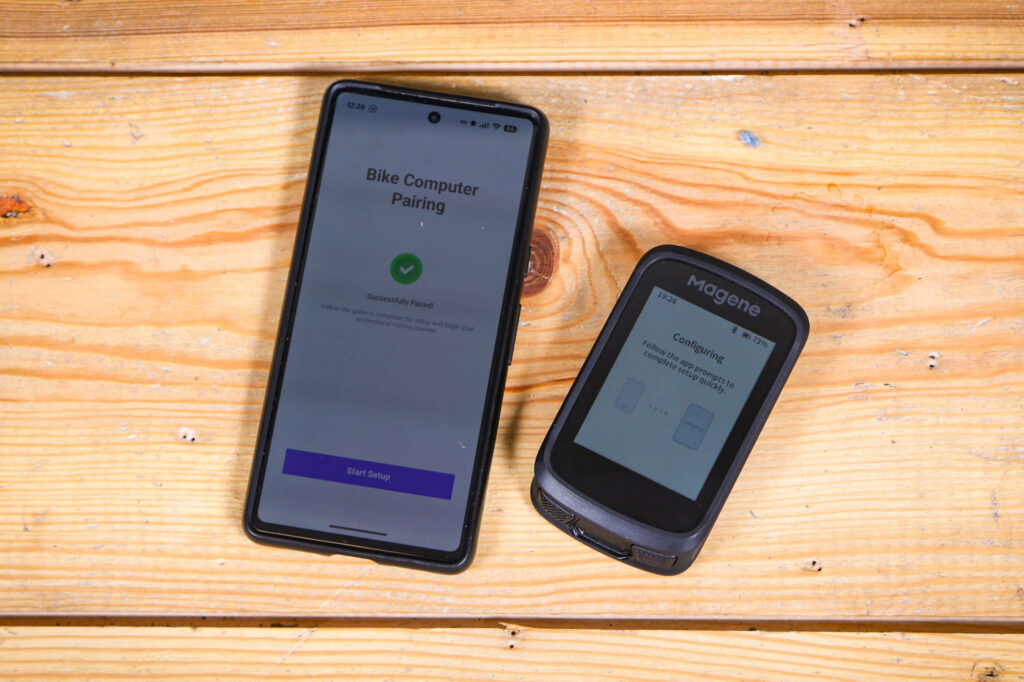
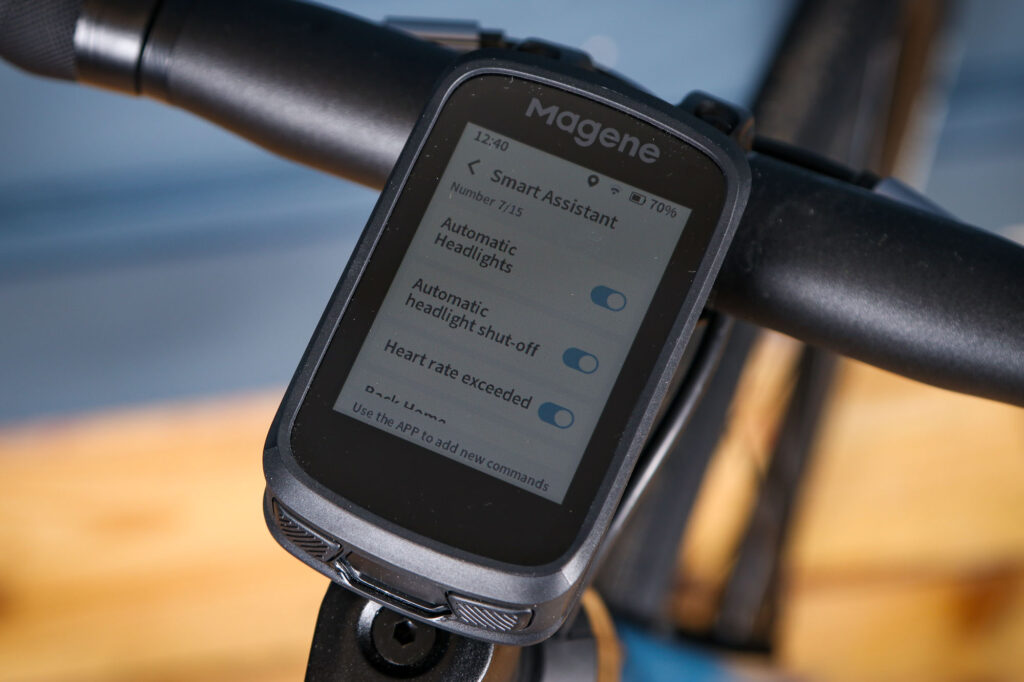
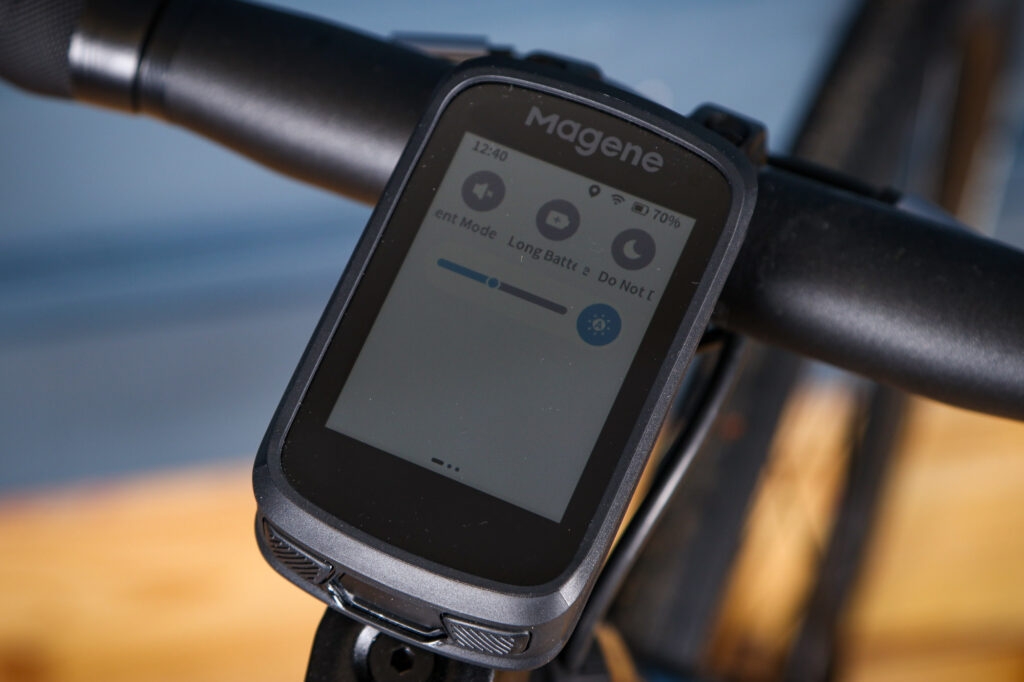
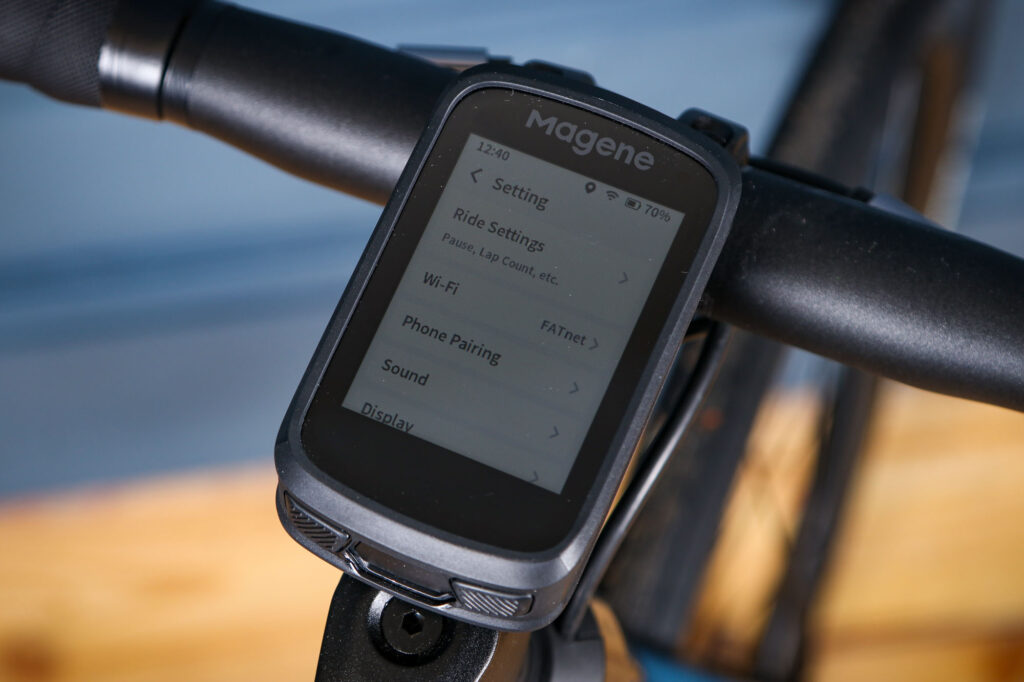
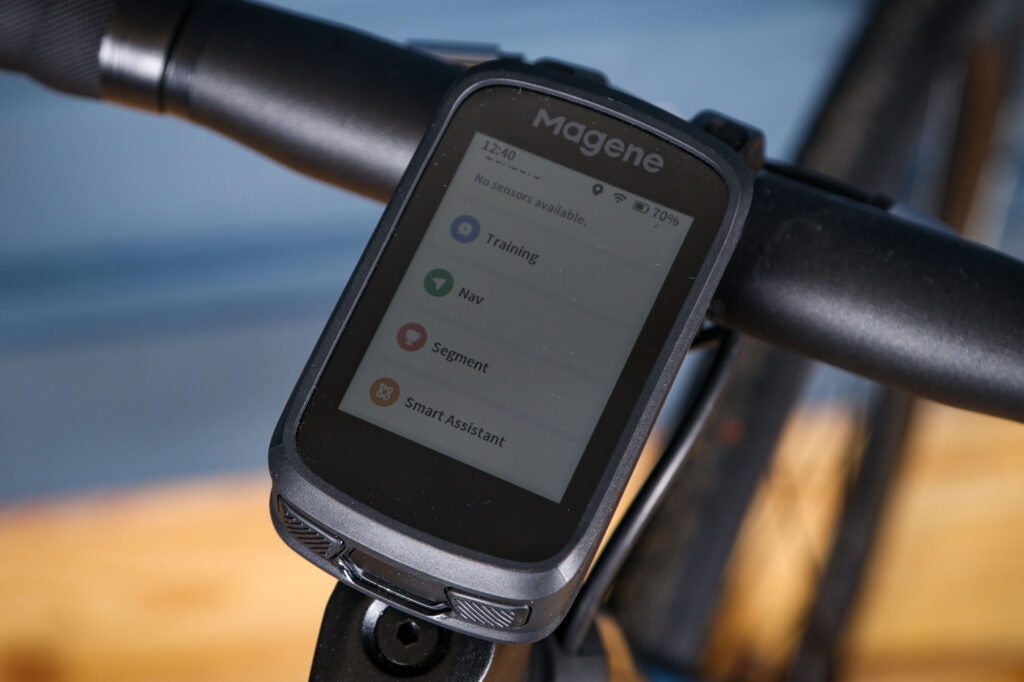
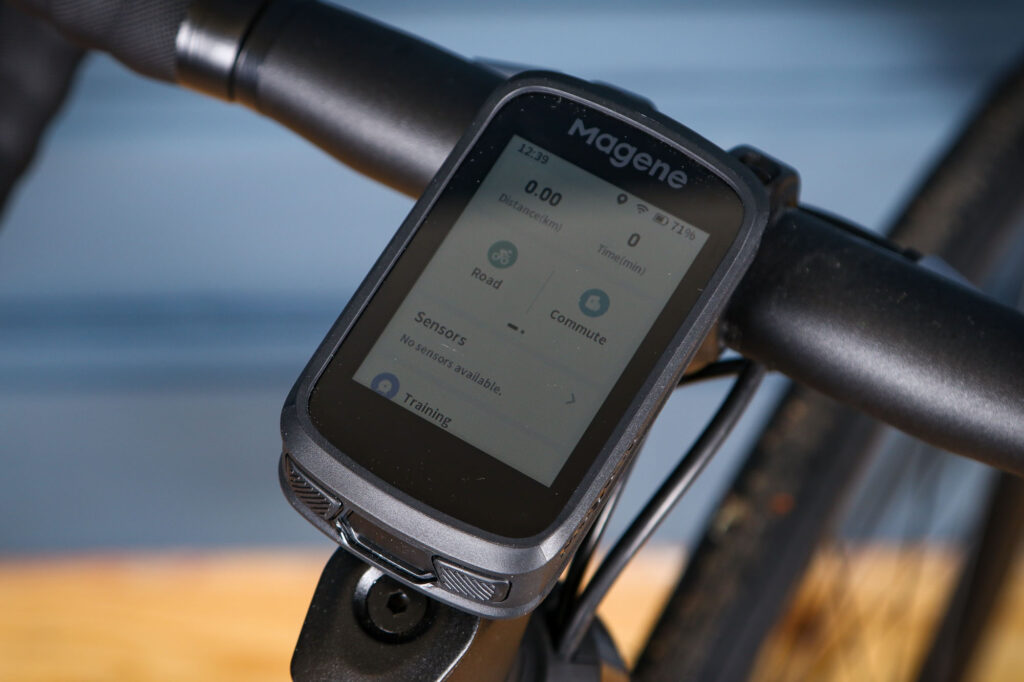
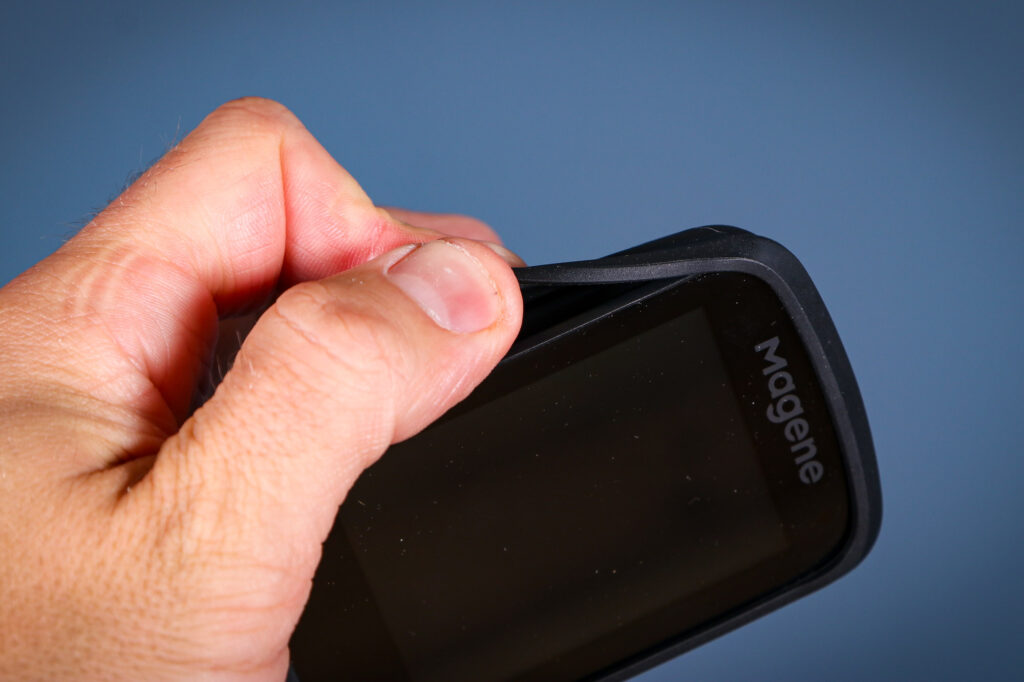
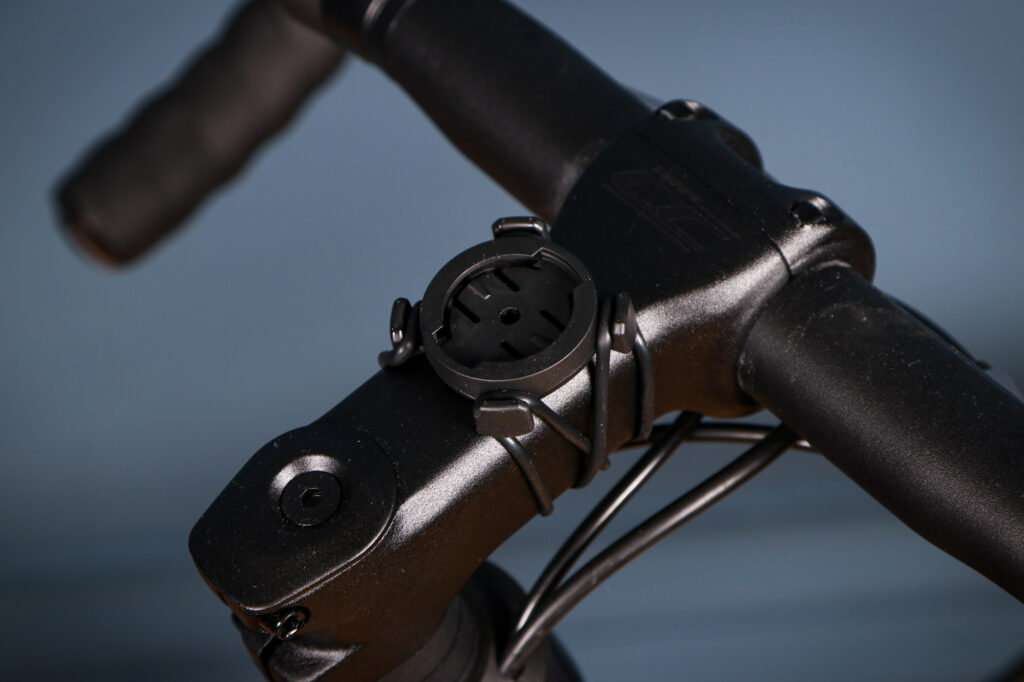
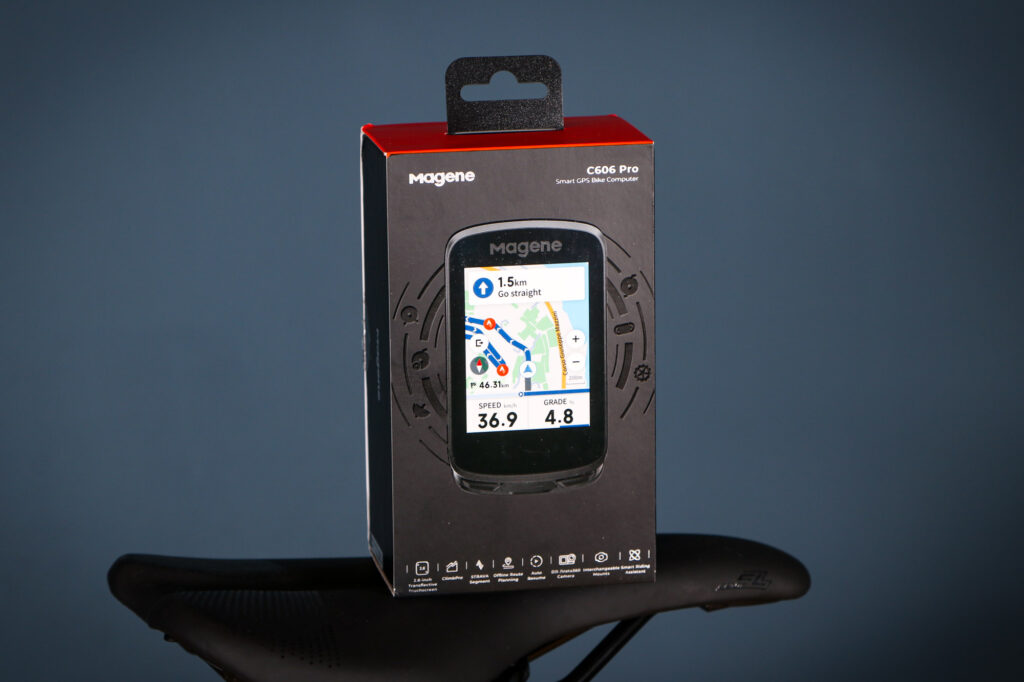
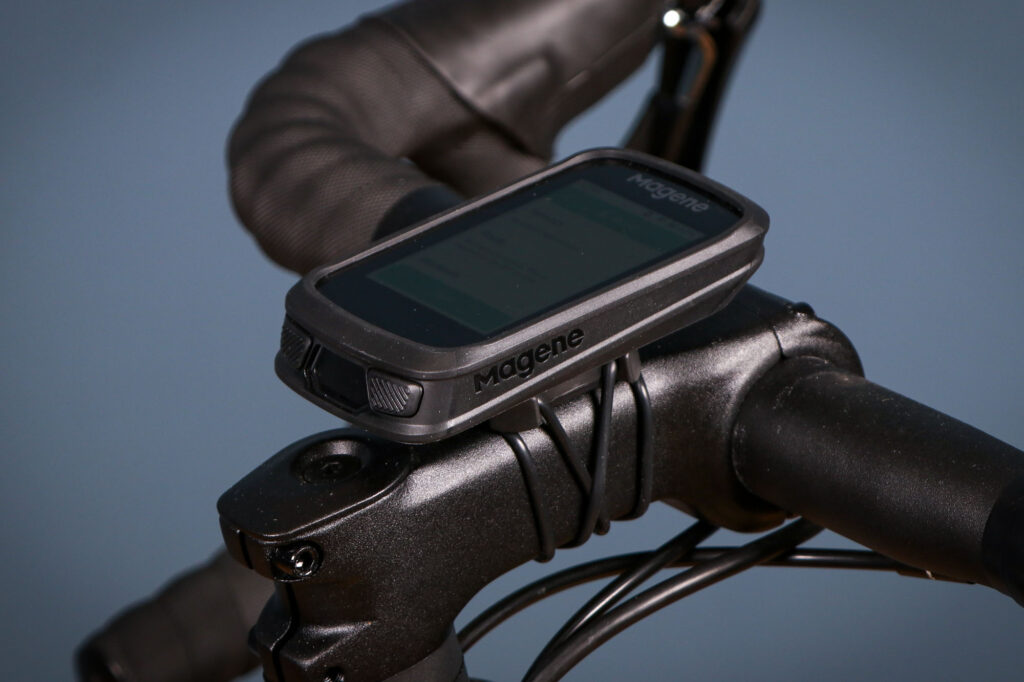
Once I’d downloaded the map sections that I wanted onto my phone and the C606 Pro, I set up some sample routes. I found the routing function in the app really easy and adding waypoints was simple. You could name the route to something meaningful too. The upload of the route to the unit was straightforward too. So far, so good…
The mounting bracket on the rear is adjustable and uses a standard Garmin fixing. This was great as my out-front bracket needs a different position (Wahoo v Garmin essentially) so I was easily able to make it fit.
Battery life is good at around 25hrs. I achieved 23.5hrs with 10% battery remaining with Auto Sleep switched off. On a week-long tour in Scotland, I charged the unit up once, after three days’ use.
Charging is quick, and 10% to 100% took just over 2hrs using a computer USB-C port. Again, really good.
Out on the road
I had added the supplied screen protector to the C606 Pro for extra protection. However I found that the screen was quite reflective and not that easy to read in bright sunlight – certainly not a patch on my old Wahoo Elemnt Roam.
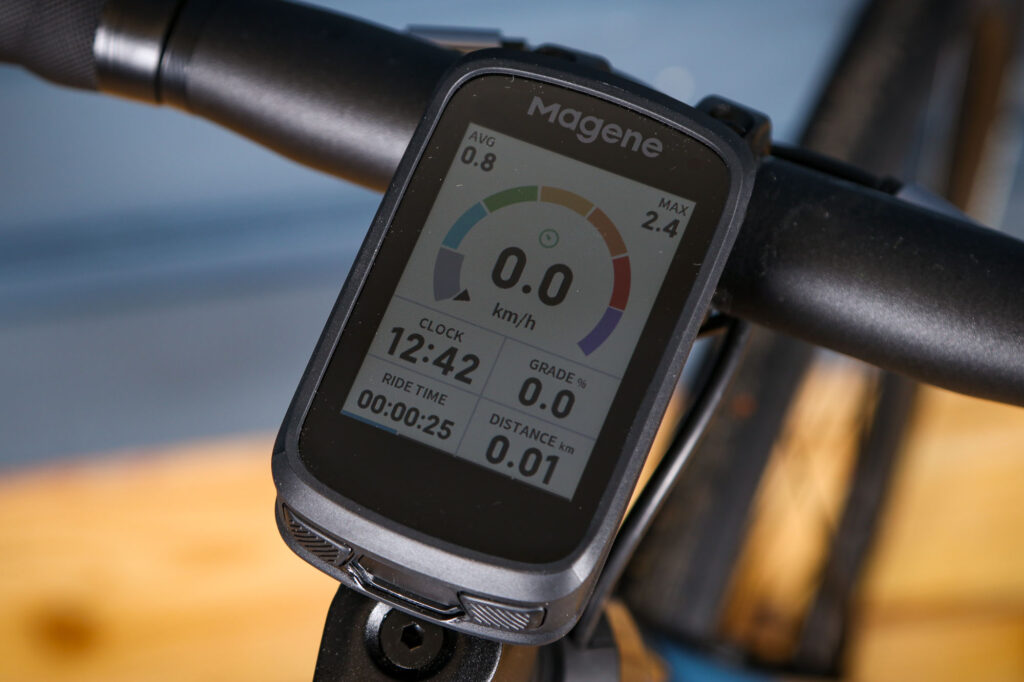
The stats are good, but you can only choose metric or imperial and not a mix. I personally like a combination and my Wahoo allows this, so I rode in km/h and did the conversion in my head.
One aspect that I loved with the stats page relates to the radar functionality. As well as having the output at the side of the screen, as usual, you can also add a box which tells you the distance that the radar is reading.
So it might say ‘150m’ and beep when a car is first detected, then the box will read down to ‘1m’ as the car approaches and passes you. I loved this feature and used it a lot on my Scotland tour.
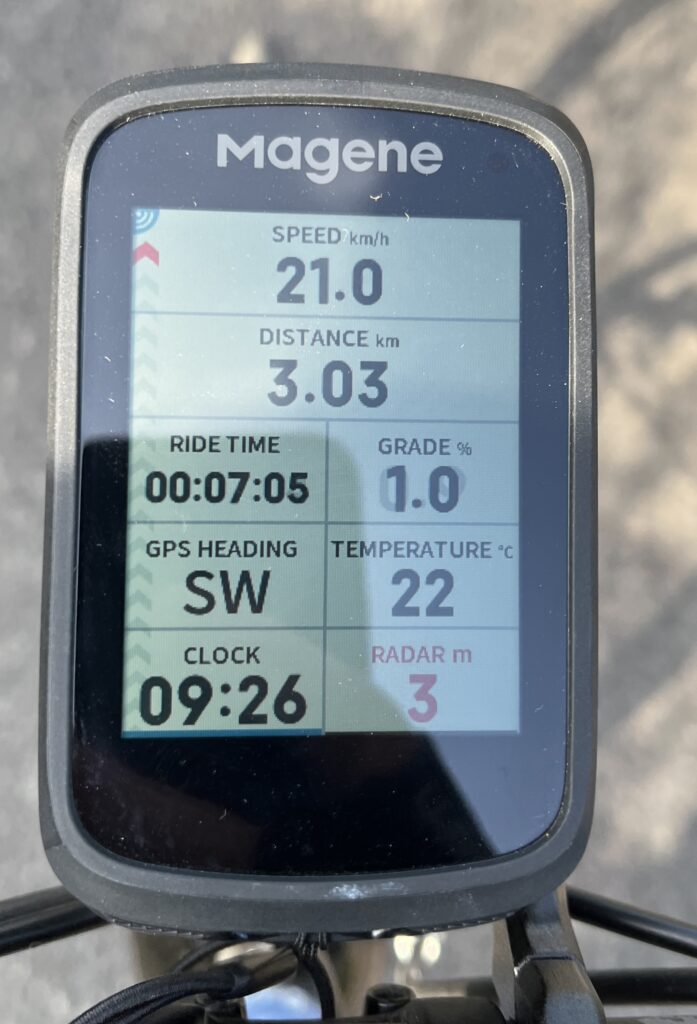
Unfortunately, the conventional radar display section is only fine. Positioned on the left hand side of the screen, the red arrows that depict objects (a bike, car or lorry) are not super clear – certainly when compared to other bike computers. It was a bit disappointing.
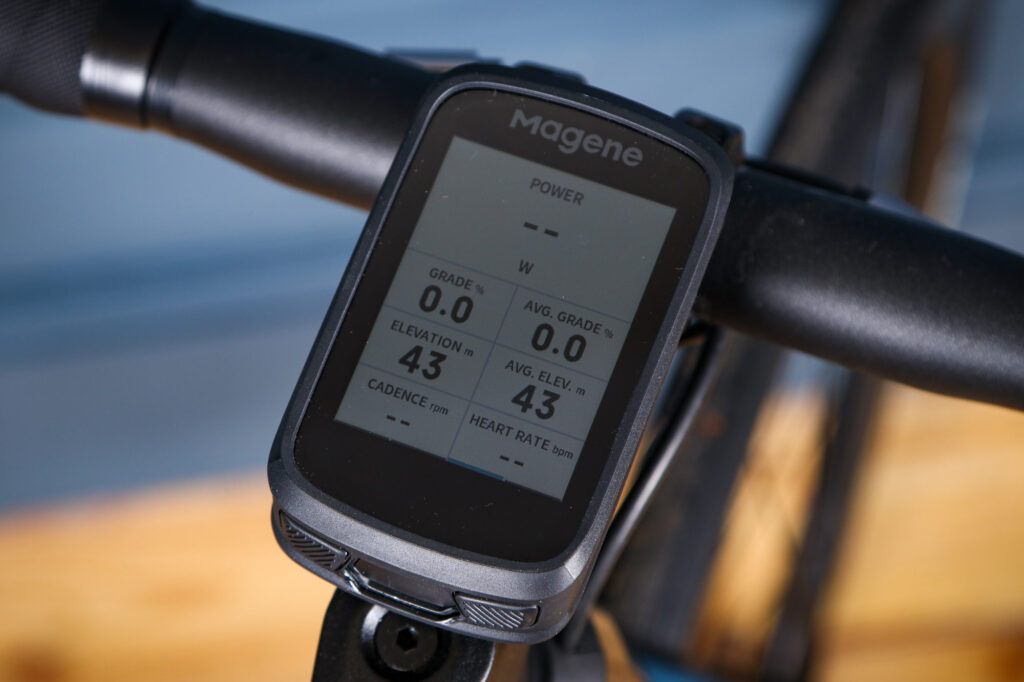
The other metrics that I chose worked well and seemed accurate. My riding buddy on the tour did get fed up with me calling out the gradient percentages on hills though. (I rather enjoyed them.)
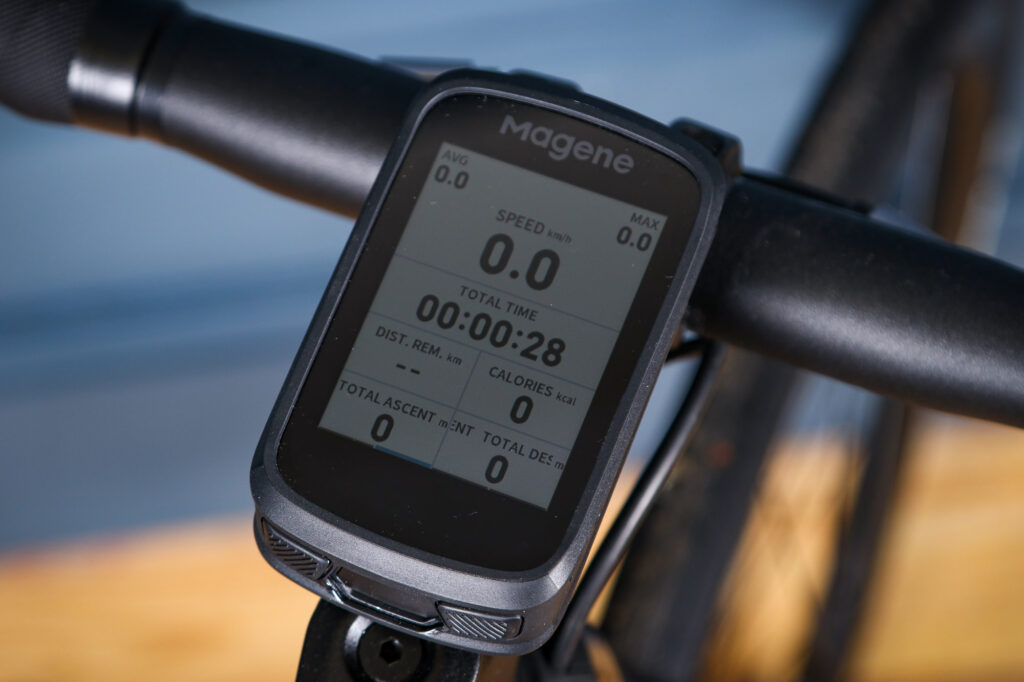
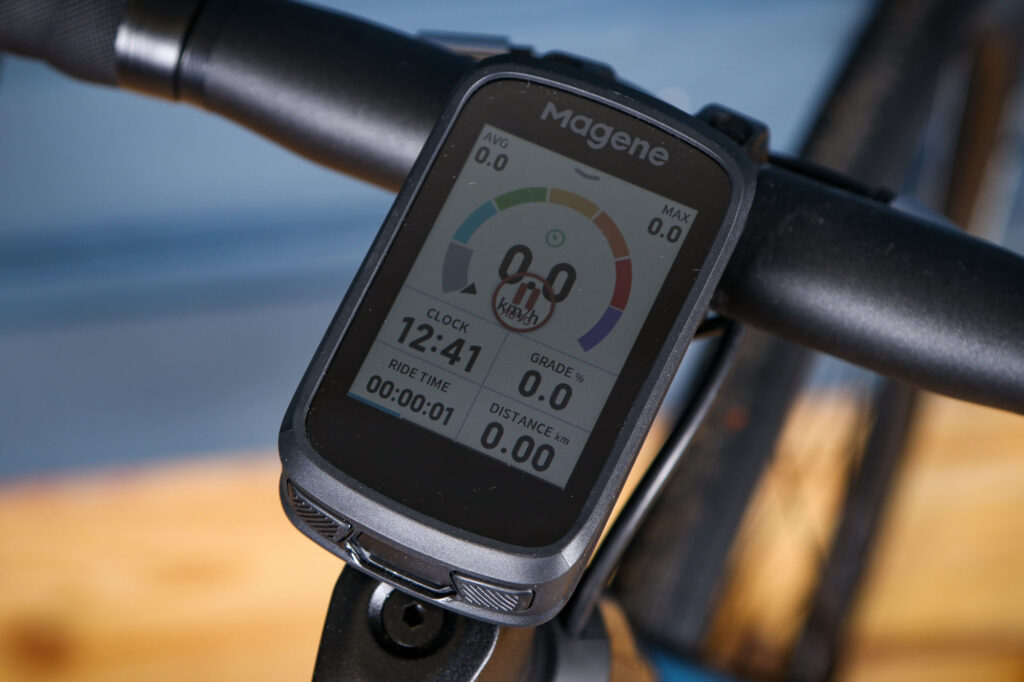
There are a wide number of templates to choose from, which work in a similar way to the Garmin ones. So you can, for example, select a screen with four metrics, and then populate them with speed, time, distance and gradient, in the order that you want. You can have several pages of different metrics and swipe between them too.
I found that there were quite a few alerts that would cover the screen. Some could be X-ed away, but others would stay put. Over time I managed to get rid of most of them as I don’t want to keep playing with a computer while I’m riding. Others may appreciate them however.
Mapping
Creating a route in the app was simplicity itself. The adding of waymarks was intuitive, as was uploading the routes to the C606 Pro unit.
Selecting the route was easy too. However I felt there was a lack of detail when looking at the map on the screen and zooming out to look over a greater area wasn’t great either.
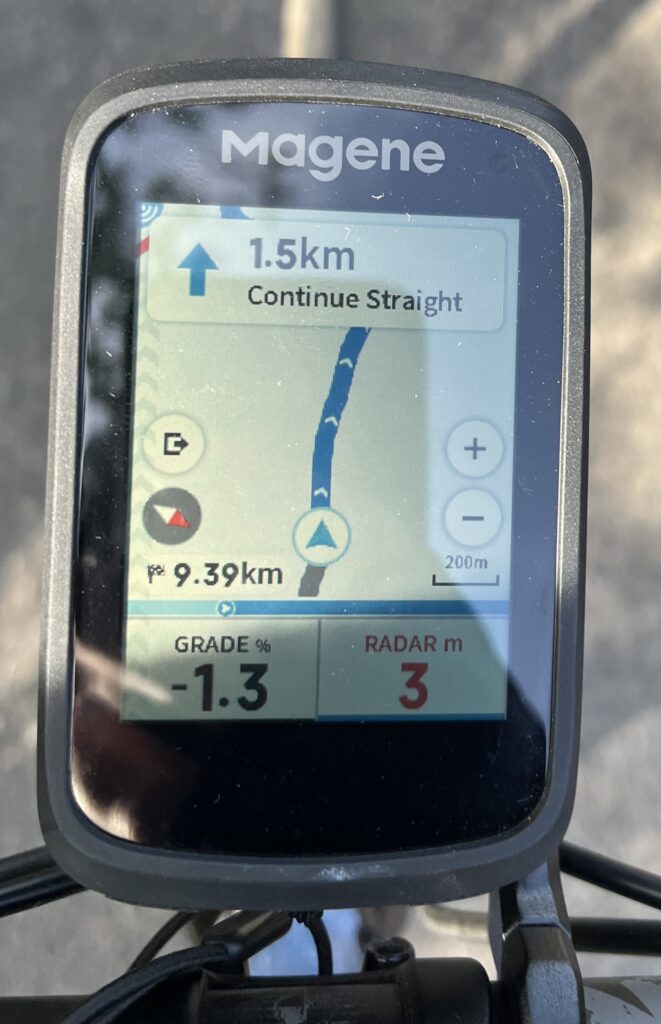
If you change your route mid-ride, you get a series of messages: ‘Off route’, ‘Replanning’ and ‘Planning completed’ and beeps. However, these three messages kept rotating and never seemed to resolve themselves. There seemed to be no way to get rid of them without stopping the route. I feared that I’d lose my stats for the day too by pressing a wrong function.
This stuff should be more intuitive really.
When I tried to plan a new route mid-ride, I couldn’t get it to upload – possibly as there was no WiFi in the middle of a Scottish moor. It was really irritating.
In addition, if I dared to venture ‘off route’ I could be met with a blank map with no details whatsoever. I tried turning off the programmed route one time, but the same thing happened. If no route was programmed in, I was left riding with a blank screen.
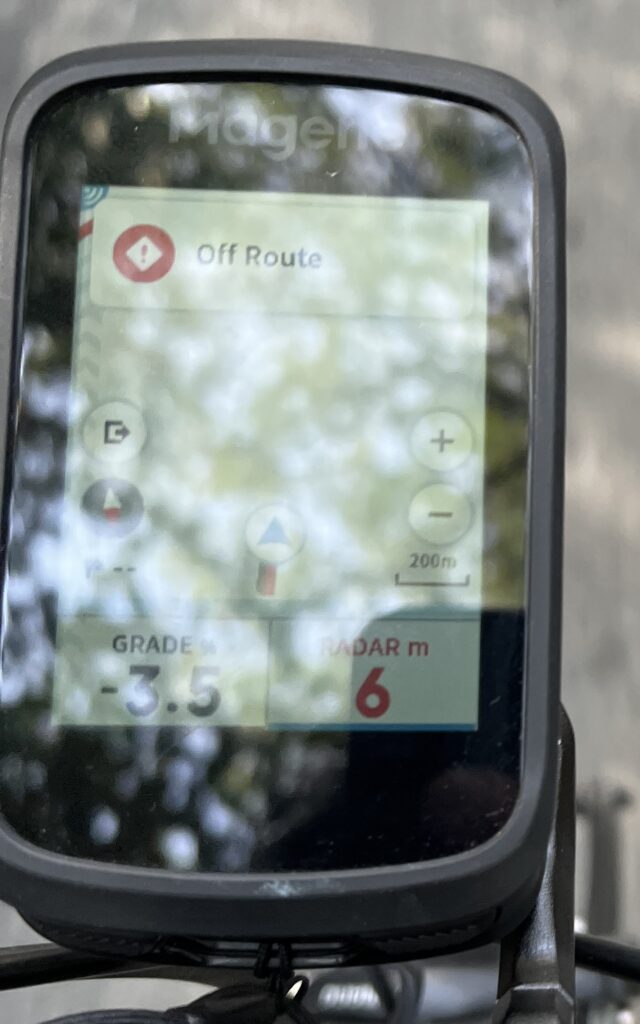
I double checked that I’d downloaded the map sections correctly – which I had – yet sometimes the map detail would be present, the next time it’d disappear. I’ve read and re-read the manual to no avail. Further testing confirmed this unreliability.
Rain
The C606 Pro is IXP7 rated and it handled light, medium and heavy rain without issue. However, when rain settled on the screen it could make it almost unreadable.
That’s not too catastrophic except a wipe with the back of my glove would send the unit into a random screen that was difficult to get out of. I don’t know why it was so awkward, but it was yet another frustration.
Value
There are many computers on the market but the closest in size, functionality and cost is the Garmin Edge Explore 2. The Magene is £209 and the Explore 2 has an RRP of £229. I have been riding regularly with the Explore 2 as well, while testing the Garmin RearVue 820 rear light-radar unit.
Both units are similar in size, weight and functions. However the Garmin matches or outperforms the Magene in every way that I’ve tried. It’s just a nicer computer to live with. It’s not perfect. It has so much functionality, and menus within menus, that it can be quite hard to find what you’re after. But once you’ve set it up the way that you want it, it just gets on with it in a better way.
Personally I’d also consider the Wahoo Elemnt Bolt 3, even though it’s more expensive at £300, as my older Roam model has been superb. It’s easy to set up; there’s no nonsense to get in the way; it has a really clear to read screen, particularly in bright sunlight; and you can mix metric and imperial units.
If budget is a constraint, then the Coospo Realroad CS600 has an RRP of £147 and is often available for much less. The mapping is quite poor but Josh felt it was a good data logger.
Josh also reviewed the Magene C606 Smart computer in 2024. He had a few issues setting it up and felt that the software needed more work too, but felt it did the basics pretty well for a good price. It was £129 when tested though. It’s now listed at £159 on Magene’s UK website.
Conclusion
I had high hopes for this unit, and thought that a week of touring in Scotland would put it through its paces and show its merits. Initially, setting up with the app, programming routes and so on, I felt optimistic, but living with it for a while showed up its flaws quite quickly. Mapping was erratic, beeping was excessive until muted, and the touchscreen isn’t sensitive enough.
It’s not a bad unit by any stretch. It’s just not as good as others. If it was my £209 I’d be buying an Explore 2 and paying the difference.
Test Report
What does the manufacturer say about this product?:
Born for racing. The C606 Pro smart GPS bike computer with a 2.8-inch transflective color touchscreen that stays clear in sunlight and extends battery life. It supports multi-scenario ClimbPro (accurate activation even if you miss the start of a climb) and Strava segment sync, helping you unlock more competitive achievements.
Tell us some more about the technical aspects of this product:
More Detail Design
Lap: Supports laps by location, time, or distance. Both lap pop-ups and list data are customizable.
Standard TPU Bike Computer Case: Long-lasting protection for carefree rides.
Standard Tempered Glass Screen Protector
Interchangeable Mount: Easy to replace.
IPX7 Waterproof: No worry for rainy rides.
Ambient light sensor: The screen automatically adjusts its brightness, ensuring clarity in cloudy, rainy or sunny days.
Up to 25 hours battery life (Affected by custom settings and usage environment)
Support dark mode dashboard, not-glaring at night.
Resume Later: Ideal for multi-day tours. Pause and save your ride, then seamlessly continue from where you left off on your next riding.
Screen Lock & Unlock: Preventing accidental touches.
Auto Start: The bike computer automatically starts, pauses, and resumes recording based on your speed, ensuring you never miss a ride.
Simple Sensor Management: Enable or disable sensors without “forgetting” them, streamlining setup for multiple bikes.
Any further comments on quality?:
It had been nicely made, and feels good quality
Any further comments on performance?:
The stats are good, and you can add a wide variety of sensors to the computer. However the mapping function was problematic. The screen wasn’t very sensitive and it often takes 2 or 3 touches to activate a function.
How does the price compare to that of similar products in the market, including ones recently tested?:
Given that the Garmin Explore 2 is nominally £20 more, it is a much nicer interface to live with. The route creation is similarly good to the OnelapFit app, but the mapping detail is reliable and re-routing doesn’t cause a meltdown. Stats pages are also similarly good but the Radar display is significantly better when using an older Garmin RCT715 light.
Any further comments on design and usability?:
The screen wasn’t overly sensitive to touch, it sometimes needed two or three tries to activate a function.
Any further comments on the mount?:
The quarter turn part on the back of the computer can be rotated by removing the four screws. I found this to very helpful as I wanted to use my own ahead mount rather than the supplied bar mount. I wish all bike computers would do this. It made life much easier. Excellent.
Any further comments on battery life and recharging?:
Battery life is good at 25 hours. This is with the screen backlight set to auto and the auto-off set to off too. A recharge from 10 to 100% took just over 2 hours.
Any further comments on mapping?:
Programming a route on the app was super simple. One of the best that I’ve used. It transferred to the C606Pro quickly and reliably. However the mapping on the C606Pro itself was not great. Sometimes there is detail shown and sometimes not.
Any further comments on navigation?:
Once the route was on the computer I found it lacking in enough detail to ride by easily. When trying to zoom out, a lot of detail disappeared. If I decided to re-reoute then it beeped at me regularly, “not on route”, “planning completed”, “not on route”, “planning completed” and so on. There seemed to be no way to turn it off or stop the route. It was really irritating.
Does the computer have a waterproofing rating?:
IXP7
Any further comments on waterproofing?:
No issues even with heavy and constant rain. The rain on the screen meant that it was hard to read however.
Any further coments on the app?:
The OnelapFit app was good. I could set up the required screens easily, and the map route programming was excellent. I tried to use the app without using a manual, just to see whether I could figure it out. I could. It was pretty intuitive.
Any further coments on the screen?:
I found that the reflections obscured the screen when it was really sunny. Then when it rained the rain stayed on the screen rendering it unreadable. A wipe with the back of a glove sent you off onto another screen that seemed impossible to get out of. Irritating. It’s fine if it’s not sunny or rainy…
The screen is not always responsive to a touch, sometimes it requires two or three touches for a function to happen.
Did you enjoy using the product?
Not especially
Would you consider buying the product? No
Would you recommend the product to a friend? No
Use this box to explain your overall score
I’m afraid that I have to mark the C606 Pro as merely average. There are certain areas that I liked, which worked well, yet there were other areas that weren’t up to scratch. Switching between the Magene and a Garmin Explore 2 after my week’s tour and main test showed that the Garmin was the superior computer. Now this wouldn’t be a fair test if there was a healthy price difference between the two units, but as they are £20RRP apart it is more of an issue. It feels too expensive to ‘just’ use as a data logger and stats readout. The mapping functionality is too wayward to rely on, and the screen is not particularly responsive. Sorry Magene, the C606Pro started off well but couldn’t sustain its early pace.
About the tester
Age: 56
I usually ride: Condor Fratello 55cmMy best bike is: Gios Evolution 55cm
I’ve been riding for: Over 20 yearsI ride: A few times a weekI would class myself as: Expert
I regularly do the following types of riding: Commuting, Touring, Fitness riding