


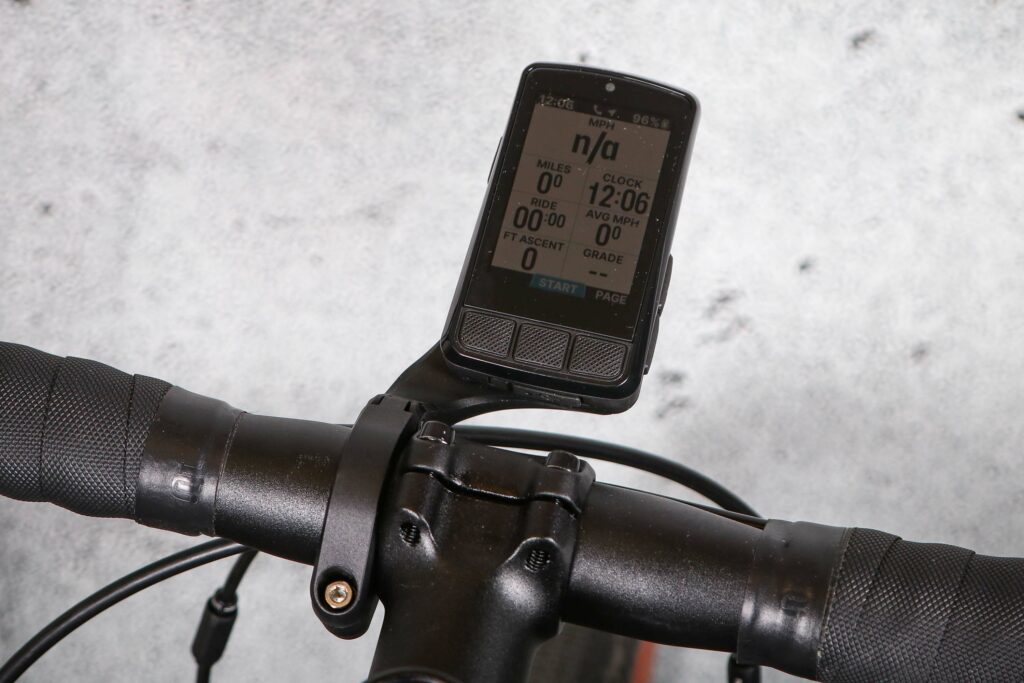

The Wahoo Elemnt Bolt 3 GPS Bike Computer is an evolution rather than a revolution, with longer battery life, a bigger screen, and dual-band GPS. However, the loss of LED indicators, increased weight, higher price tag and some upload niggles may leave you questioning whether the upgrades justify moving from the previous generation.
Let’s start with what you get in the box. As well as the Elemnt Bolt 3 bike computer itself, you also get an aero style out-front mount that looks decent, a stem/handlebar mount and cable ties to hold it in place (which are less useful than rubber bands), a USB-C charging cable and tether.
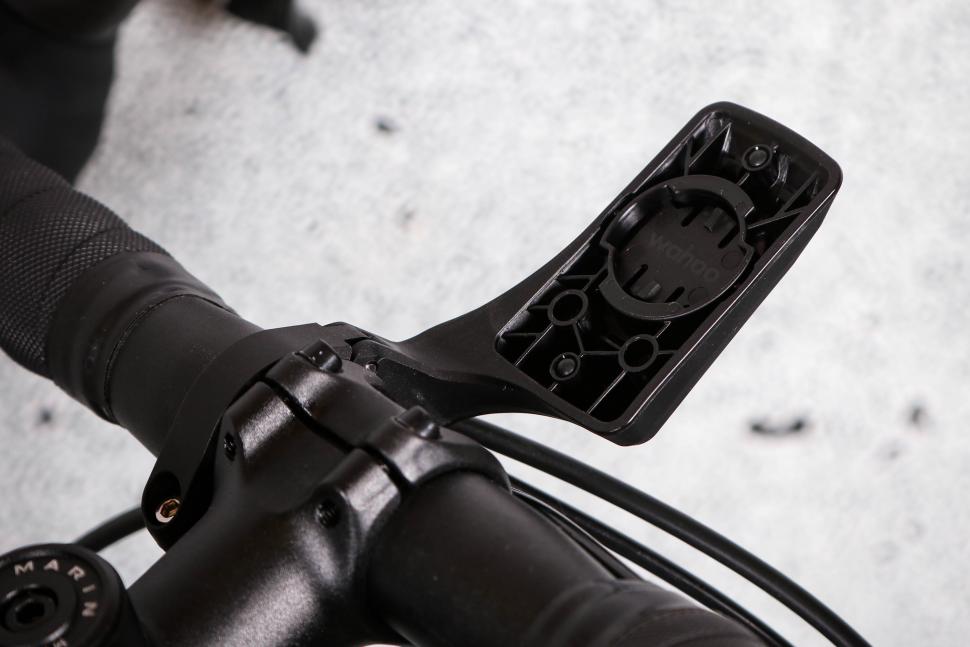
Now for the updates from the previous generation Elemnt Bolt. The V3 doesn’t get any fancy headline upgrades, but it does receive some helpful updates to the screen, battery life, and some software improvements.
Design updates
The Elemnt Bolt 3 is aimed at riders who want something compact, keeping Wahoo’s familiar shape but with a slight redesign. The Bolt V2 measured 77.5 x 47.2 x 21.3mm whereas the updated Bolt 3 measures 83 x 47 x 24mm.
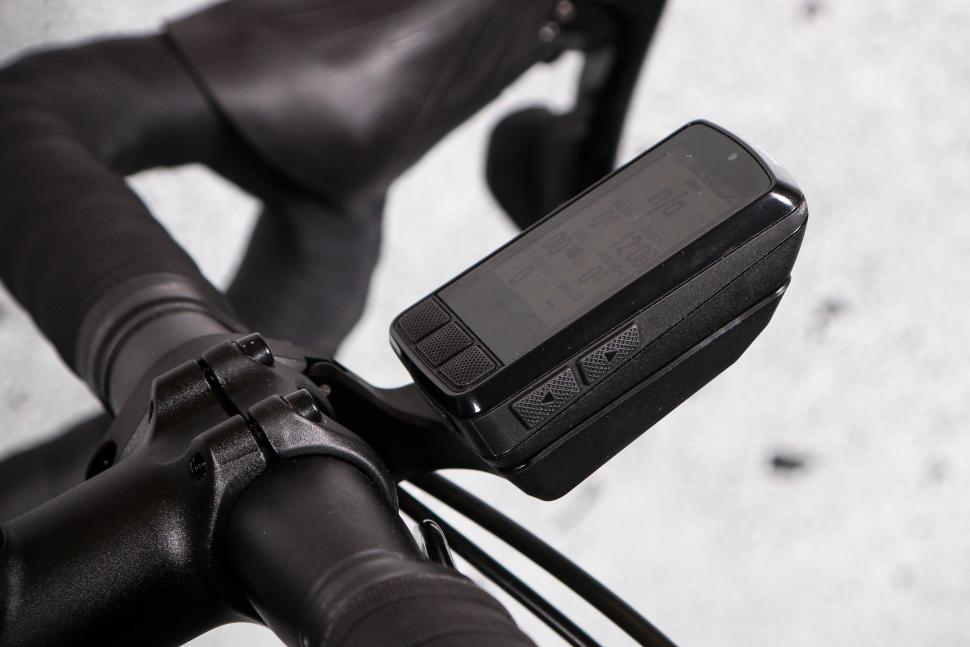

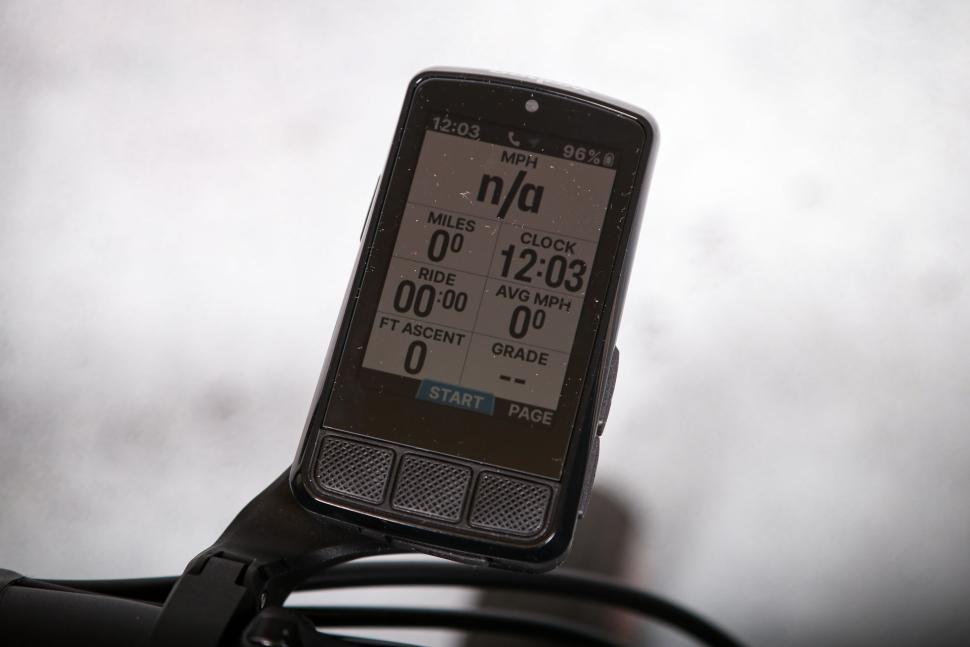
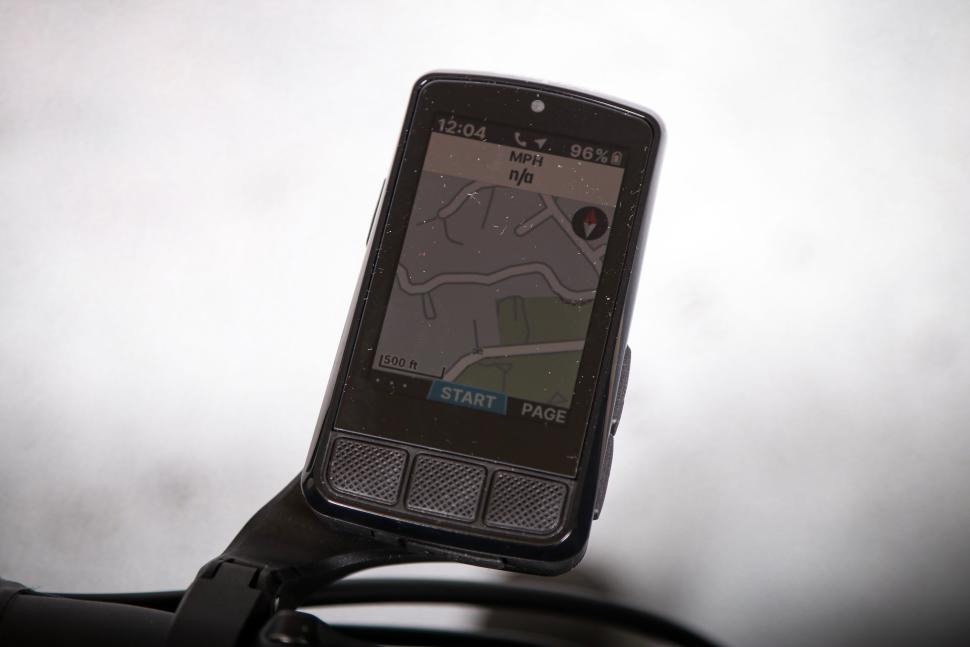


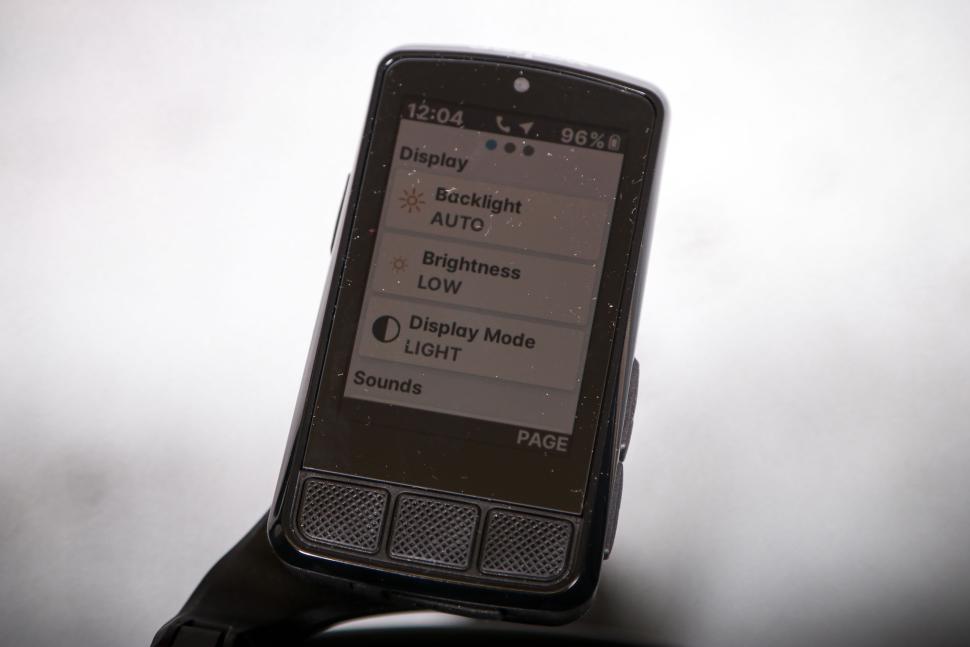


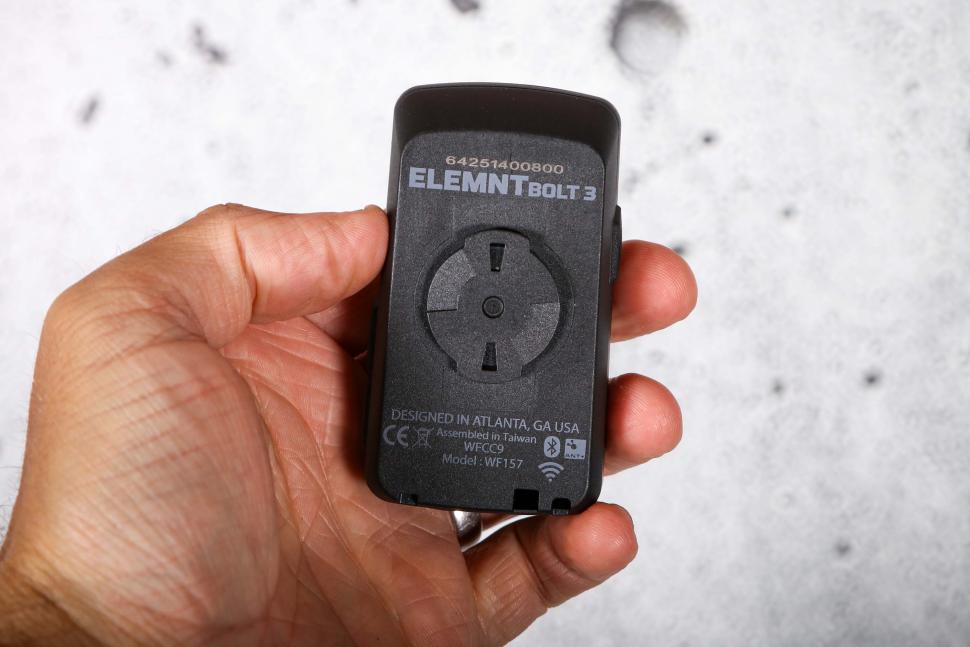
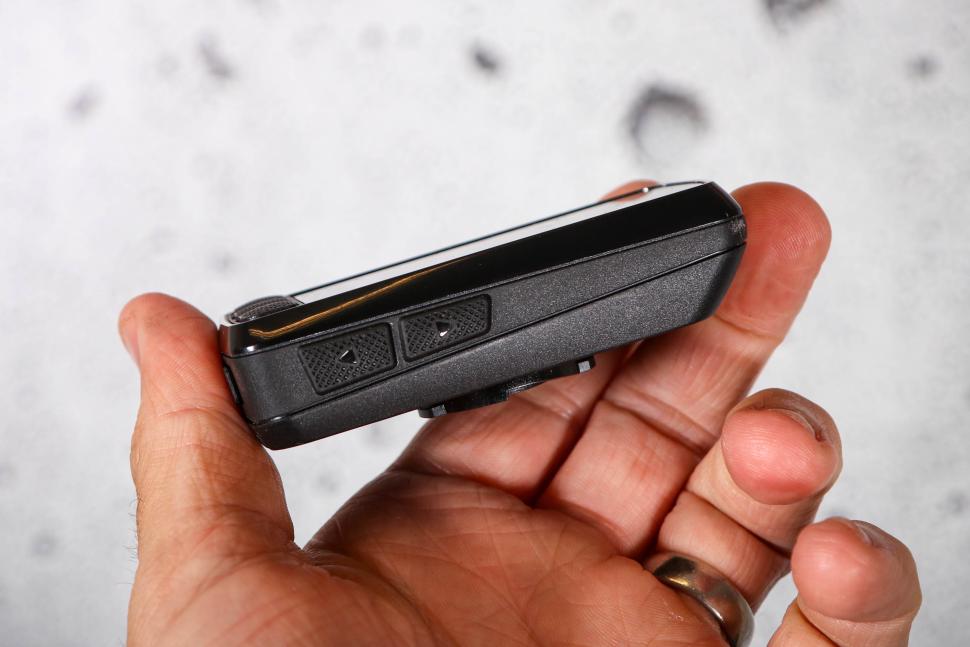
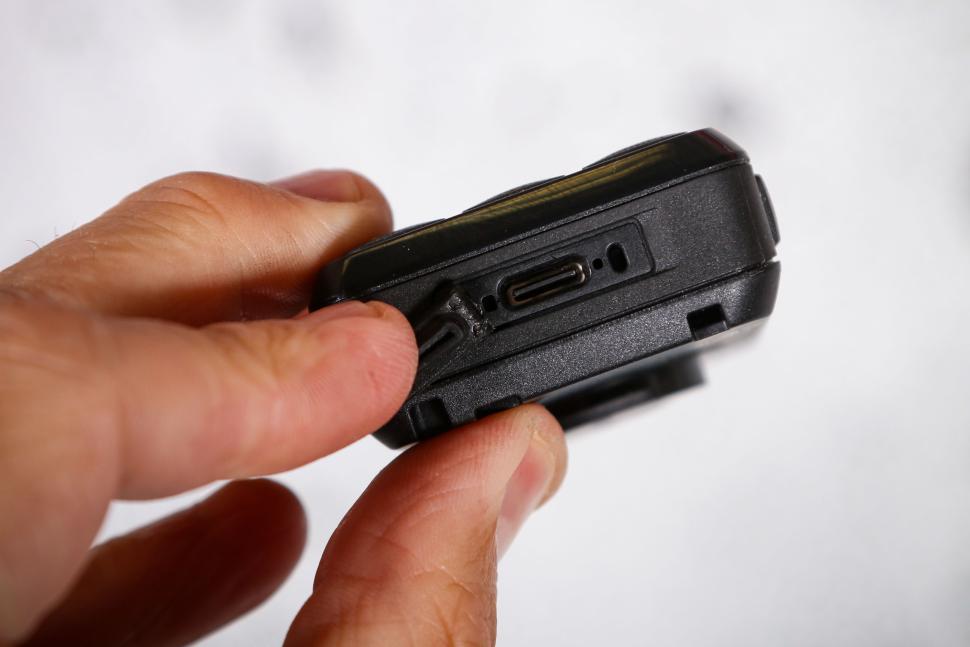
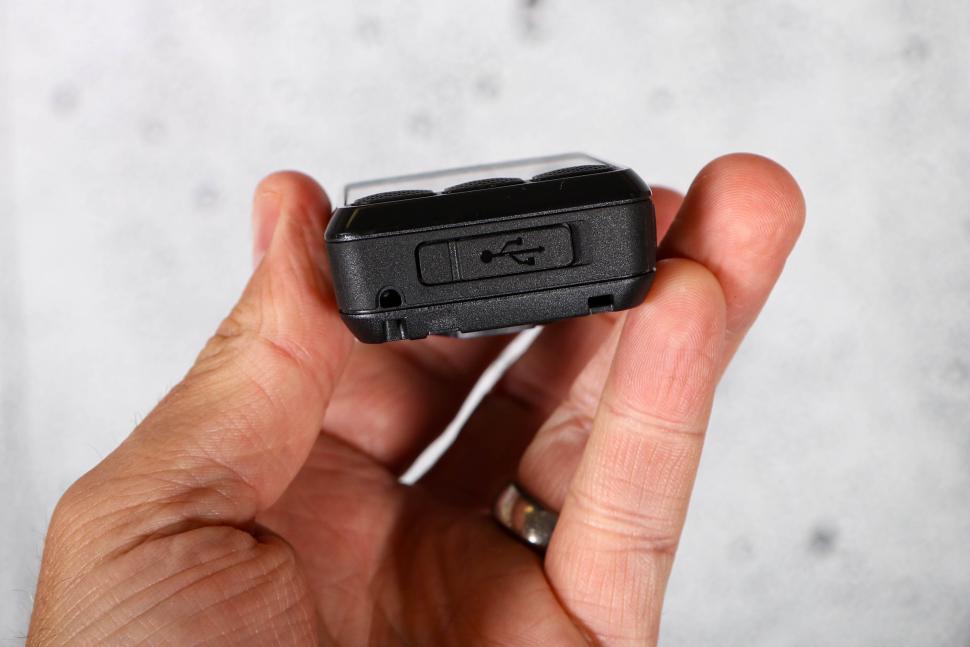
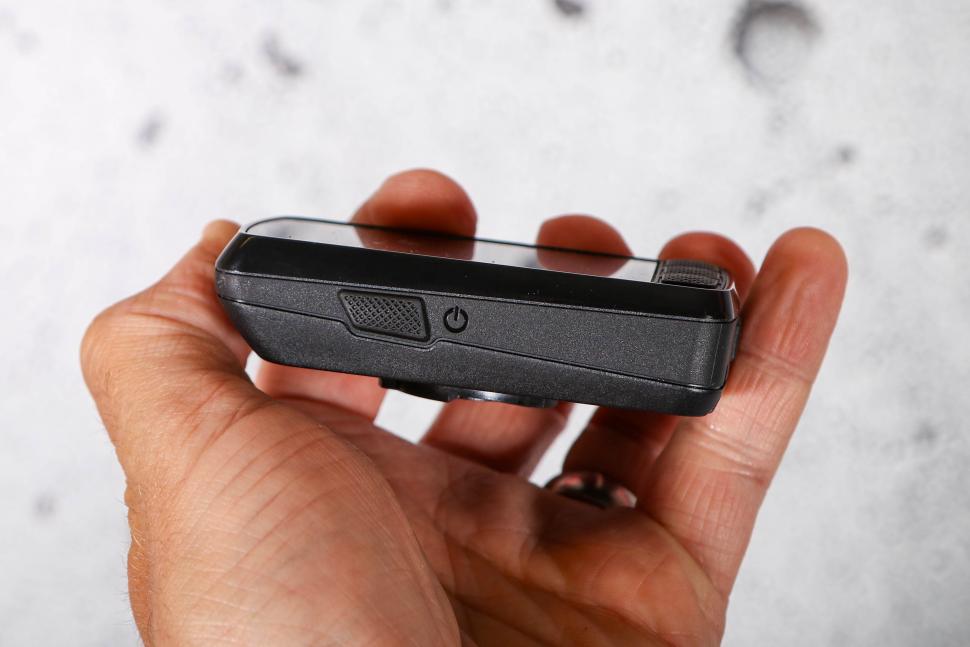

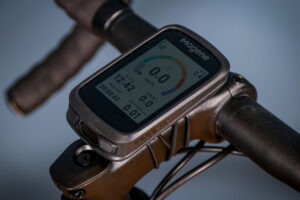
The display has increased slightly from 2.2in to 2.3in and it now supports a full-colour display (16 million colours rather than 64) which offers a wider range of colours, and the resolution has also increased from 240×320 pixels to 480×720, helping to make things like maps easier to read.
Wahoo says the Elemnt Bolt 3 has been “optimised for clarity, especially in bright sunlight”, and I had no issues with screen visibility.
To make way for the bigger screen, Wahoo has removed the status LEDs found on earlier generations. Personally, I never used them and didn’t miss them, though for some this could be a drawback. This functionality does still exist but it’s now built into the main display area instead.
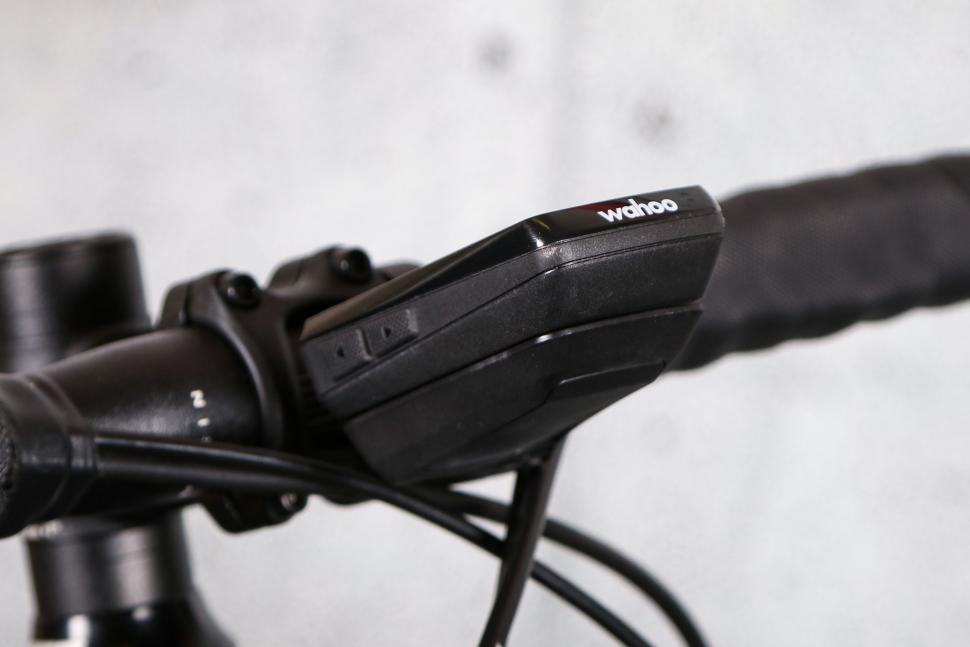
The size increase brings a small weight gain too – 86g compared with 70g for the Bolt V2 (128g including the mount). This doesn’t matter in practice, though it’s worth noting given this is meant to be Wahoo’s smallest and lightest bike computer.
The physical controls remain button only – there’s no touchscreen here as with the previous generation. Again, for me this wasn’t an issue, having come from the first-generation Bolt, and the button interface is clean and easy to use. There are six physical buttons – the three on the screen feel especially good, while the side buttons require a firmer press but still work effectively.
App updates
This update is less about new features and more about bringing all the devices onto a single software platform. Now, the Bolt, Roam and Ace all run on the same Wahoo App ecosystem, moving away from the Elemnt app.
I have experienced occasional issues loading routes from the app and uploading rides to Strava. Sometimes turning Bluetooth off and on was needed, but these should improve over time with app updates.
GPS and navigation
Another notable upgrade is the move from single to dual-band GPS which is the same multi-band GPS that was introduced on the Roam V2. It should help with accuracy in built-up and isolated areas, and I had zero issues with the GPS both on and off-road.
There’s also twice as much internal memory and 2GB of RAM for faster processing on the Elemnt Bolt 3.
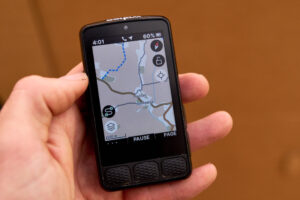
The updated maps are more detailed than before, and the increased display resolution combined with the elongated shape of the device makes following routes easier. The screen is still smaller than some, but it’s consistent with what I’m familiar with.
Wahoo’s coloured chevrons show you the direction and gradient of upcoming climbs or descents, which is useful for letting you know what’s coming up. Road names have also been added, which is a welcome improvement for navigation.
There are also features that help you auto-reroute back to the closest point of your loaded route, retrace your route, or send you back to the start. If you go off route, there’s no voice alert like the Roam or Ace, but there is a beeper.
> How to plan the perfect cycle route and follow it on your bike computer
However, Wahoo doesn’t offer a built-in route builder, so for custom routes you’ll need to use third-party apps such as Strava or Komoot.
Set-up and data fields
Setting up the device and pairing sensors is straightforward and should be familiar if you’ve used a Wahoo before. Initial setup is handled off the device on a smartphone, and connecting ANT+ or Bluetooth sensors can then be done via the device itself.
The core layout is similar to the previous version but there are two minor updates. The systems/options menu now spans three pages, while the new Ready to Ride dashboard confirms your ride’s key settings before heading out.
In-ride data fields are easy to read and fully customisable. However, scrolling through pages only works in one direction, which can be slightly inconvenient if you have multiple pages and frequently switch between them.
The summit hill climber alerts pop up regularly and Strava live segments also occasionally display ‘not connected/not available’, which can be annoying during rides, but both of these alerts can be turned off if you prefer.
Battery life
One of the key updates on the Bolt 3 is improved battery life. Wahoo claims up to 20-25 hours, compared with 15 hours on the Bolt V2. In practice, 20 hours is reasonable, and I often met or exceeded this with the backlight set to low or auto, Strava Live Segments off, summit alerts disabled, and power and heart rate sensors connected.
Over a weekend with seven hours of riding and an additional hour or two at the café, the Bolt’s battery dropped 30%, averaging around 3-4% per hour.
Value
At £299.99, the Elemnt Bolt 3 costs £50 more than the previous version – a rise of 20 per cent.
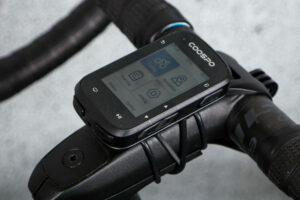
It’s also around £50 more than the Coros Dura Solar GPS bike computer, which is slightly larger with a 2.7in display size and both touch and button controls, and also has a far longer claimed battery life of 120 hours (without solar charging).
However, the Garmin Edge 540 is £10 more, at £309.99, though it also has a claimed battery life of up to 42 hours in battery saver mode. It also doesn’t feature a touchscreen, and is button-driven like the Bolt 3. (We reviewed the Solar version in 2023.)
For more options, check out our guide to the best cycling computers.
Overall
The Wahoo Elemnt Bolt 3 is more of a hardware refresh than a feature-packed upgrade. It brings a bigger screen, longer battery life, dual-band GPS, increased storage and better mapping, but there aren’t any brand new features that haven’t already appeared on the Roam or Ace.
Some features are still missing, such as a touchscreen, no spoken-word alerts, and no extras like the wind sensor or digital bell, and the LED indicators have gone, though I don’t think most riders will miss them.
If you’re a user of the original Bolt, like me, then the improved battery life, screen, user experience, and also peace of mind that it will be supported in future updates makes the Bolt 3 a worthwhile step forward. However, if you have a second generation Elemnt Bolt that’s still working fine, it’s perhaps not worth the upgrade.
Verdict
Solid, refined update with better screen and battery, but few new features to justify upgrading from Bolt V2
All the deals displayed on our review pages are pulled from a constantly updating database feed of the best affiliate deals available. The criteria for deciding on what are the best deals is who is offering the lowest, delivered price. In most cases we will be showing the very best deal available online, but sometimes you may be able to find an item cheaper. If you can please feel free to post a link in the comments box below. To find out more about affiliate links on road.cc click here.
road.cc test report
Make and model: Wahoo Elemnt Bolt 3 GPS Bike Computer
Size tested: One size
Tell us what the product is for and who it’s aimed at. What do the manufacturers say about it? How does that compare to your own feelings about it?
Wahoo says, “The all-new ELEMNT BOLT combines a race-ready design with a larger, high-contrast 2.3″ display for crisp readability at any speed and in any conditions. Powered by the ELEMNT experience, its intuitive ride intelligence, smart navigation, and seamless connectivity make every interaction effortless – whether you’re racing, training, or chasing your next PR.”
Tell us some more about the technical aspects of the product?
Here are some of the key features Wahoo lists:
Built For Speed.
ELEMNT BOLT’s aerodynamic design minimizes drag, while its compact form factor keeps weight low without sacrificing the data you need to push harder.
The Navigation You Expect.
BOLT makes getting where you need to go easier than ever with intuitive navigation that feels as familiar as your smartphone.
See More. See Anytime.
A small screen shouldn’t mean small details. BOLT’s high-resolution 2.3′ anti-glare display delivers crisp clarity in bright or dim conditions.
Ride Fast. Ride Ready.
The all-new Ready-To-Ride Dashboard simplifies pre-ride setup, so you spend less time tapping through menus and more time riding.
Heavier than the previous model.
Tell us how the product performed overall when used for its designed purpose
It performs as promised, with battery life matching the claims.
Tell us what you particularly liked about the product
The longer battery life and bigger screen.
Tell us what you particularly disliked about the product
Some route/ride sync issues with the app.
How does the price compare to that of similar products in the market, including ones recently tested on road.cc?
The Coros Dura Solar GPS bike computer is £249 (£51 cheaper) and the Garmin Edge 540 is £10 more expensive at £309.99.
Did you enjoy using the product? Yes
Would you consider buying the product? Yes as an upgrade from my Bolt V1.
Would you recommend the product to a friend? Yes if they didn’t have a Bolt V2.
Use this box to explain your overall score
This is an evolution rather than a revolution, but if you’re moving from the original Bolt, like me, this is a worthwhile step forward with the improved battery life, screen, user experience, and also peace of mind that it will be supported in future updates. However, there have been some niggles with route uploads and Strava syncing, and if you have a second generation Elemnt Bolt that’s still working fine, it’s perhaps not worth the upgrade.
About the tester
Age: 25 Height: 175 Weight: 64
I usually ride: specialised tarmac sl6 My best bike is:
I’ve been riding for: 10-20 years I ride: Most days I would class myself as: Expert
I regularly do the following types of riding: road racing, commuting, club rides, general fitness riding, fixed/singlespeed, mtb,


2 thoughts on “Wahoo Elemnt Bolt 3 GPS Bike Computer”
I’ve seen many complaints
I’ve seen many complaints about dim screen in all the new Wahoo products and it looks pretty dim in these photos too. Yet readability is “fine”?
If the upgrade is anything
If the upgrade is anything like the Roam I would stick to the V2. Worst ‘upgrade’ I made in cycling and got my money back. Cheaper feel, poorer screen, no LEDs and while they say it is bigger both Roam and Bolt now have that unsightly black space between the buttons and screen. I read that it had been designed more for use on indoor training but I can’t comment on that. Much happier with my Roam V2 than I was with the V3.