
The COROS APEX Pro is a multisport watch that’s absolutely packed with useful features for the outdoor adventurist, with many of those features being perfect for the off-road cyclist. While things can be a little confusing at first, it’s an easy to use device with a mighty impressive battery life that delivers a lot of super useful info at a glance. However, all of those features come at a price, and the accompanying app feels like a can of worms.
- Getting fit for enduro: Jon’s blog
- Garmin vivoactive 4 smartwatch review
- Your complete guide to the RockShox fork range
!function(){for(var a=”//link.monetizer101.com”,b=[{lib:”widget/custom-2.0.3/js/load.min.js”,method:function(){return MONETIZER101.init(a)}},{lib:”widget/search-2.0.3/js/load.min.js”,method:function(){return MONETIZER101SEARCH.init(a)}}],c=b.length;c–;){var d=b[c],e=document.createElement(“script”);e.type=”text/javascript”,e.async=!0,e.src=a+”/”+d.lib,e.onload=d.method;var f=document.getElementsByTagName(“script”)[0];f.parentNode.insertBefore(e,f)}}();
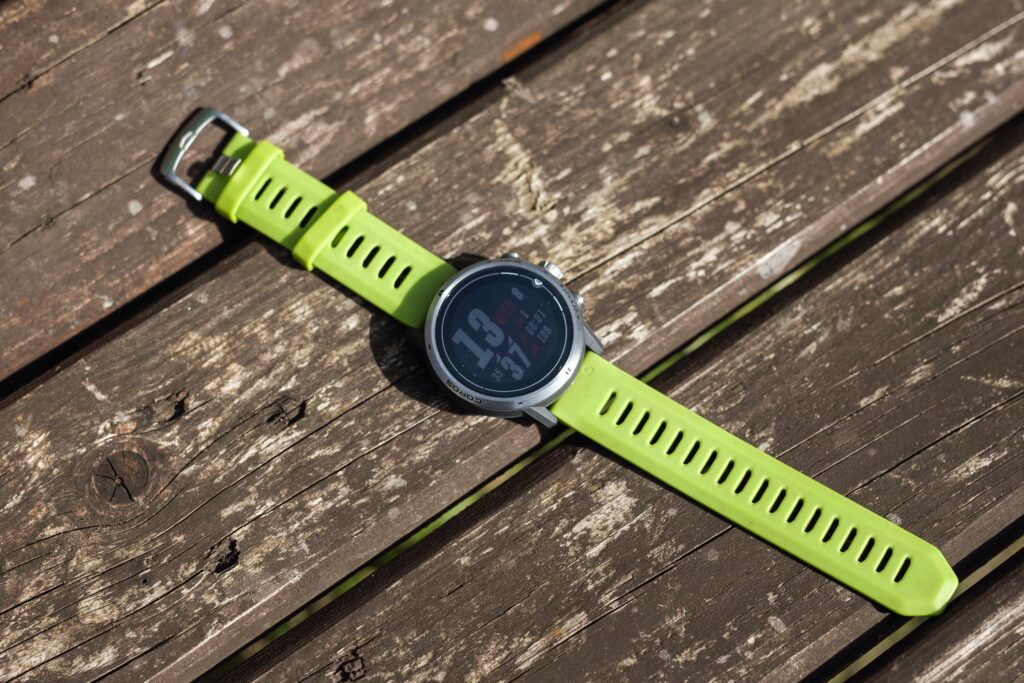
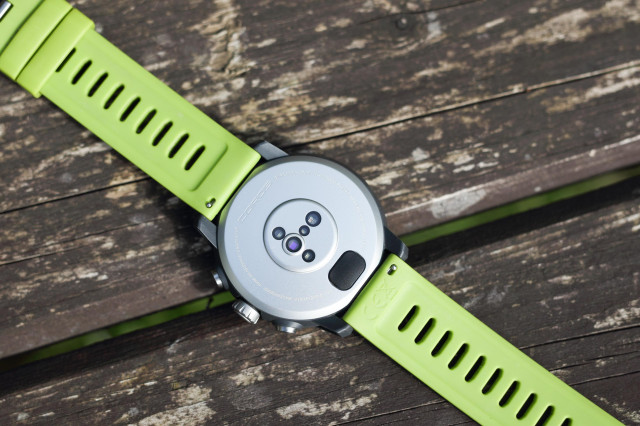
We’ve got a lot to get through here, so let’s start with how the APEX Pro is built. It’s a premium watch, so it comes with a titanium frame and a Sapphire glass screen, which help towards a 100m waterproof rating.
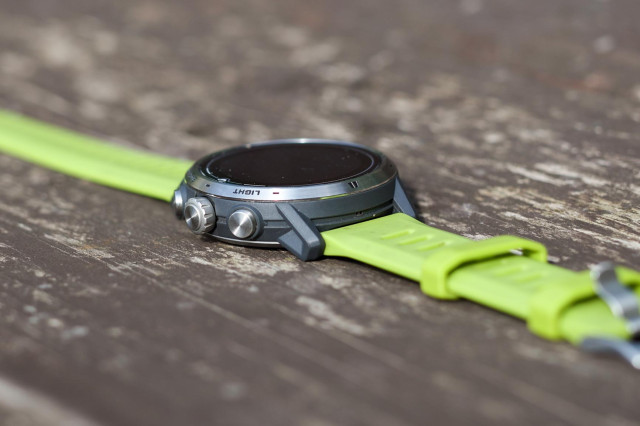
At the side of the watch face, you’ll find a main dial/button along with a button to light the screen up and a back/lap button, which is home to the settings after a long push. It’ll restart your laps if that’s what you’re into. Those buttons are customizable, too, to a point. Essentially, you can pick the orientation so you can use the watch with the buttons on either side.
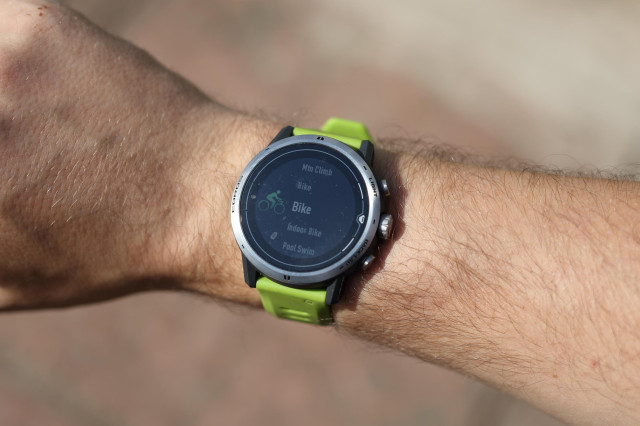
Click the main dial, and you’re faced with a plethora of activities ranging from indoor cycling to speed surfing ( I had no idea that was a thing until now). For this test, I concentrated on the cycling-specific activities, namely Bike and Indoor Bike, but once or twice I dipped into the hiking mode. Though, during my two-month test period, the APEX Pro has found its way onto my wrist every day.
Without going into any of the activities just yet, a spin of the dial cranks out a tonne of info from the get-go. You can flick through things like sunrise and sunset times, how many calories you’ve burned, how long you’ve been running for, your heart rate, height above sea level and a few more neat nuggets of information.
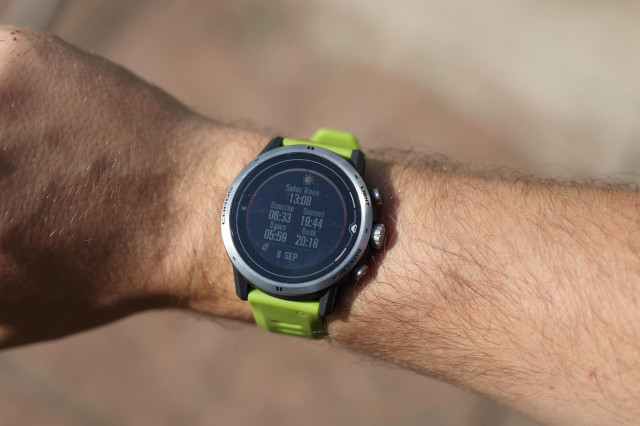
It may sound a bit silly, but some of those bits have actually been really useful in day-to-day life. Say I’m planning a stroll in the evening, but I don’t want to walk back in the dark, or if I’m tracking calories, it’s all super easy to get to just after unlocking the screen.
Although some screens are of no use to me at all, mainly the running ones, that says more about myself than the watch. They’re just something extra to scroll through to get to the good stuff, so they’re not a pain. If you run regularly, I’m sure this easy access would be super useful.
Boot up your chosen mode, and the watch will give you options to track a ride, set up an interval training or set up navigation alongside its usual tracking mode.
For example, if you jump into “Bike” mode, it’ll ask you to wait while it reads your heart rate and hooks up to GPS; once that’s done, you’re off.
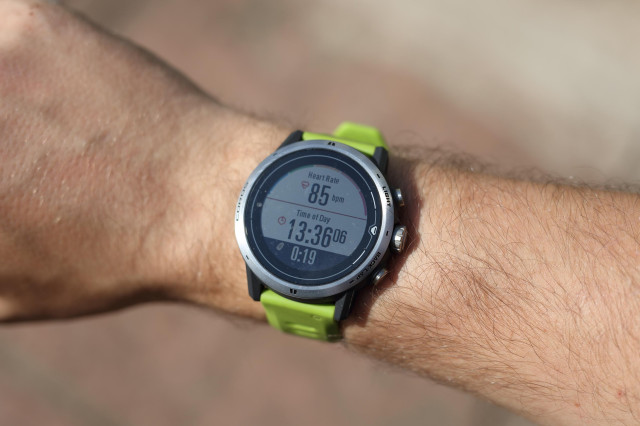
In “Bike” mode, the watch chucks a load of useful information at you, such as your heart rate, the time of day (this was super useful for me), distance, slope percentage, speed, and so on. However, if you’re running the “Hike” mode, it’ll show you slightly different but more relevant data to the activity you’re doing.
In your chosen activity mode, it’s curated well enough, so there’s very little info that’s not useful. There are only a few screens to scroll through, too, so the information you need is never too far away. If there’s something that you don’t want to see, or if you would like a certain screen arranged a certain way, it’s all completely customisable to the point where you can configure a single screen to show all of the relevant information that you would like.
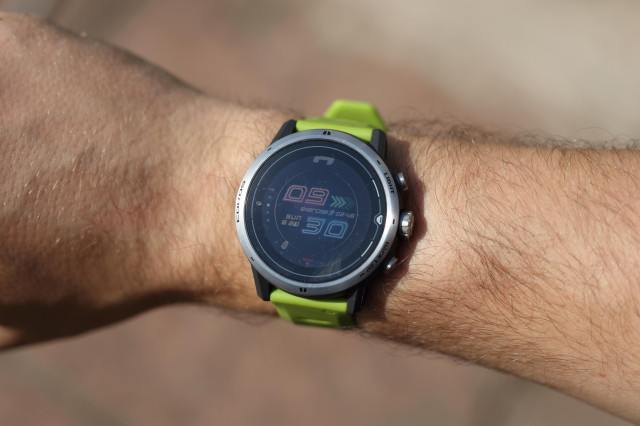
Hold down the “Back-Lap” button, and that’ll throw you into the settings section where you can play with the watch face (there are billions!), alarm settings, navigation, stopwatch, night mode, and loads more. There’s even a metronome.
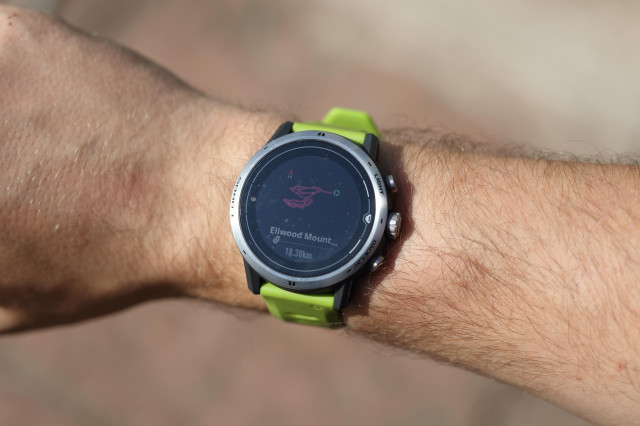
This is where I’ve been booting up my navigation, and once you’ve loaded up a GPX file onto the watch, it’s really easy to use. The watch gives you a line to follow with arrows dictating the direction you should go. Deviate from the course, and the APEX Pro will give you a friendly little vibration to tell you so. I’ve found whole new systems of trails thanks to this simple but very effective way around navigation.
I have had a little bit of trouble with the APEX Pro, though. When paired with my turbo trainer, it’ll only show you some of the data like speed and cadence, but it doesn’t gel very well with distance, choosing not to show a figure at all. I’ve been told that this is because the watch connects better with certain turbo trainers using BLE, though it’s not clear how to do this.
The APEX Pro comes with an auto-upload function (claimed to be the quickest of any brand) to upload your trip data to Strava and the likes. However, I’ve found it tricky to set up.
I’ve found the most straightforward way to upload to Strava was to dive into the app, export the ride you would like to share, and upload it manually into Strava. You’ll have to dive even deeper to get auto-uploads on the go. Personally, I’ve only ever used Strava to track the data that the Apex Pro captures anyway, so this hasn’t been an issue. Still, there are plenty of other watches out there, like the Wahoo Elemnt Rival that have been easier to set up to get those auto-uploads going.
The APEX Pro is built with a fancy touch screen, but it feels a little redundant as the digital dial does so much of what the touch screen is capable of anyway. The one thing the touch screen can do that the dial can’t is move the route around when you’re in navigation mode, so it’s handy in that respect.
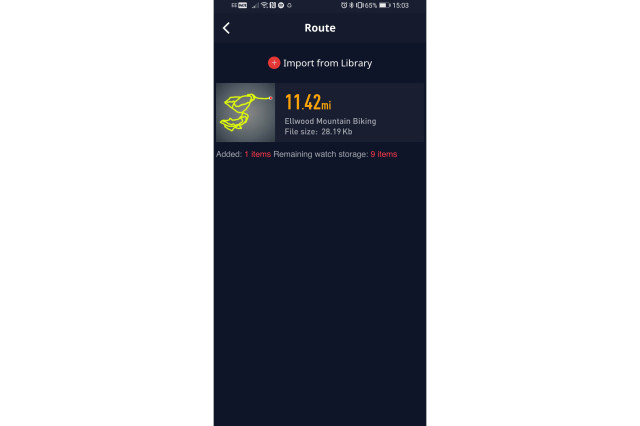
Of course, the watch comes with an accompanying COROS app, and this is where you can really get into the details of the watch. From here, you can upload GPX files, new watch faces, and set workouts up to the watch, and you’ll find all of your watch’s data here too.

This is the most confusing part of the watch, there’s just a lot going on here, but I’m sure after some good old-fashioned fettling, you’ll come to figure it out. However, I’ve been able to use the watch perfectly, easily dipping into the app minimally, only to bung a new GPX file onto the watch, of which it can store nine at once.
Downloading data from the watch to your phone couldn’t be easier, though, as once it’s hooked up via Bluetooth, it’ll simply appear. Just give it a bit of time.
Moving onto build quality, you would expect a lot from a titanium frame and Sapphire glass screen and to be fair, it puts up with an awful lot. During my test period, I’ve certainly not babysat it. I’ve knocked the watch around a fair bit, accidentally scraping it along walls and getting it pretty filthy while riding, and the Apex Pro has totally shrugged it off, hardly leaving a scratch.
While the watch generally feels pretty solid, I have one reservation, and that’s the main dial. It feels plasticky, and sometimes it’s not as responsive as it usually is. It’s a small niggle though, that hasn’t proven to be a real problem during normal use.
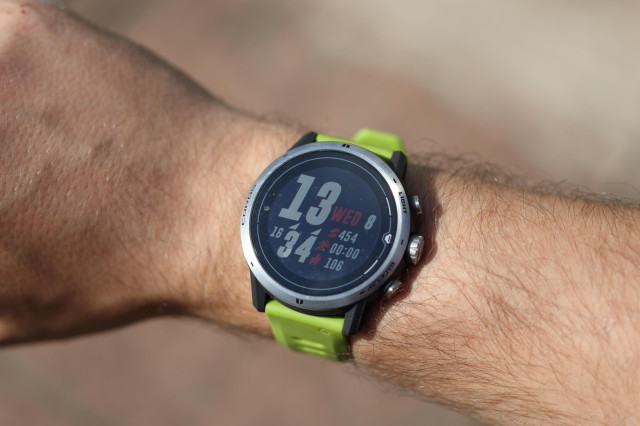
That serious build quality is then paired with a very serious battery life. COROS claims that the watch will keep going for up to 40 hours, and while I’ve not timed it, I’ve only charged it three times during my two months with it, once just to ensure I’ve got full charge ahead of an event.
Of course, if you’re tracking rides and using the watch how it’s meant to be, the battery will drain faster, but it’s still offered a lengthy life. An example – I’ve recently wrapped up a 112km race over three days. Each day, I set up the watch to track my rides and having checked the battery life the morning after the event, the watch had drained 60% of its battery life. That’s impressive.
Now, £450 is a bit of a chunk for a fitness watch, but it’s all in that great build, the array of features on offer, and that crazy battery life, but to compare, for £350, there’s the Wahoo Elemnt Rival.
The Elemnt Rival is a cheaper watch, and it shows in its mostly plastic build, which weighs in at 53g, a touch lighter than the Apex Pro. Though it’ll save you a wad of cash, it lacks the navigation, a good chunk of features, and the easy usability that the Apex Pro rocks. Of course, the latter comes after a bit of learning.
Then there’s the Garmin Forerunner 745 that Ty has tested. That one will set you back £400, and it poses some real competition against the Coros Apex Pro. It comes packed with handy tricks, it tracks accurately, and Ty says it’s tough, but its built quality is lacking for the cash, and the menus take some figuring out.
Though the Apex Pro is built to be a premium watch and premium, it definitely is. And enhancing the value further, I’m told the TOPO maps will be coming to existing APEX Pro users.
The COROS APEX Pro is a powerhouse of activity tracking goodness. The info it provides is all killer, no filler, and it’s all pretty easy to navigate once you’ve learned the watch’s tricks. While it’ll set you back more than many watches out there, it offers build quality and stylish look that you’ll struggle to find elsewhere.
You might also like:
- Top tips to make the most of the off-road night riding season
- Buyer’s guide to mountain bike saddles – get the best saddle for your MTB
- How to buy the best mountain bike for your child – whatever their age
Product purpose:
Build extra:
Product construction
Product construction extra:
Product performance
Product performance extra:
Product durability
Product durability extra:
Product weight
Product weight extra:
product value
All the deals displayed on our review pages are pulled from a constantly updating database feed of the best affiliate deals available. The criteria for deciding on what are the best deals is who is offering the lowest, delivered price. In most cases we will be showing the very best deal available online, but sometimes you may be able to find an item cheaper. If you can please feel free to post a link in the comments box below. To find out more about affiliate links on road.cc click here.