



Electronic groupsets have slowly but surely taken over the road cycling world, and they can now do a lot more than ‘just’ change gear. Whether you’ve got a Shimano Di2 or a Sram AXS groupset, there are all manner of hidden functions that most people just don’t know about. Here are some tips and tricks that we think you really should know.
> Your complete guide to electronic gears
The first few tricks are for those of you using a Shimano Di2 groupset, so if you’re a Sram AXS user then feel free to skip ahead to tips four and five.
How fast can you shift?
> Review: Shimano Ultegra R8170 Di2 Disc Groupset
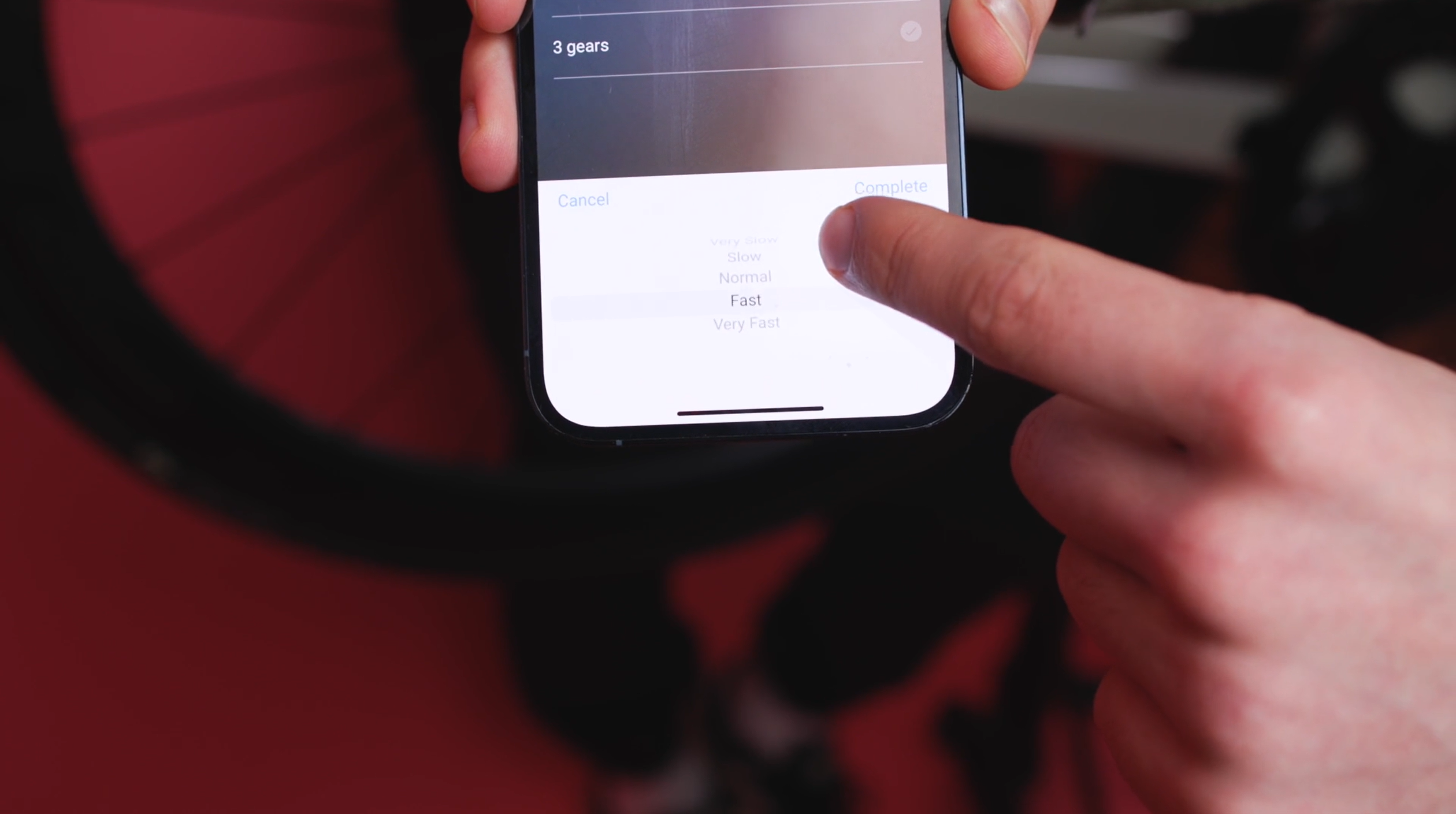
First up, did you know that Shimano allows you to speed up how quickly your bike can change gear on its Di2 groupsets? Well, now you know!
All you need to do is go into the e-tube phone app and change whether you want the multishift gear changes to be very fast, fast, normal, slow or very slow.
Especially on this latest generation of Shimano 12-speed groupsets, the shifting is already pretty darn quick, but we’ve had no reliability issues using it on the fast setting for even more snappy changes. This is particularly useful when grabbing a handful of gears at the bottom of a climb.
Automatic shifting!?
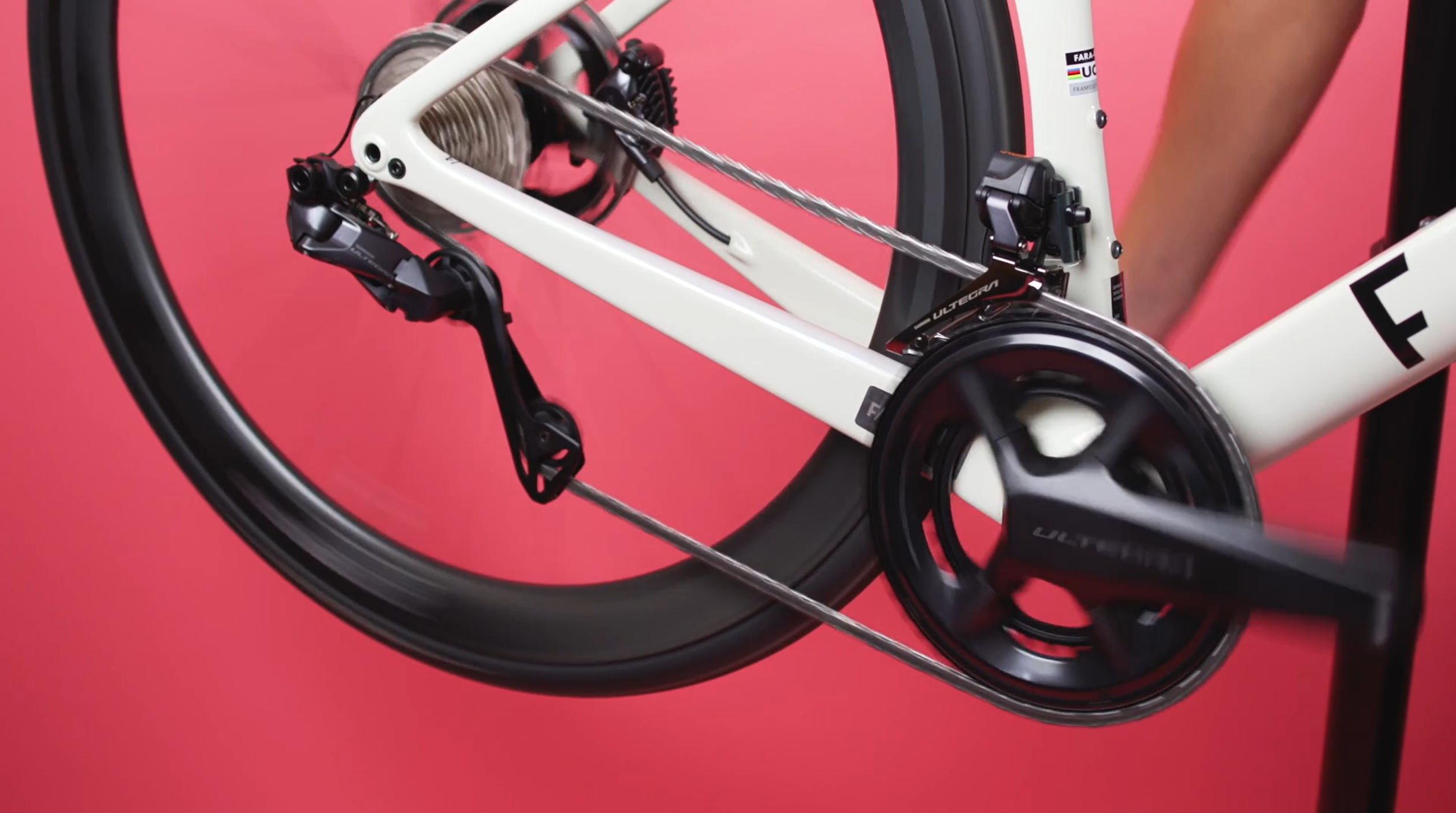
Do you find yourself cross-chaining or staying in either the big or little ring longer than perhaps you should? Well, this next trick might be for you!
Shimano’s sequential and semi-sequential shifting is kind of like giving your bike an automatic gearbox. Maybe that’s exaggerating a bit, but here’s how it works:
With sequential shifting selected, you can almost completely forget about changing between the big and little rings. As you get towards the top of the cassette it automatically drops you down into the little ring, and then vice versa as you begin to go through the gears again as you pick up speed. You can even program on which rear sprocket you want to change to the front ring.
> 10 top tips to get faster up hills
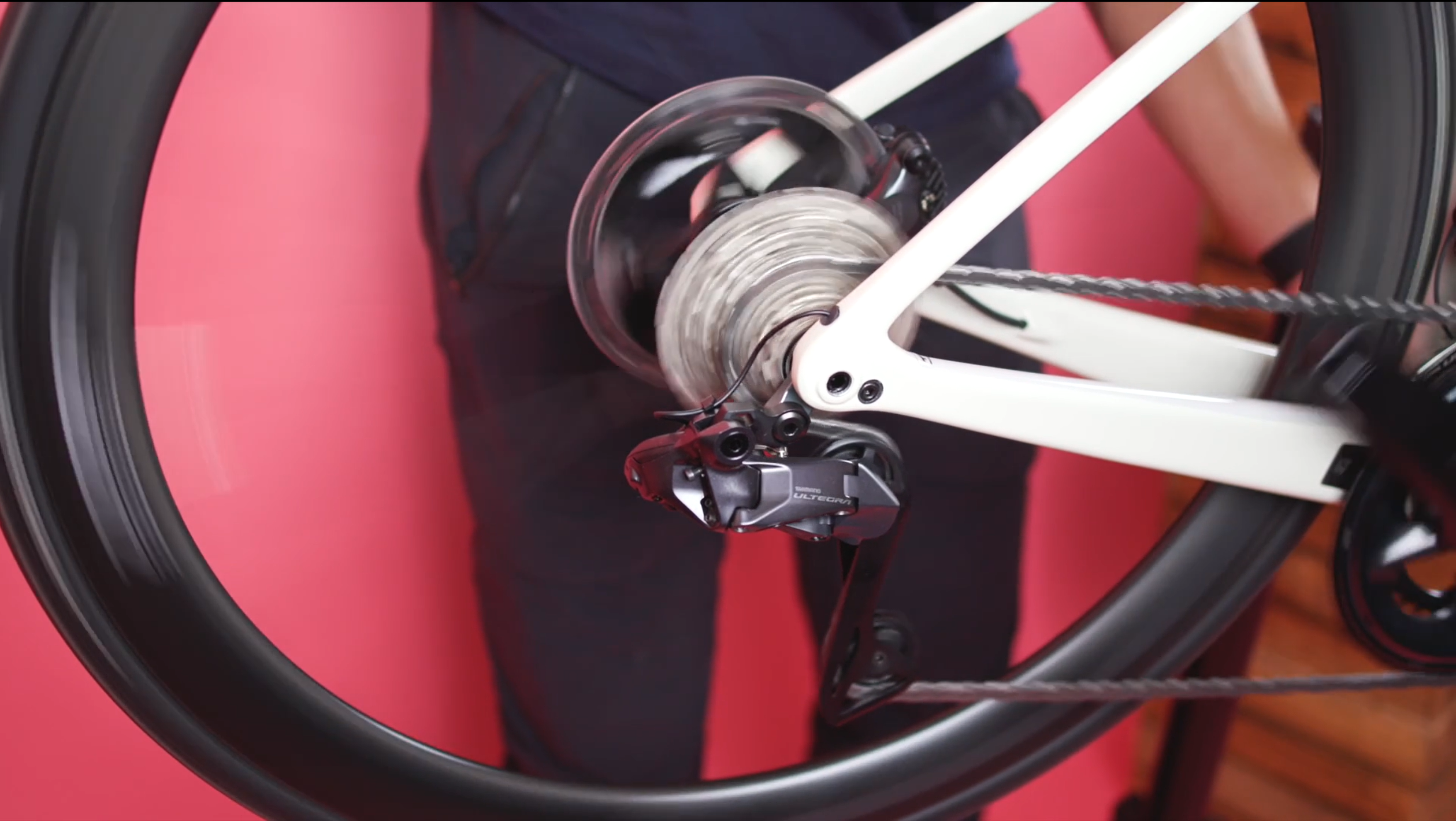
My personal favourite, though, is Shimano’s semi-synchronised shift. This still gives you control over when you change from little ring to big ring or the other way around, but when you do, it also changes a gear or two (whatever you select) at the back.
We’ve found this can eliminate the big changes in cadence that you can sometimes get as you drop down to the little ring.
The secret buttons
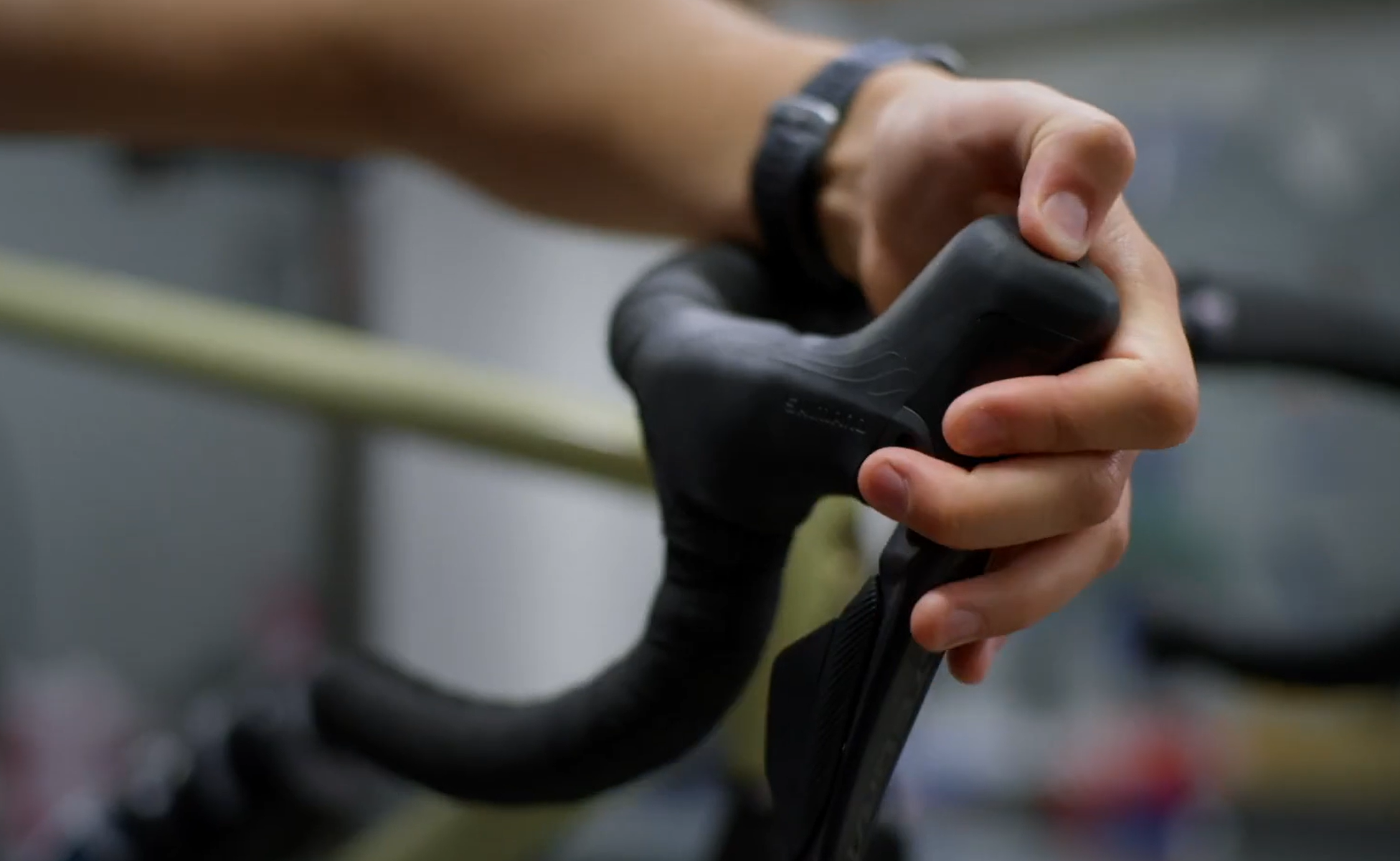
While you’re messing about in the E-Tube app, we’d also recommend setting up the auxiliary buttons. They’re the hidden ones on the tops of the hoods on the shifters.
There’s one on either side and they can be programmed to do all manner of things, from changing gear to changing screen on your cycle computer.
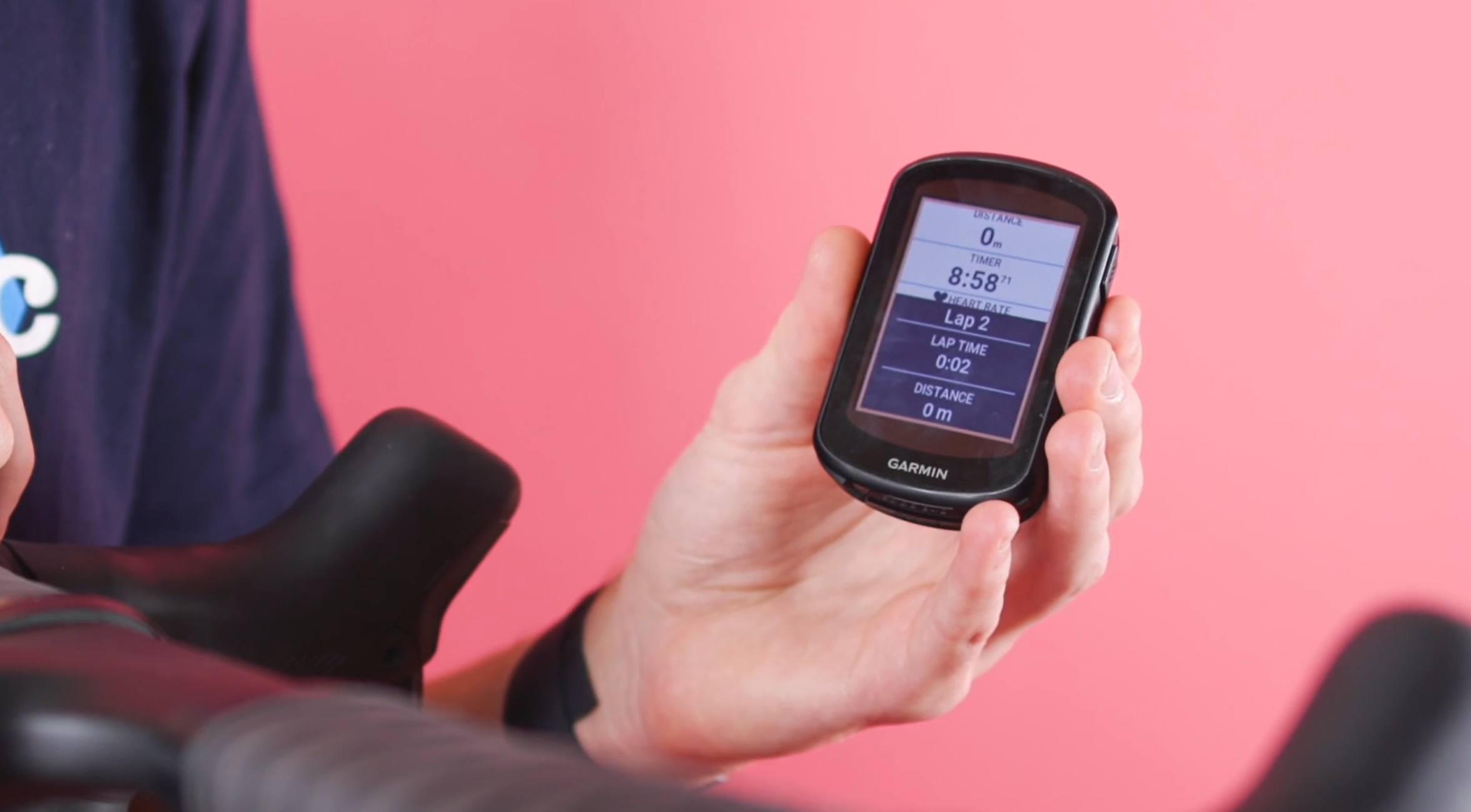
My personal favourite is to have one set up as a lap button, so that during intervals I don’t have to take my hands off the bars. It’s the little things!
Battery status on your cycle computer
> 7 reasons why you should get electronic shifting
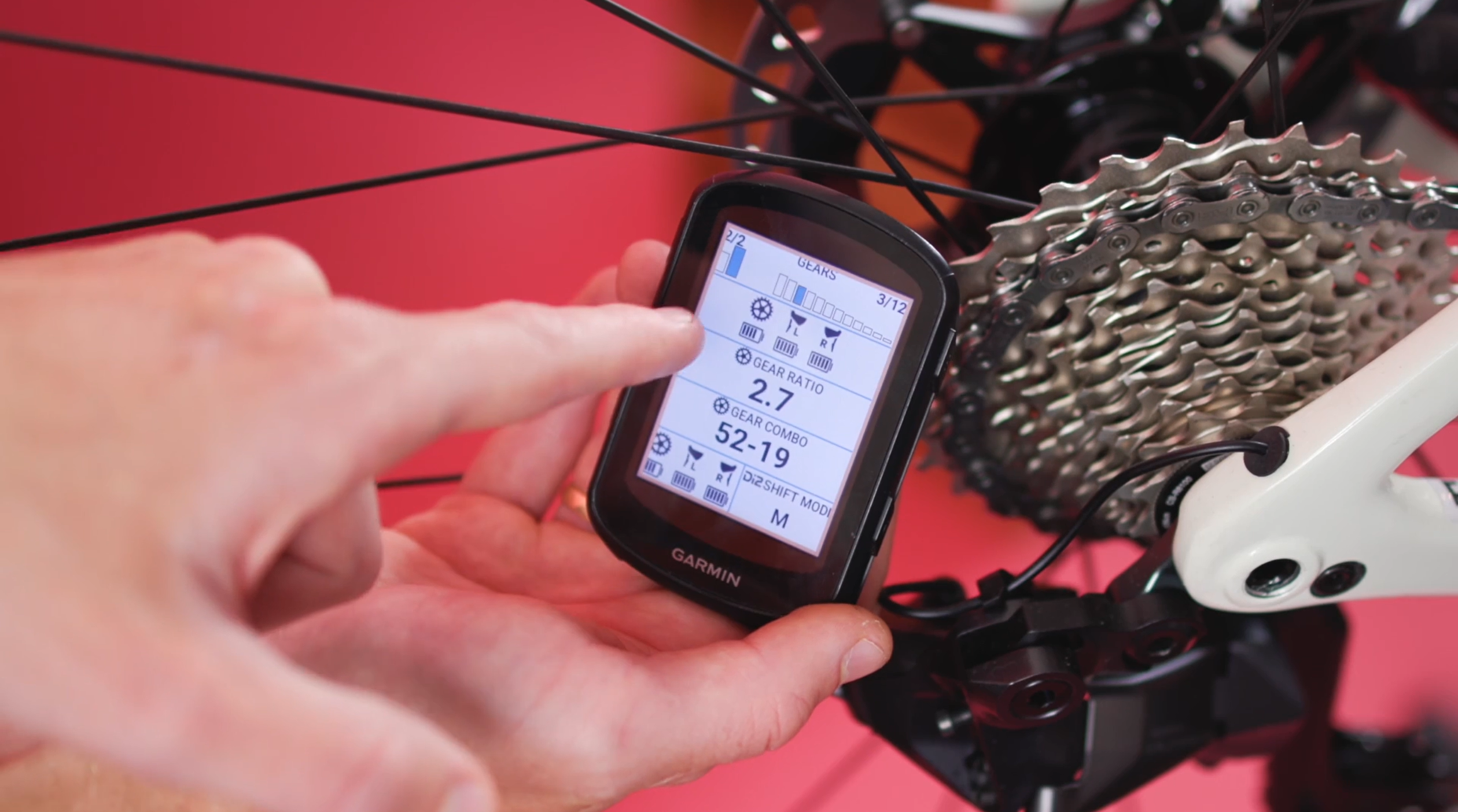
One of the main negatives of electronic gears is that at some point you will inevitably forget to charge them. Both Shimano and SRAM have little lights on the mechs to indicate their charge; but let’s be honest, who looks at them?
I’ve found that since I’ve set up a data field on my head unit displaying the charge, I’ve had far fewer tears out on the road due to flat batteries. You can do this on both Garmin and Wahoo head units, and although it’s probably not a metric you’ll want on the first page, it is a good one to have tucked away to check on a regular basis.
Current gear selection on head unit
> 10 tech trends to copy off the Tour de France pros
Another cool data field for your head unit is the current gear selection. Once again, this is possible with both Shimano and SRAM groupsets.
The ‘gears’ field gives you a visual aid as to which gear you’re currently in. We spotted quite a few pros choosing to have this on their data screens at last year’s Dauphine.
While this probably won’t make you any faster, it might save you that nasty surprise when you go to grab another gear on a steep gradient, only to find that there’s none left. This graphic will automatically change to the amounts of speeds your bike has when it connects to the groupset.
The easier way to index
> Get your gears shifting sweetly: How to tune a rear derailleur
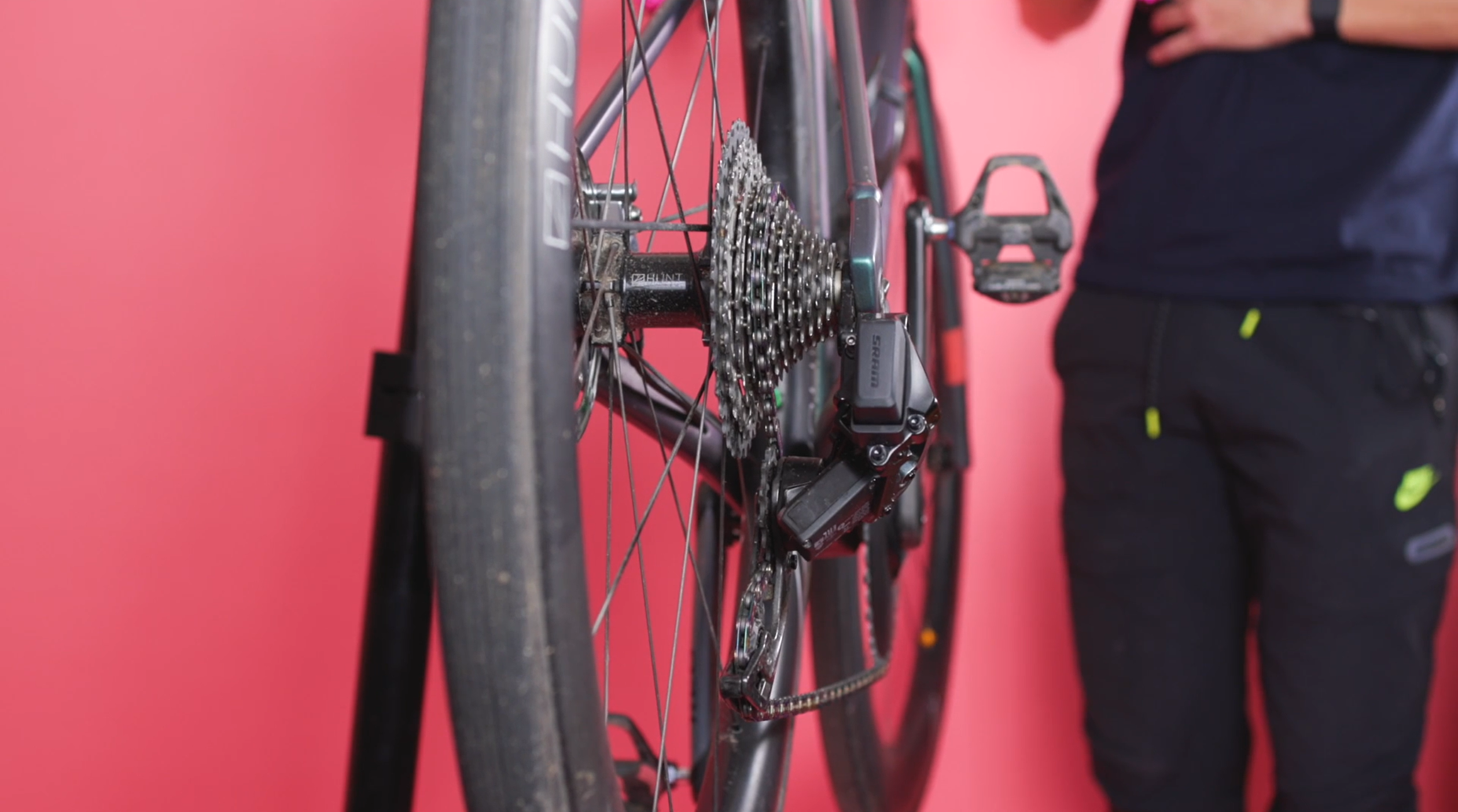
Indexing gears is quite a bit different if you’ve migrated from a mechanical groupset. You now do this using the shifters rather than down at the mech on both Shimano Di2 and SRAM AXS groupsets.
On Sram AXS you can also move the mech in tiny 0.2mm increments using the AXS phone application, allowing for some super accurate fettling.
My favourite way to index my gears is now using the AXS phone app. This way I don’t have to find the tiny buttons behind the shifters, and it even tells me what gear I’m meant to be in so there’s no chance I can index my gears incorrectly.
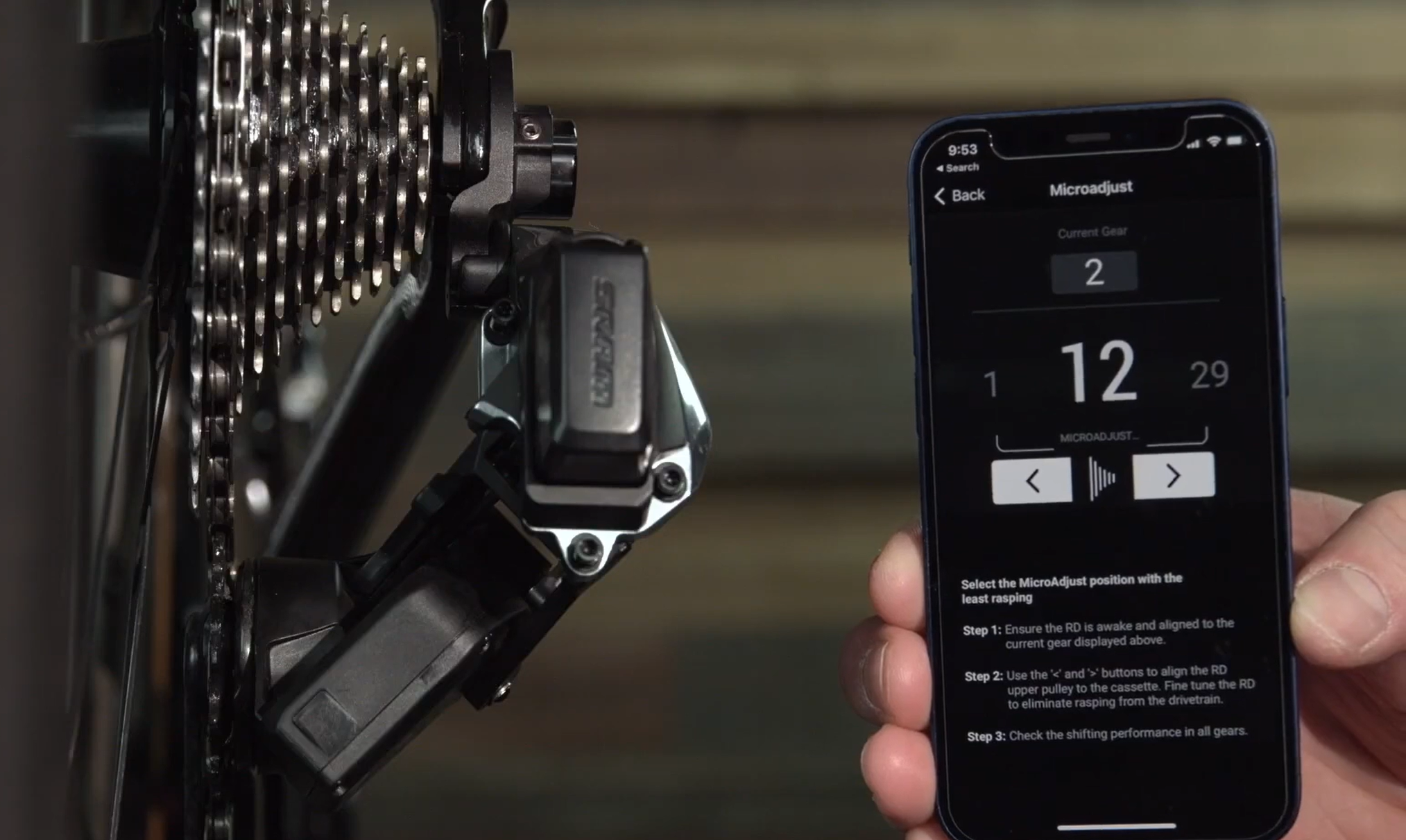
Because there are no cables to ‘stretch’ (we know it’s usually the outer seating rather than the inner cable stretching) you probably won’t need to make use of this feature very often. It can save you a lot of time if you have multiple wheelsets that you switch between bikes, or if you use your bike on the turbo and get that annoying rasping sound when you gears are a little bit out.
For the data nerds
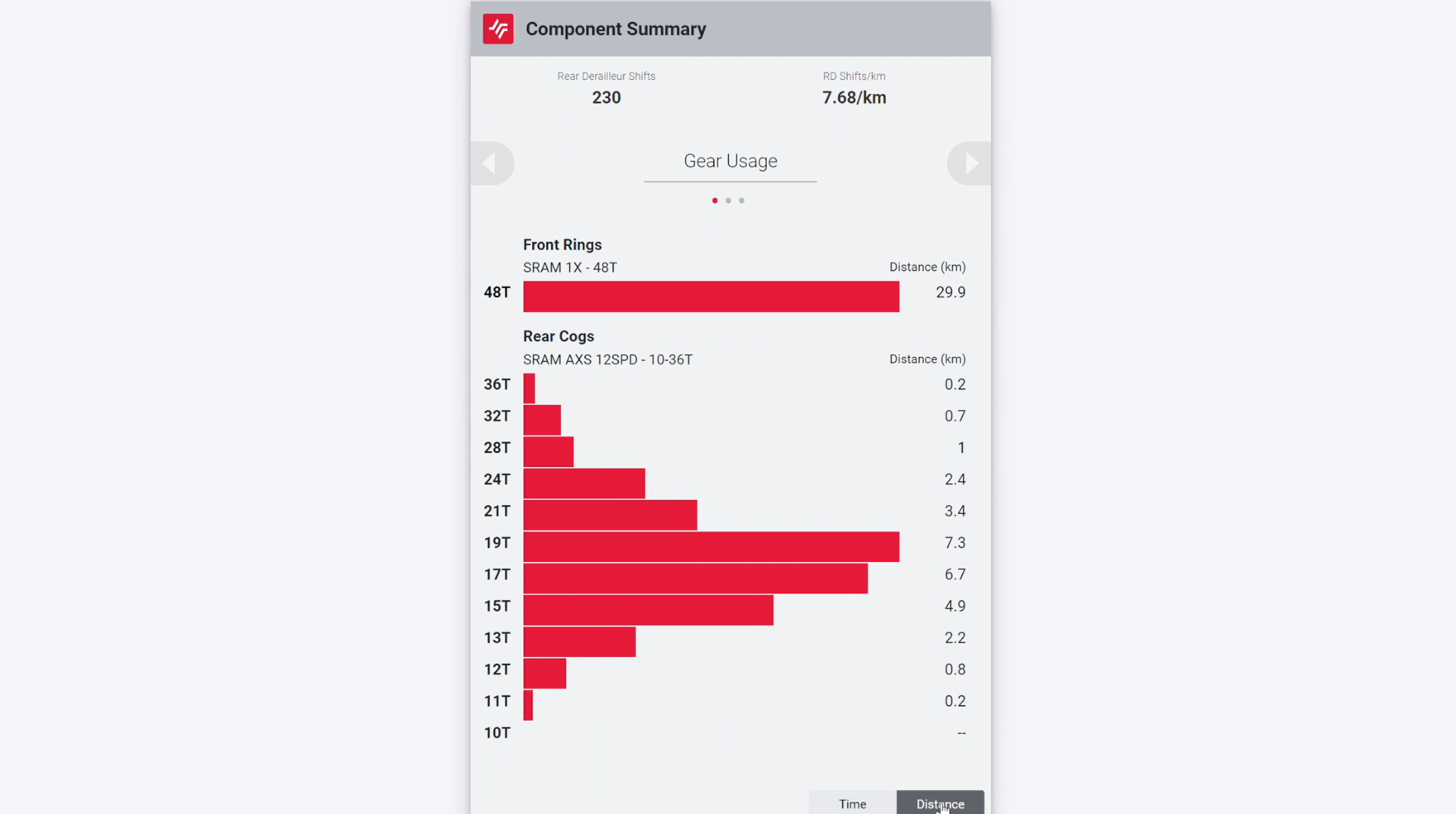
Now, this one is for the data nerds out there (I think that probably includes me!)
You’ve probably already seen that when you get back from a ride you can see your number of gear shifts in the Wahoo or Garmin apps; but did you know that you can log in to axs.sram.com for even more stats?
Not only can you see the number of front and rear derailleur shifts, but you can also see shifts per kilometre, what gears you use the most by both time and distance, and if you also use a power meter you can see in which gears you’ve averaged the most watts.
Let’s be honest, a lot of this information is of limited use, but it could highlight that alternative gearing might be better suited to your riding.
Multishift: three gears at once or the whole block?
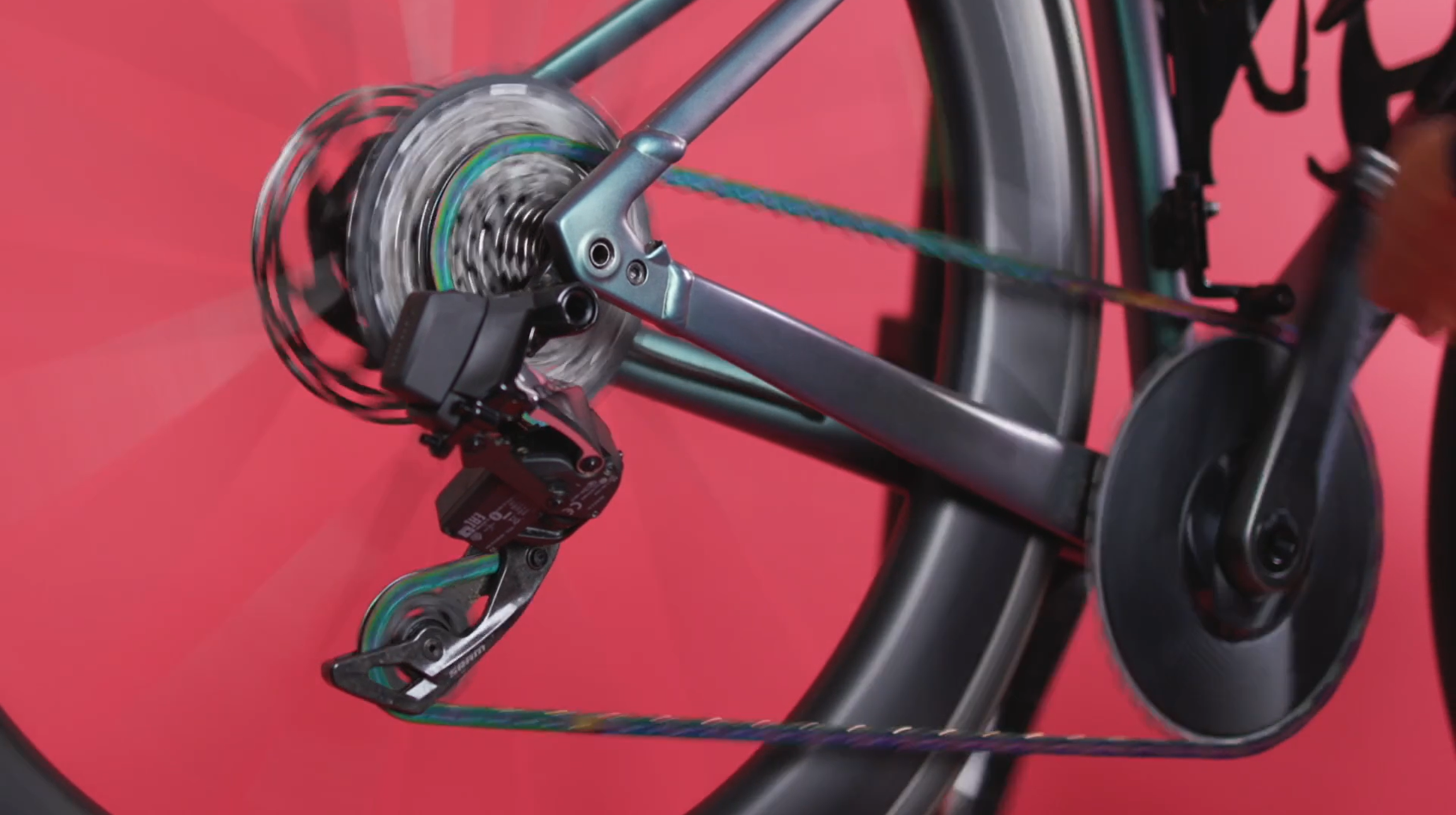
Mulitshifting is kind of what it sounds like. In the AXS app you can choose how you want the rear mech to respond when you hold down a shifter paddle. For example, I’ve got mine to shift through the entire block if I hold down the button, but you might prefer to set it to just change one, two or three gears depending on your personal preference.
Gone are the days when we all had to make do with a one groupset for all approach, because electronic groupsets now allow for a whole heap of customisation.
Checking charge levels in the app
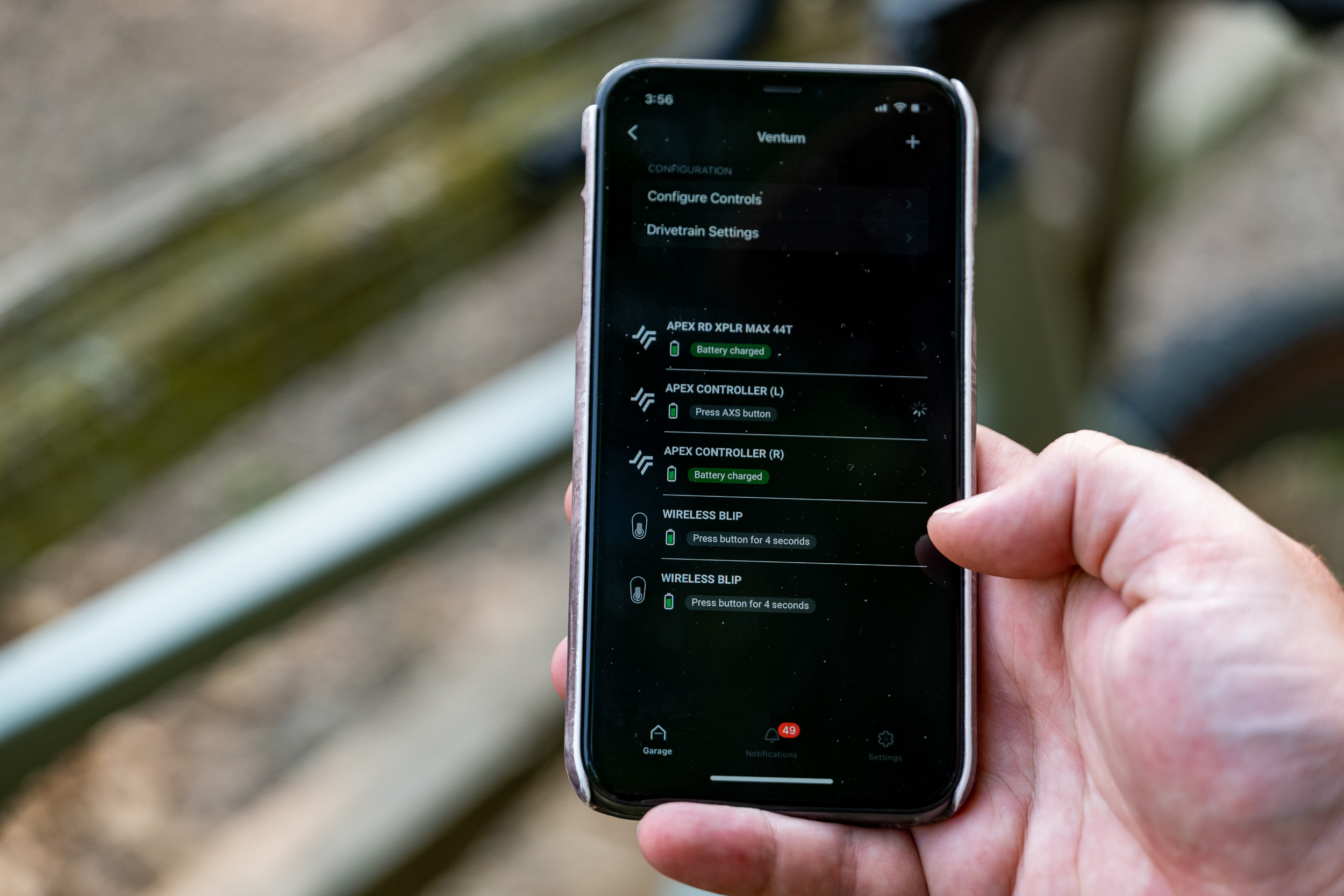
Even though on SRAM you can swap the batteries between the mechs if one runs out, it’s still probably best to stay on top of your charging. Each mech battery is said to last for 60 riding hours, and the CR2032 coin cell batteries in the shifters usually last a year. Even so, before a big event or trip away I like to check their charge.
You can do this by looking at the tiny lights on the inner face of the shifter lever but it’s even easier in the app. Here you can see the charge levels of each individual component giving you peace of mind before that trip away.
Blips
> SRAM releases wireless eTap AXS Blips for shifting anywhere on your bars
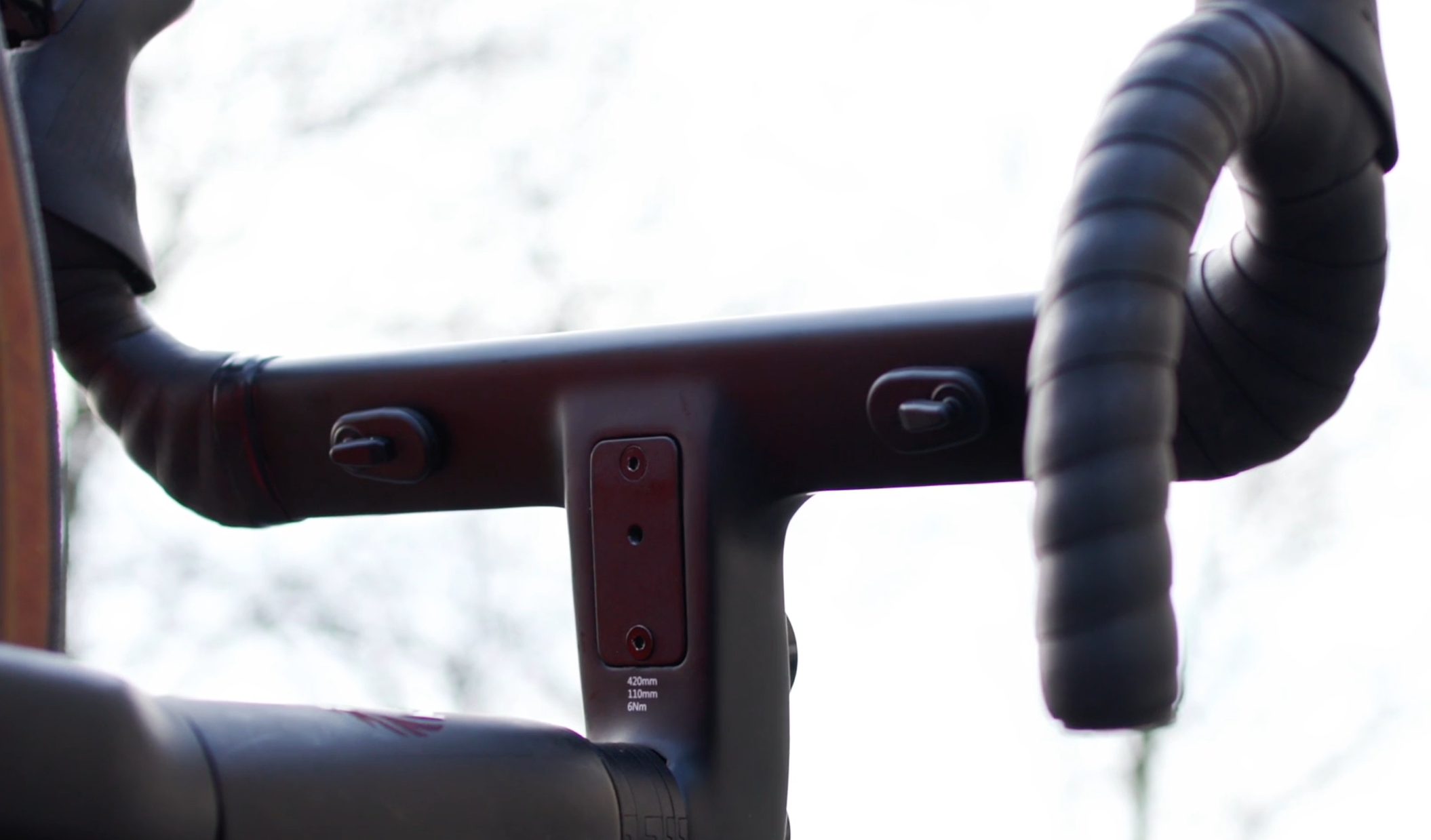
If you’re someone who likes climbing on the tops then it might annoy you that you have to go back to the shifters to change gear. It might seem like a bit of a faff to set up climbing shifters, but that couldn’t be further from the truth.
SRAM’s latest blips are completely wireless, and you can stick them just about anywhere using the provided double-sided 3M tape.
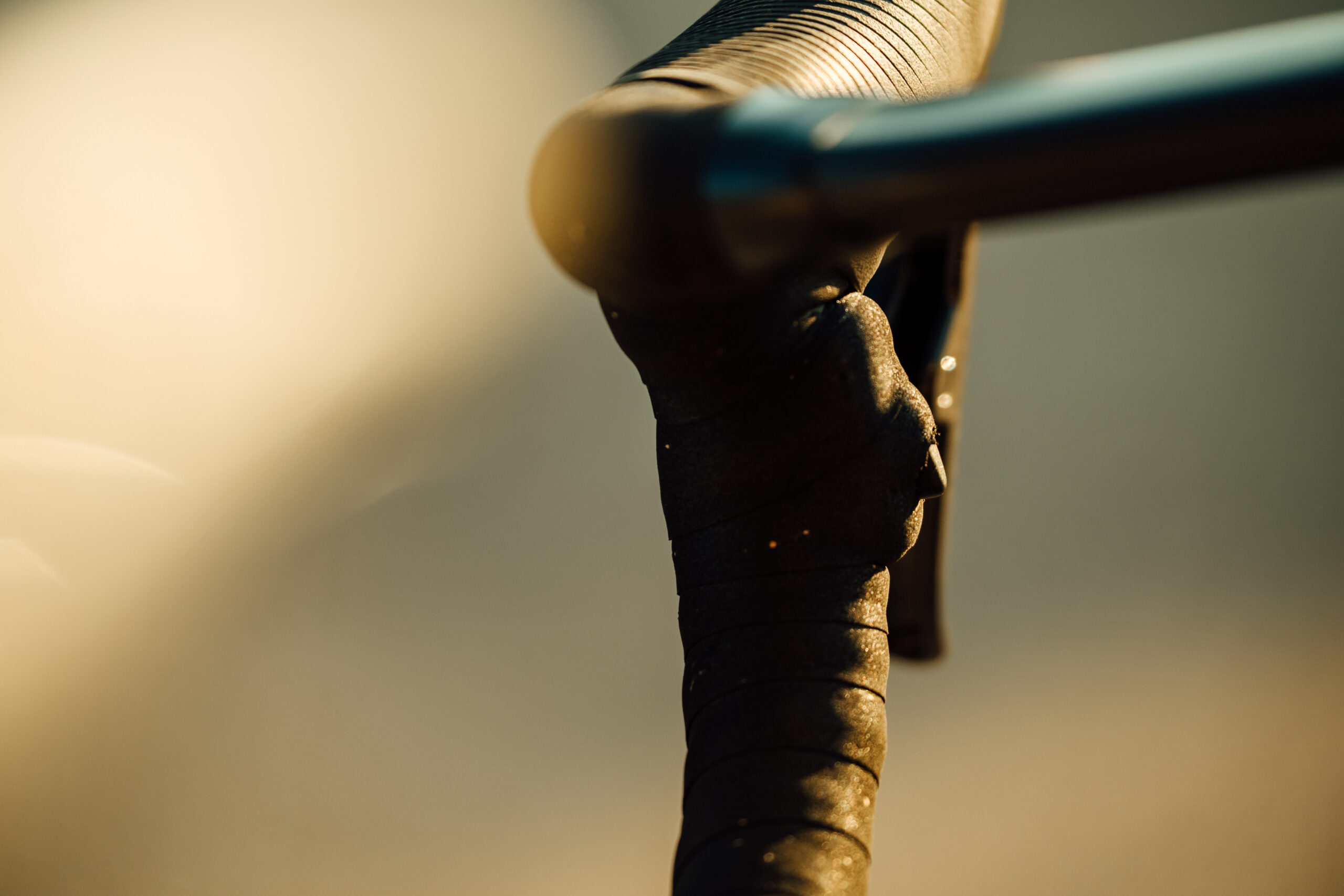
That means you could stick them to the drops under your bar tape and use them as sprint shifters, you could put them on the underside of your bars and use them when climbing, or you could attach them to a set of clip-on aero bars so you can change gear without coming off them.
Will you be trying any of these or are there any that you think we’ve missed? Let us know in the comments section below.









16 thoughts on “10 things you didn’t know your electronic groupset could do! How to get the most out of Shimano Di2 and SRAM AXS”
Something worth pointing
Something worth pointing out that’s not mentioned in the article is with the Di2 buttons – the functions are not restricted to single presses, each D-Fly channel can be configured for single-press, double-press and press-hold.
The example shown is my own preferred configuration using Garmin Edge. Single presses for left/right page display switching, press-holds to go straight to the map or elevation profile, and then double presses to switch on backlight or switch light modes.
I’d also point out that this
I’d also point out that this only works out of the box with the latest Di2 groupsets. If like me, you have 9170 (11 speed) from 3 years ago you need the separate Bluetooth adapter should you wish to use the E-Tube app, or connect to your head unit
However, you can still cycle through the sequential, semisequential and manual settings using the button on the junction box.
I would like to hear from
I would like to hear from people who have electronic shifting, is it really an improvement over mechanical? How would you feel if you had to go back to mechanical shifting?
Judging by this article… I don’t find it very convincing.
Shifting speed: in what situations would you want your shifting to be slower? in what situations did you feel that mechanical wasn’t fast enough?
Automatic shifting: I suppose this is nice, but I never felt that operating a front derailleur requires too much extra brain power
Secret buttons: this is cool, although if it’s to operate the cycling computer technically you don’t need an electronic groupset, cycling computers could come with extra wireless buttons
Battery status: this is a feature that just fixes a problem electronic shifting had created in the first place
Gear selection on head unit: this can be nice I guess, although just looking down at the casette would only take a second; also, if this is important, why do only entry-level shifters come with gear indicators?
Easier indexing: I suppose this is an advantage, but how often do you have to index?
Data: okay, fine, I’m not a data nerd but I can see how many would like this
Multishift: I agree the customizability is nice, but I see it as benefiting MTBs more and being marginal at best for the road
Checking charge levels: again, a fix for a problem created by electronic shifting
Blips: I do like climbing on the tops, and I haven’t really felt like the second it takes me to change my hand position to shift encumbers me in any way
So has anybody got any thoughts to share? I’ve never tried electronic shifting so I can only speculate and I’m genuinely curious.
I have used Red eTap 22 for
I have used Red eTap 22 for c5 years. I ride my bike in all weathers, and the biggest problem I had was gummed up gear cables. Electronic shifting of course doesn’t suffer from this. I also like the way the SRAM shifting works: left down, right up, both front (Red eTap 22 isn’t configurable at all).
I’ve not had a battery worry at all, the warning lights show when there’s a few hours left, and I have been able to take the charger to work if I’ve only noticed it in the morning.
I do like seeing the gear ratio on the head unit, you’re right that it’s only a glance down, and usually I know anyway, but even so it’s good to confirm it.
My other bikes do have mechanical, which I use when no1 is off the road, but I’m always happy when I go back, so I’d choose electronic over mechanical every time.
Cool, thanks for sharing and
Cool, thanks for sharing and glad you’ve had a good experience with your setup. In my case I’ve never had problems with cables so I think I would worry less about them than about the battery level.
GrayBrocket wrote:
Like many things with bikes, it’s not “necessary”, it’s just “very nice to have” – in terms of going back to mechanical, I do all the time as only two of my bikes have Di2, several others have mechanical and I intend to keep them like that, for example, on the winter & gravel bikes, where the wear & tear is likely to be accelerated, the cost of replacement is more reasonable.
I’ve never had a problem with forgetting to charge and getting stranded on a single speed, however there’s been two occasions where a mechanical cable has snapped, the first time on the front was OK, but the other time on the rear was challenging getting home. I track the time & distance on these now as it’s not easy to check, as Shimano brifters always seem to snap the cable right at the nipple end. Others I know have had charging issues though, including one club rider who said about their newish bike “nobody told me I had to charge it.”
The main advantages for me are minimal maintenance (other than the usual cleaning), no cable stretch, rarely a replacement cable needed (never for me), much easier hand operation (others I know with arthritic hands have said this too), semi-syncro is cool, the shift counting and other data is interesting and the self-trimming on the front mech is really nice.
Interesting story about the
Interesting story about the club rider. Hmm… would be cool if manufactureres came up with some lightweight dynamo for electronic groupsets.
GrayBrocket wrote:
For me one of the benefits of SRAM AXS is no cables, I wouldn’t want to add them back in to charge the batteries. I haven’t had a problem with a flat battery on my SRAM groupset but the derailleur batteries tend not to be used at the same rate so if one is flat you can switch to the other and if the shifter batteries are flat you can change using buttons on the derailleurs to get a reasonable gear and then singlespeed until you need to change it again.
The biggest single advantage
The biggest single advantage of electronic vs mech shifting is the consistency of shifting over time. When new, mech gears shift perfectly, but over time (and mileage) the shifting deteriorates to the point where even new cables won’t bring back that “new bike” shifting crispness due to wear in the rear derailleur pivots. At that point, only a new rear mech will restore the feel. My theory is the constant tension against a return spring required for any mech cable system means that tension causes the wear in the rear mech pivot points. Since electronic systems use a servo-driven (absolute position) system then there is no return spring for the mech to have to work against all the time, resulting in pretty much zero pivot wear in the rear mech, and pretty much perfect shifting for many more thousands of miles than is ever possible on a mech system. In my experience running mech gears for about 50,000km (across 3 bikes) and then subsequently di2 (across 2 bikes) for the last 50,000km, I’d usually end up fitting a new rear mech about once every 10,000km for mechanical system to restore perfect shifting, whereas I’ve never had to replace a di2 rear mech to date.. by the time you factor in the cost of several new rear mechs over the life of a mech groupset then the cost of di2 over the lifetime of a bike is actually less than you think, plus you always get perfectly consistent shifting…
GrayBrocket wrote:
I always said I didn’t want the faff of electronic shifting, and then I accidentally bought an electronic-only frame during the pandemic, with the Shimano wiring loom in it, and decided to experiment with it. All my other bikes are Campag and mechanical.
It was incredibly easy to set up – just plug everything together, in any order – but the real revelation is just how nice it was for very long rides. Yes, mechanical shifters are easy enough, and I use them every day, but electronic shifting is really very nice indeed, especially when you’re tired and your hands are cold and your brain is going numb at the end of a hundred miler.
Mine is the older Shimano sort with a single central battery that seems to last forever. I’ve grown to really like it. As others have said, it’s not necessary, but it’s very nice. The only hassle was learning Shimano’s shifting: in the end I gave up, fitted some blips (sprinter shifters) where the Campag thumb levers go, and programmed it to work the same way as Campag. Job done.
So to answer your question: I’ve no problem going back to mechanical shifting, or switching between the two, but I’ve really grown to like my electronic setup.
BETTER…SHIFTING?
BETTER…SHIFTING?
Some additions:
1) SRAM AXS Web works with Di2 too, by the way. Just upload a .fit file and go.
2) You cannot actually change the speed of a single Di2 shift. A single Di2 shift will always take the same amount of time.
You can change the multi-shift interval. This means that you can change the ‘wait time’ between successive shifts. The shifts themselves will always happen at the same speed though 🙂
3) My bikes are usually set to full synchro, but set up so that it’ll only automatically shift when severely cross-chained. So it’s essentially manual mode, unless I forget to shift for some reason.. then it’ll automatically shift.
4) 105 shifters don’t have top/hood buttons.
Good point ref 3 although I
Good point ref 3 although I never use the full auto mode. Also, as you’ll very much know yourself, on the later implementations, the rear mech won’t shift into the last two cogs if you’re in the small ring, preventing cross-chaining. From memory you could previously override this in E-Tube Project, but I don’t think you can now.
Thanks too for your site bettershifting.com, I’ve gleaned loads of info and advice from it over the years.
Thanks! ?
Thanks! ?
true, di2 will usually lock out small ring + the two smallest sprockets, but… for 12-speed di2, this is only true for Dura-Ace.
12sp Ultegra/105 don’t have gear position control. 🙂
Another useful ‘hack’ for
Another useful ‘hack’ for shimano di2 is the ability to manually edit the exact number of teeth on cassette and cranks directly via a connected Garmin head unit via the Garmin di2 setup page, even including “forbidden” gear combinations; as far as I’m aware, this still isn’t possible (allowed) via the shimano e-tube app which only allows selection of shimano-approved crank combinations (50-34/53-39 etc). Using this method I’ve successfully configured mine to reflect the actual 52-34 rings I run. This means not only is the correct gear combination displayed in the Garmin di2 info page, but also means the semi synchro shift works as expected..
A quick way to check the
A quick way to check the battery-level on Di2 (Ultegra 11-speed at least, but probably many others) – when not pedalling, shift and hold one of the shift buttons (I recommend the front shift-up button if you’re already on the big ring or front shift-down if you’re already on the small ring, to avoid actually moving the mech whilst not pedalling).
Check the LEDs by the charging port – One will light up for battery state, and then they’ll both flash once, twice or three times to indicate what mode the system is in (manual, auto, etc).
What the single LED for the battery shows: Steady Green = 100-50% (fine, keep checking regularly), Green Blinking = 50-25% (maybe charge tonight), Steady Red = 25-<5% (maybe charge before the next trip, unless it’s short), Red Blinking = almost 0% (limit your shifting to get home without getting stuck in a single gear)
Adding di2 membrane switches
Adding di2 membrane switches for sprint and climbing positions to the dumb ports on 11 speed Shimano rims brake or newer 12 speed Shimano shifters.