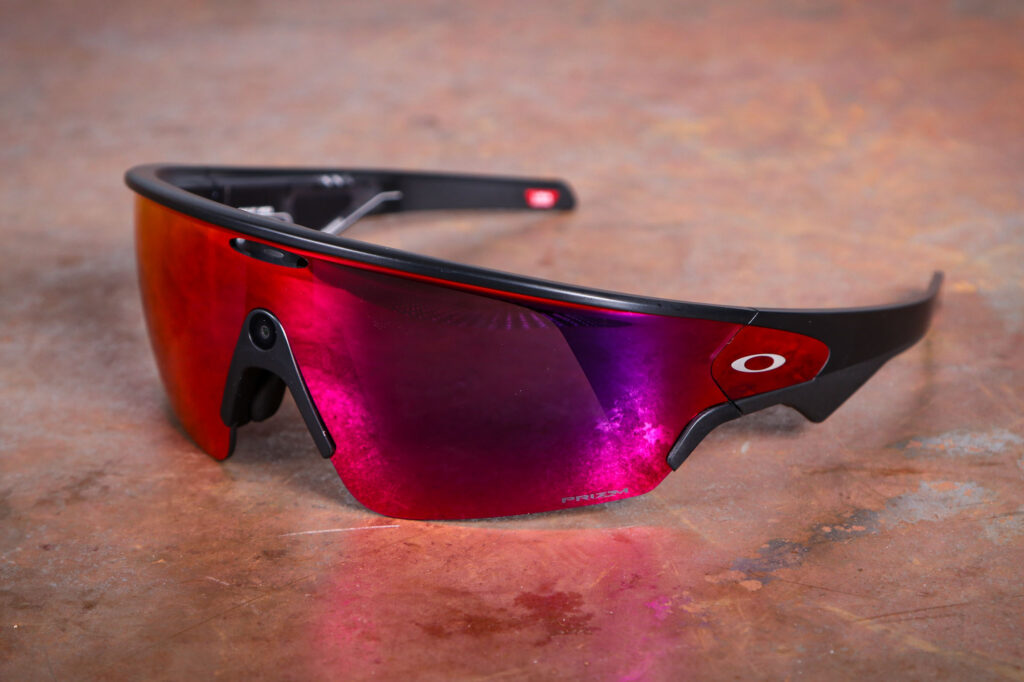

The Oakley Meta Vanguard smart sunglasses do a lot of things via AI brains connected to a camera and earphones, and some of them might be useful to you. But with limited battery life, limited abilities and pretty intrusive requirements from Meta, this is not the most convincing or polished product.
The Vanguard is the second set of AI glasses from the Oakley/Meta collaboration. The first, the HSTN, was a fashion-first design with either tinted or clear lenses (corrective if you want), while the Vanguard is an overtly sporting design. However, there’s no way of fitting prescription lenses, unlike with their only real competitor.
There are four mirrored Prizm lenses available, and we’ve been testing the Prizm Road. It has a red/pink hue and best suits road cycling, according to Oakley. Lenses are user-replaceable, with an additional ‘low light’ lens available as a cost option.
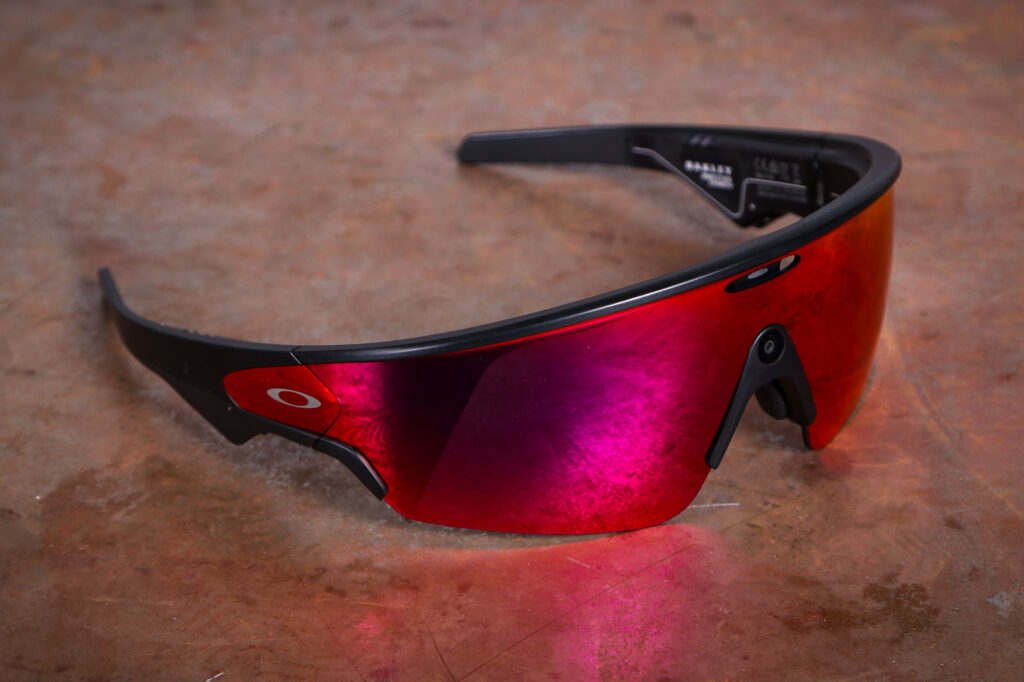
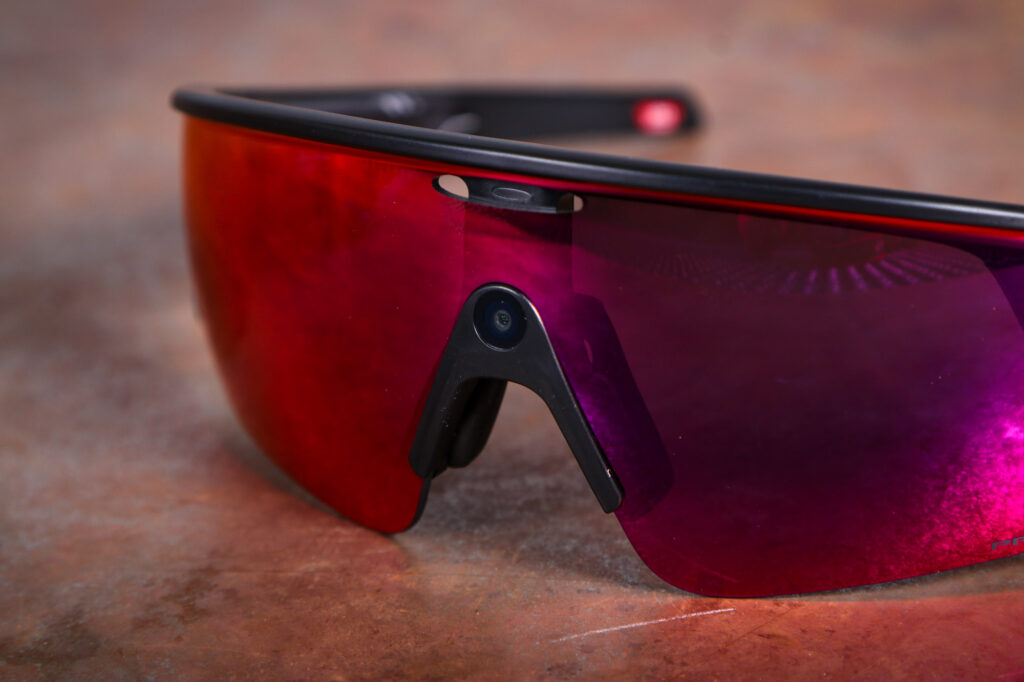
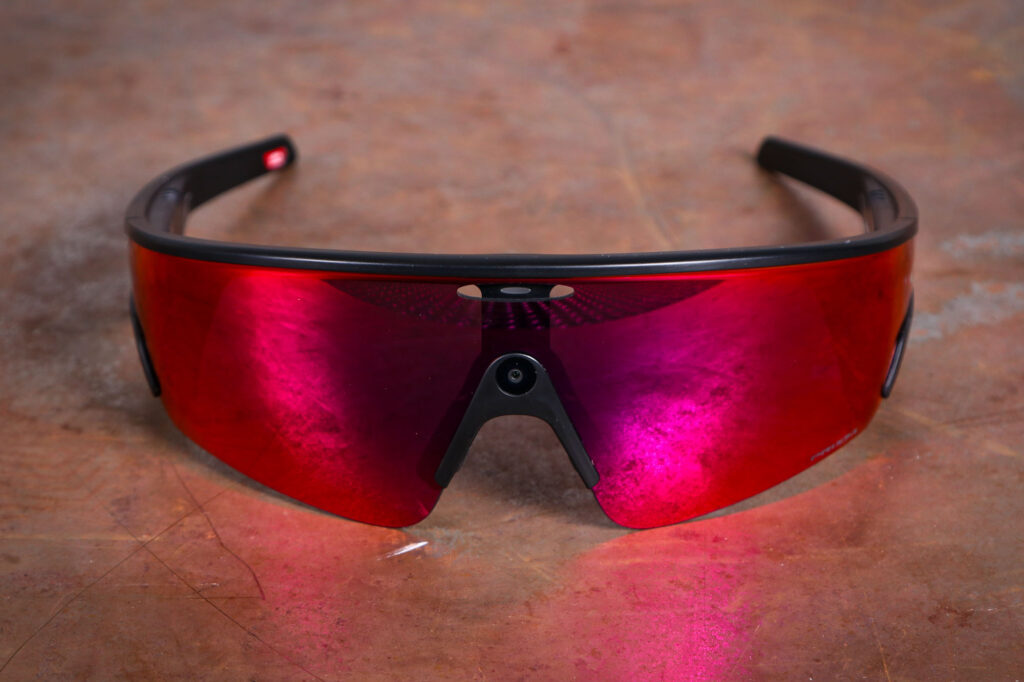

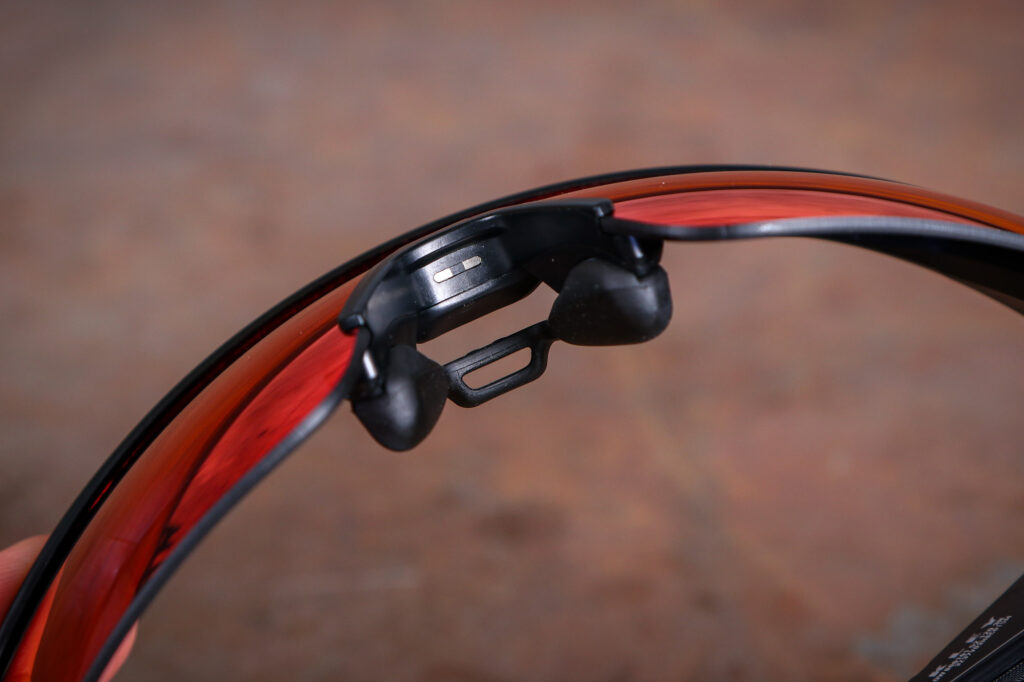
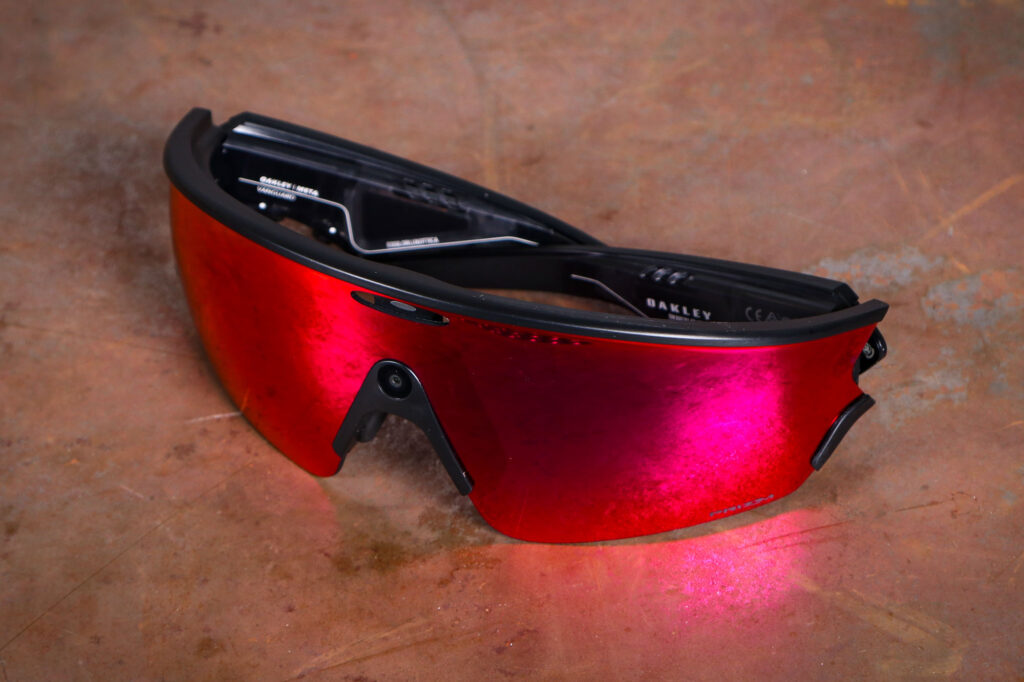
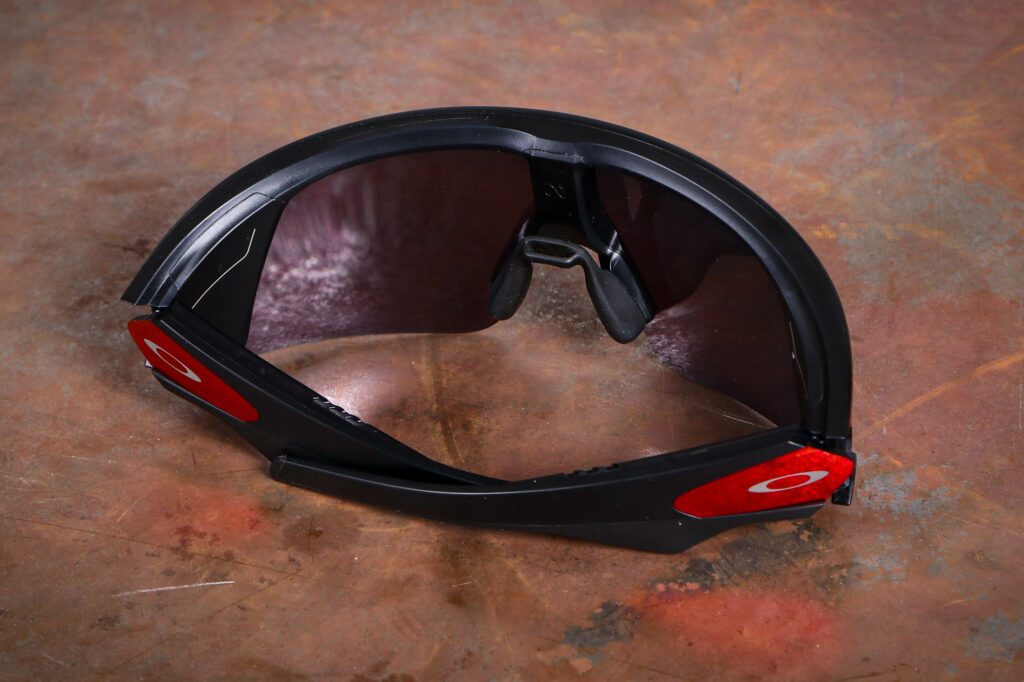
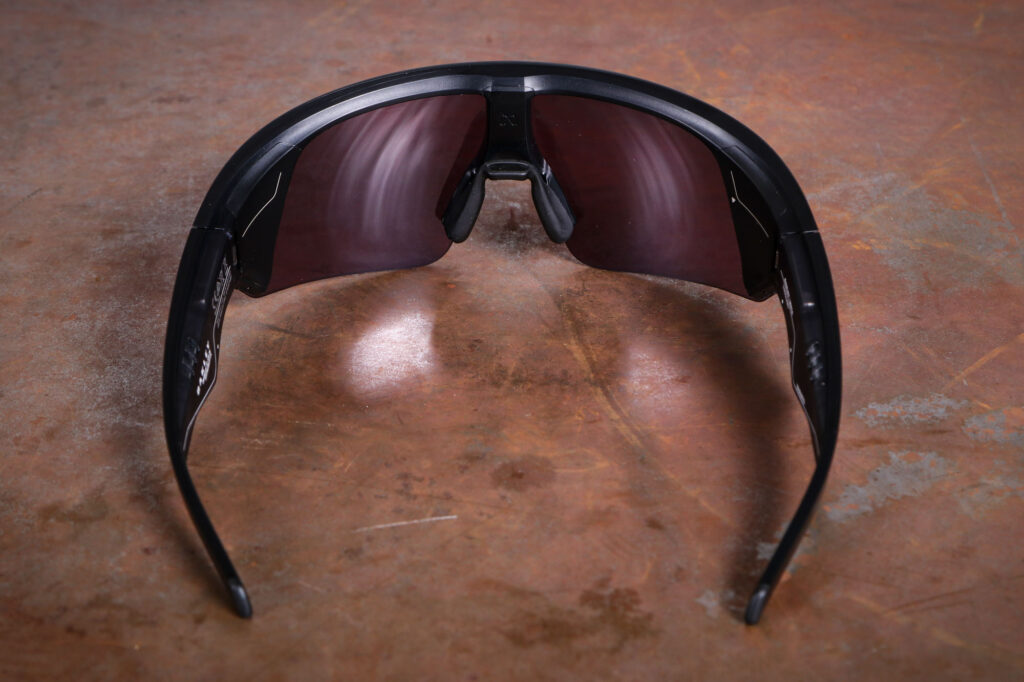
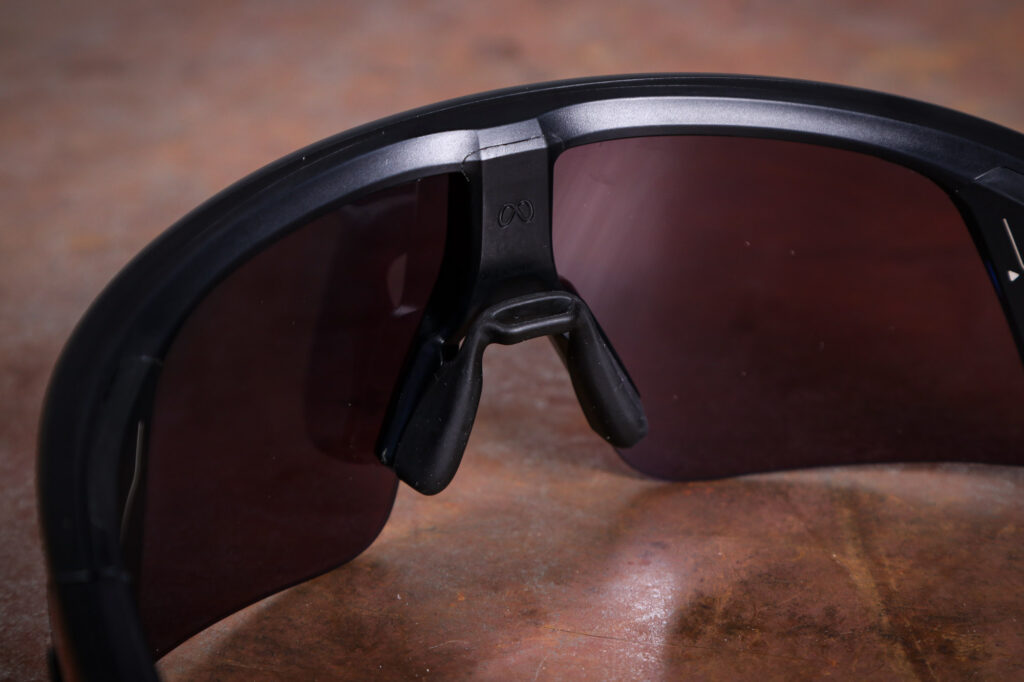
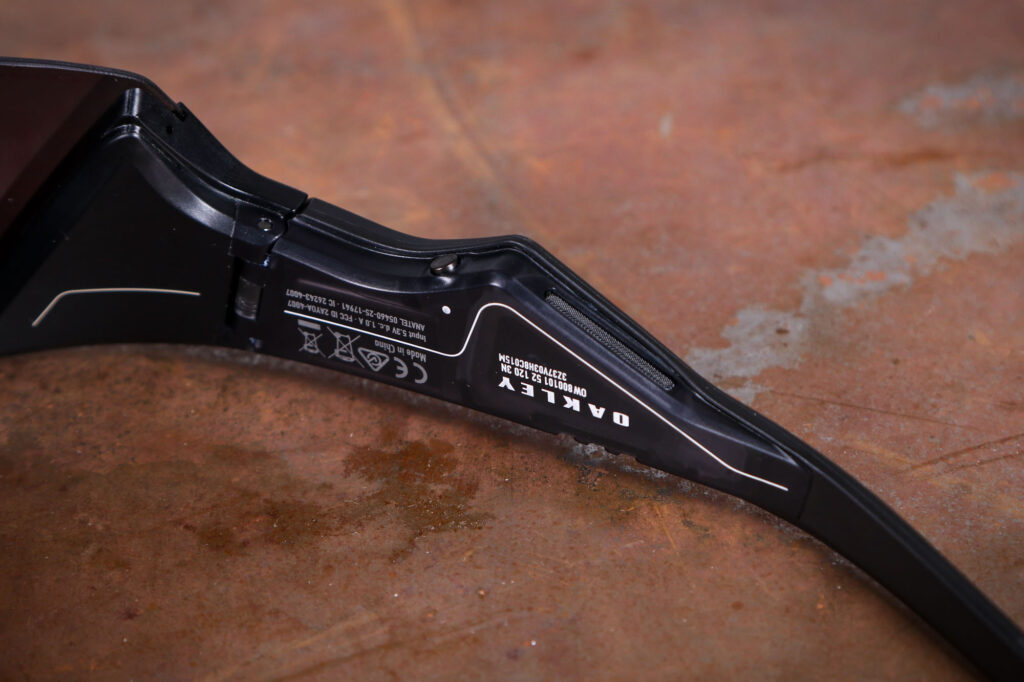
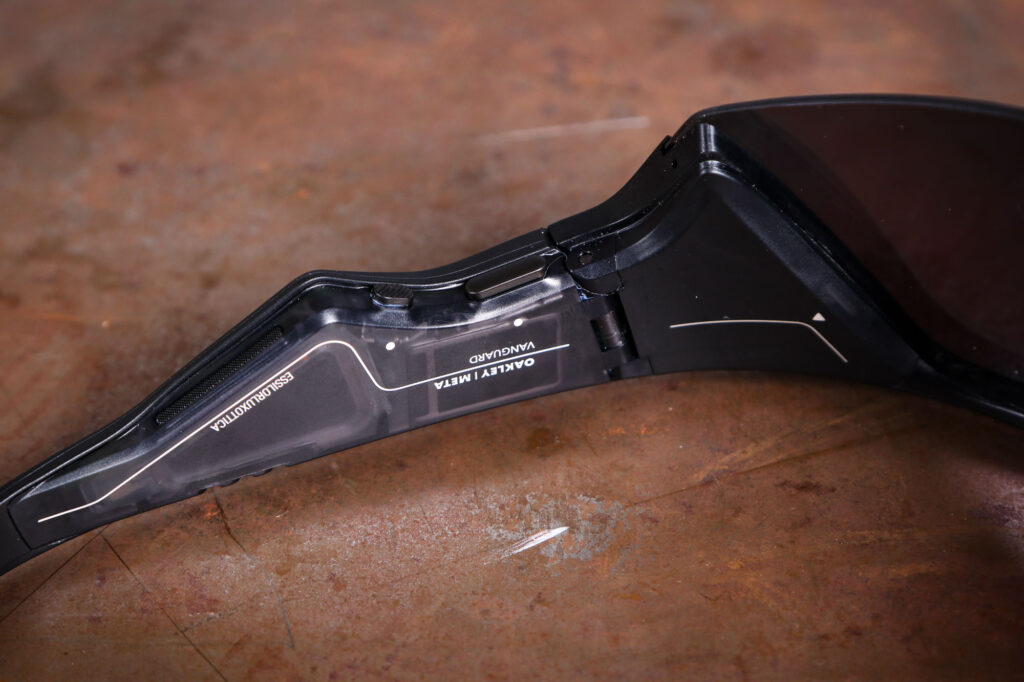
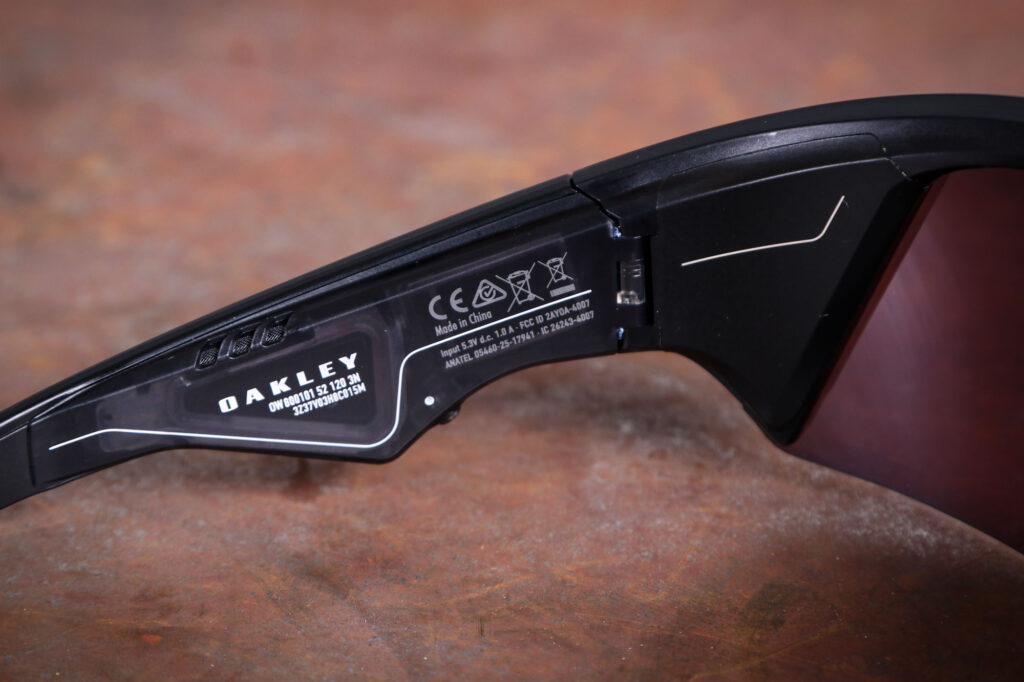
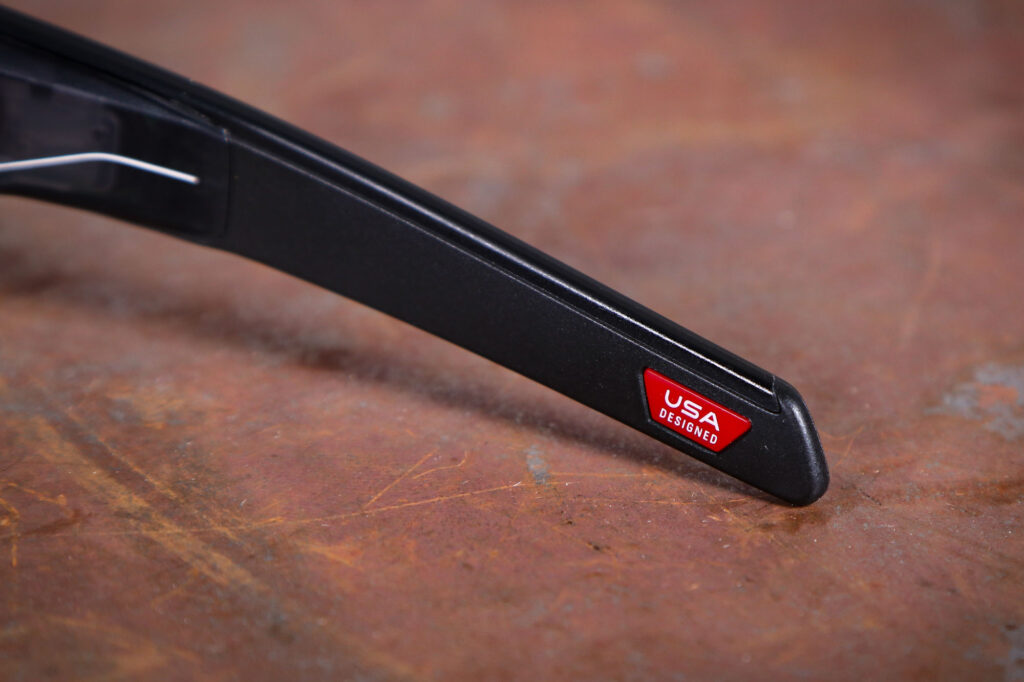
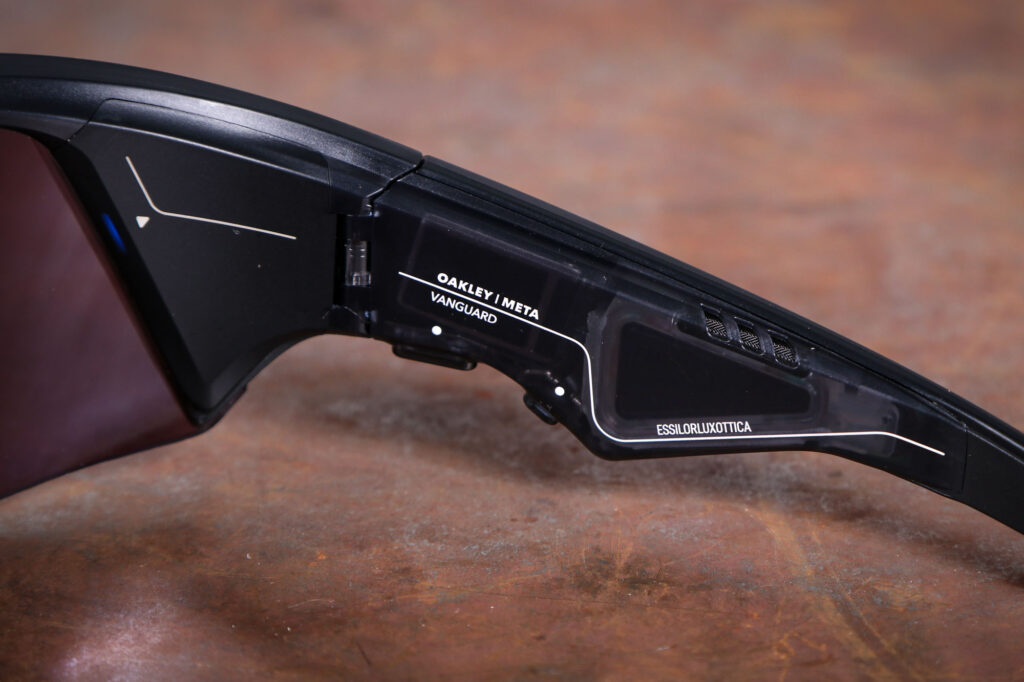
At 68 grams these are heavier than regular sunglasses – perhaps twice the weight – but given how much is crammed in I think that’s quite a modest uplift. There’s a 12MP camera just above your nose and stereo speakers/microphones in the arms, plus a processor which connects to the internet when in range of your phone.
AI Caramba
Oh yeah, and there’s AI. Of course there’s AI. There’s no visual display, unlike with upcoming models from Meta, just a single LED in your peripheral vision when you’re recording a video. It can also be used to inform you on pacing.
There are a small number of physical controls, but the primary interface is voice control. Start with a cheery “Hey Meta” and you can ask your glasses to take photos, play music, make phone calls, send WhatsApp messages and more besides.
You probably already have a fairly clear idea of whether those are things you want your sunglasses to do.
Unlike previous Meta glasses from both Ray-Ban and Oakley, the Vanguards have the camera mounted centrally, meaning on-bike footage is actually centred. The camera is quite small – like a phone camera from a few years back – and shoots 12MP photos as well as video. You’ve a choice of 1080p at 30 or 60fps, or 3K (2,203 x 2,938 pixels) at 30fps.
Both pictures and video are a socials-friendly portrait orientation only, but the 3K resolution is enough that you could crop out a 1080p landscape segment if you wanted. You’d need to do that using another app, though. Videos are 3-5 minutes long max, depending on resolution – disappointing if you were planning to record a whole Alpine descent, for example.
There’s a hyperlapse mode which can shoot up to half an hour of timelapse, and a 120fps, 1/4 speed slow-mo that only has a 720p resolution. Your primary video mode is chosen in the Meta AI app, but the two special modes (slow-mo and hyperlapse) can be triggered via voice command.
The camera has a fixed position and angle, and a wide (122 degree) field of view. That’s comparable to an action camera or the wide-angle lens on a modern multi-camera phone, which makes sense.
Given the size of the lens and these numbers, you’ll not be surprised to learn the results are no match for the latest action cameras, but they’re absolutely good enough for Strava or your social medium of choice.
On a road bike the camera’s angle sat generally lower than I’d want, meaning that to properly frame the action I’d be cropping the lower half off later. It’s angled better for activities where you’re more upright, such as mountain biking or running.
There’s a range of stabilisation levels available in 1080p, or a single (medium) stabilisation at 3K. I mostly shot at 1080p and found the stabilisation coped quite well with cycling and running. It uses a combination of image processing and signals from inertial sensors to keep things smooth. At the full 3K the footage looks a lot sharper, with no obvious reduction in stabilisation.
Sunshine and cloud
If you’re okay for storage then 3K is the better bet for most things (there’s 32gb of storage onboard, and you can offload to your phone or the Meta cloud as needed). Unsurprisingly, footage is best in bright conditions, and looks less impressive when it’s gloomy.
One great thing is the ability to take photos or video extremely quickly. You can snap a scene in just a second or so, and start a video equally quickly should a hazardous situation unfold in front of you. A 3K video would allow enough footage for a police report of a close pass.
For more casual stuff like snapping something interesting going past, however, the lens didn’t deliver anywhere near as good a shot as my Xiaomi 14 Ultra phone’s zoom.
Most, if not quite all of the functionality relies on a connection to a phone and its data connection. You will also need the Meta AI app, which may be a dealbreaker for Zuck-a-phobes, though connection setup is fairly straightforward. Both Bluetooth 5.3 and a WiFi 6 connections are used, with Bluetooth being the mainstay unless higher data transfer is needed – for instance, when syncing media to your phone.
Each arm has a downward-facing speaker in front of your ear. I found them loud enough for music or podcasts while riding, even at higher speeds, and the quality is surprisingly good for open-ear speakers. They’re not a patch on decent headphones, but good enough to enjoy a bit of Slipknot or a lovely K-Pop medley.
You might imagine that the positioning of these speakers would allow you to hear what’s going on around you, but unless I kept the volume really low it would still overwhelm most other sound.
If you have mp3s on your phone the Vanguard can act as Bluetooth headphones, although track selection has to be done on your phone. They’re more aimed at use with music streaming services, and can integrate with Spotify, Apple Music and Amazon Music.
After a quick glance to check no-one will hear you talking to your sunglasses, you can say “Hey Meta, from Spotify please play Somebody’s Watching Me by Rockwell.” For example. And if you’re lucky, you’ll get what you asked for.
I had very mixed results with it, frequently getting different songs to the one I’d requested. Asking for 90s dance music and getting Simon and Garfunkel did nothing for my pacing strategy. It works best with existing playlists, so you can just summon the one you want. “Hey Meta, skip to the next track” works reliably, as do requests for more or less volume. To be fair, other reviews claim to have had better experiences than I did with song request accuracy.
I found voice recognition generally worked well for sending messages, though. You can connect WhatsApp, Facebook Messenger and SMS to hear and send messages while you’re riding, should you want to really ruin your riding.
They say you’re paranoid
After dictation the message is read back for you to confirm you’re happy to send – I tried this at over 60kph and the voice recognition was impressive, thanks to a five-mic array that’s somehow not overcome even by a lot of wind noise. I suppose Meta has had years of practice at listening to what we’re saying no matter what.
That said, it wasn’t flawless, and I did send a few stray messages. You’ll be alerted to incoming messages too, and they’ll be read to you on demand.
Voice command is the principle interface, then, but there are a couple of buttons and a touchpad on the right arm. The longer button is for the camera, and the smaller button can be assigned to various actions… although none that I found that useful. Examples include muting the microphone in a phone call, starting Meta AI and the exciting-sounding Live translation.
The touch pad is on the outside of the right arm, where the Oakley O is, and it crams rather a lot of gesture controls into quite a small area. You can stop and start music, change the volume and skip back and forward via a combination of taps and swipes. On the sofa these all worked fine, although my attempts to swipe up or double tap while riding were not always successful. The on/off button is under the left arm.
I found the interplay between music playback and video recording often problematic. Start videoing and your music stops, but once you’re done videoing the music often fails to restart. A “Hey Meta, can you start the music again” mostly didn’t work, so I’d have to stop and get my phone out to start it up again, which did not feel like The Future.
Because it’s 2026, your sunglasses can do your thinking for you. Ask “What am I looking at?” and it’ll take a picture to beam to Meta’s servers for a best guess (get your own back by constantly looking at fire hydrants, bicycles and traffic lights and asking Meta to identify them).
Sure enough, I found the Vanguard could describe a scene in a way that’s pretty useful for a blind person – a blind person out cycling in shades and curious about the view – but as a sighted person I did not find an obvious application. And I’m not quite sure I’d trust its answer to things like “is this mushroom tasty or deadly?”
For me, Meta’s voice-enabled LLM AI chat tool lags behind ChatGPT or Google Gemini. It was hard to predict what it would manage easily (“Tell me the pros and cons of eating bananas while doing exercise”) and what it would struggle with (“What’s the quickest route back to Bath?”) Sometimes it would tell me apologetically that I just needed to enable some further erosion of my privacy in the settings, although more often than not, the setting it described was not where it said it was.
Other times it would chirpily announce “I can’t help you with that, but I’m learning new things every day.” I wonder how many of those things are swear words.
Once, after I pointed out an error it had made, it gave me a tart “I suggest that you do it yourself then.”
Of course, anything you could ask your glasses you could also ask your phone (as Plato famously said, probably, according to AI…), but the whole idea is that here it’s hands-free. But that is only a killer feature if it works consistently and accurately. I’d expect Meta’s capabilities to improve over time, but right now I can’t see the results add up to a compelling reason to buy.
The app (Android or iOS) is where you access the settings – the glasses aren’t smart enough to allow configuration changes via voice command – as well as photos and video. Media is automatically synched and appears in your gallery app and Meta AI, and you can have the glasses automatically upload to the cloud when they’re returned to their case.
The first section of the app is a feed of AI video slop; just utter dross, if we’re honest, created (to use the term loosely) by other users. The app includes generative functions like “make a video from my photo,” which may entertain a 10 year old but feels an awkward fit here.
If you’ve connected your Strava or Garmin you can use a data overlay for videos with parameters including speed, distance and elevation. This is very simple to do and works well in 1080p, but in 3K the overlay comes out annoyingly small. Several other annoyances like this had already been fixed by software updates by the time I came to write this review, so this one might get sorted too… but it would have been nice if they’d done that before launch.
Shades of Garmin
One of the standout features of the Vanguard is the live integration with Garmin devices, and its ability to give you audio prompts and coaching based upon your current workout. I tried to get this working with a borrowed Edge 520 and found it was too old. Compatibility is limited to Edge 540, Edge 550, Edge 840, Edge 850, Edge 1040, Edge 1050, Edge MTB and lots of (but not all) watches.
It can tell you your current distance or pace, as well as other metrics like heart rate or lap time, and it can alert you if you’re falling behind. For training purposes it doesn’t do anything a smart watch doesn’t, but you can do it without taking your eyes off the road, which will appeal to some. Hooked up to a Garmin, the Vanguard can also automatically take photos at what it deems notable moments during your workout.
These glasses certainly have some interesting capabilities, then, but not enough to persuade me personally to drop £500. Especially as the one area where they really miss the mark is battery life.
Oakley claims six hours of continuous audio and nine hours of typical use, but I found audio drained a full battery dead in 90 minutes. If ‘typical use’ is simply snapping a few pics and short videos as you go, I’d get 3-4 hours on a full charge, but that’s still less than half of what’s claimed. Almost all of my testing has been done 5-12°C, which isn’t that warm, but it’s not that cold either. I just don’t believe that the runtimes advertised are achievable in real world conditions.
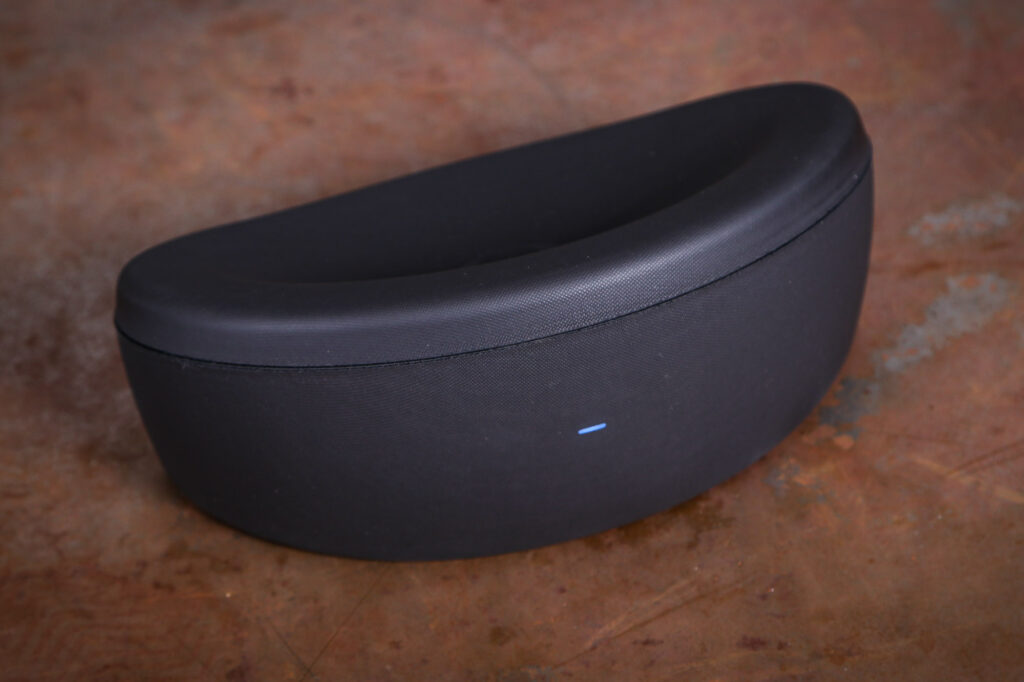
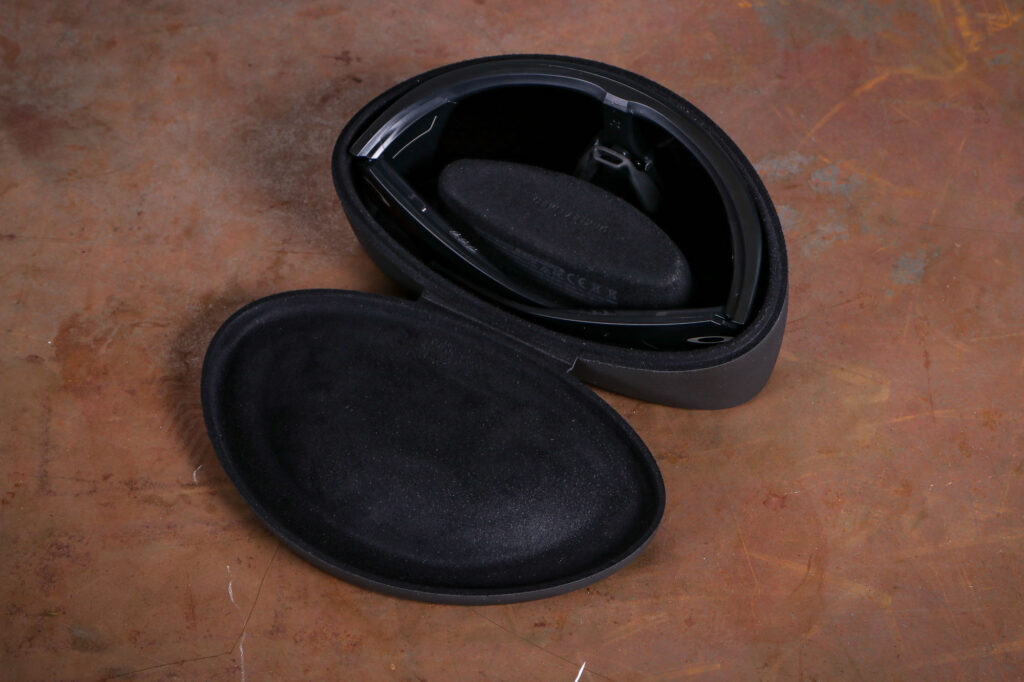
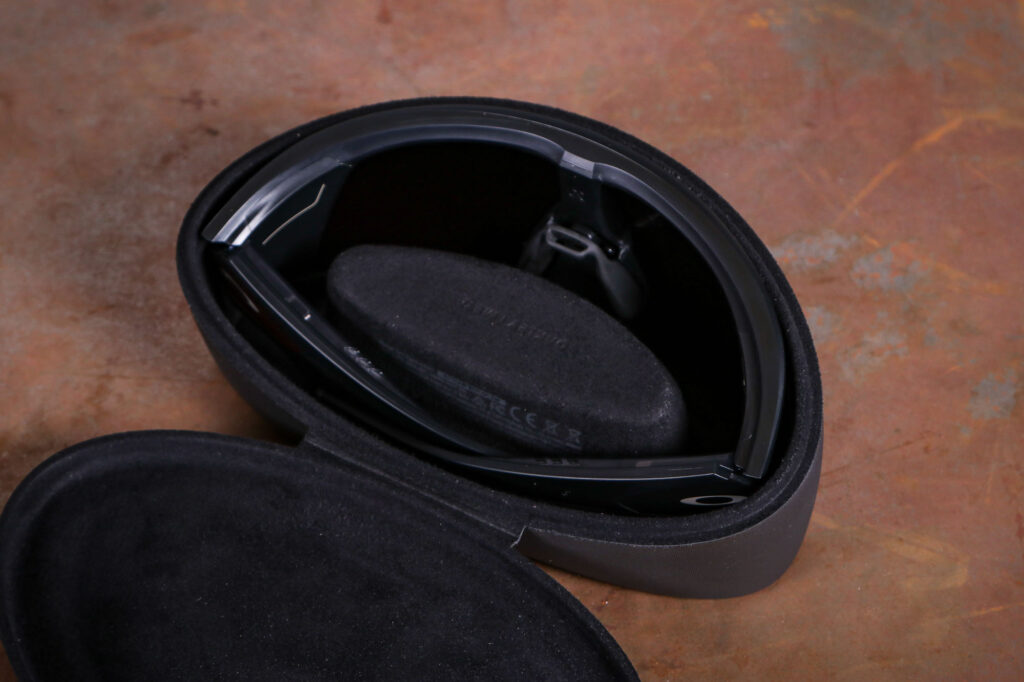
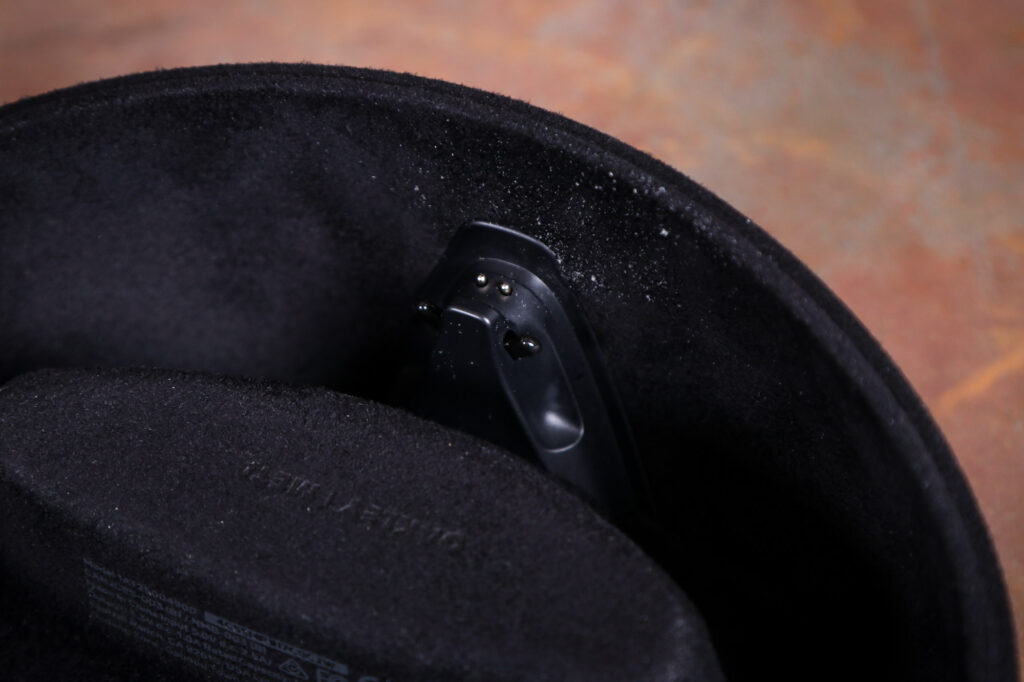
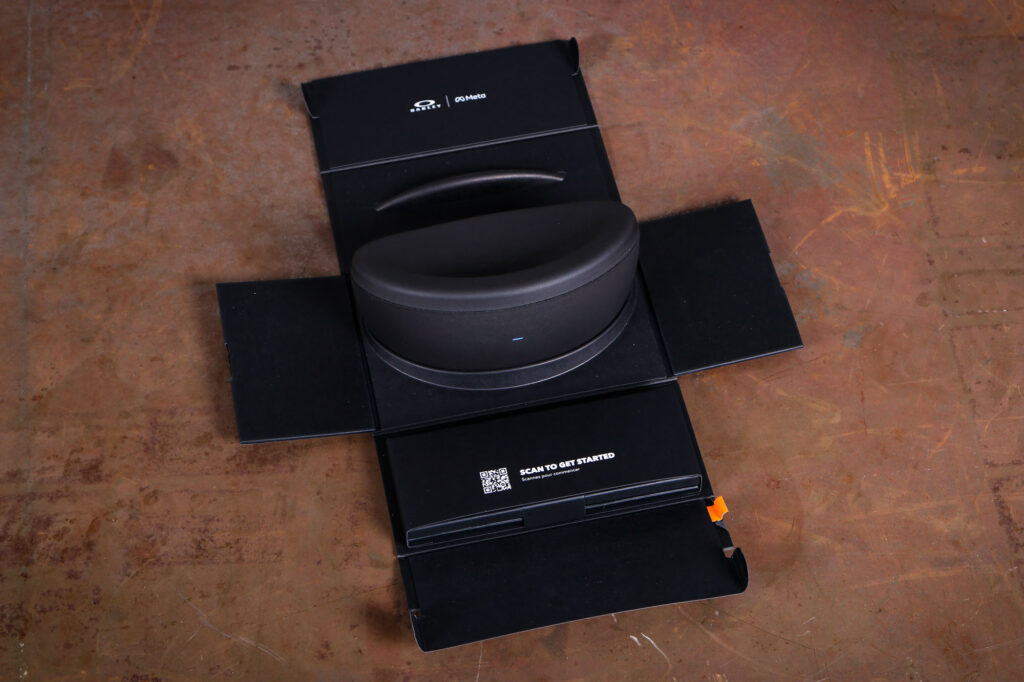
You can only charge the Vanguards in their case, and it’s a bulky 258 grams if you need to carry it with you. It feels solid and has a nice magnetic closure, at least, although the hinge is flexible plastic that – hopefully – will not fatigue. Once inside they glasses get from zero to full charge in around 1hr 15mins, and unplugged the case can do 3-4 full charges.
I’d like to see these come with a cable for charging the glasses directly.
Privately public privacy
The non-obvious integration of a camera is potentially controversial, as it could furtively film people without consent. In what’s presumably an attempt to address this there’s a white LED above the camera; take a photo and it flashes once, record video and it flashes continuously. It’s pretty subtle though, and I’d suggest that 99% of the population is not aware that a tiny blinking dot on your sunglasses means that they’re being filmed. And obviously, it would be trivially easy to cover.
As if that’s not enough, there are reports that footage from Meta AI glasses is viewed by Meta employees as part of their AI training. To use the Meta AI app, you have to agree to let them view your stuff and listen to your voice queries, and The New York Times reports that Meta plans to add facial recognition. This will only add a further range of privacy and safety concerns.
There’s even an app, unaffiliated with Meta (obviously), that will warn you of Meta smart glasses nearby. I’ve not tested anything that’s inspired actual countermeasures before…
Given all this is perhaps not a bad thing that there isn’t a lot of competition, or at least not yet. Certainly we haven’t tested any. The most obvious (and perhaps most derivative) alternative would be the BleeqUp Ranger, which has a similar sort of look. They’re more than £100 cheaper at £389, and are compatible with prescription inserts too. There are a handful of glasses with heads-up displays, too, but they offer nothing like the range of features here and most reviewers seem to find them pretty distracting on a bike.
Overall
This feels like a product still in development, with battery life that’s woefully short of advertised. I did find the camera and audio playback somewhat useful at times, but the AI functionality left me unimpressed. This sort of technology will undoubtedly develop fast, for good or ill, but today – if you’re in the market for it – I think your £500 would be better spent on an action camera and some good bone-conduction headphones. You’ll still have plenty left over for some nice sunnies too.
Test Report
What does the manufacturer say about this product?:
Oakley says: “Built for athletes, our new AI Performance frame is where advanced sport function meets immersive tech. Every detail is engineered with intention, from a redesigned shield lens that integrates seamlessly under helmets, to a durable frame that’s sweatproof, waterproof, resistant to extreme temperatures, and built for activity. This is performance without compromise.”
Tell us some more about the technical aspects of this product:
Frame material: O Matter
Lens colour: Prizm 24k
Light conditions: Bright light
Light transmission: 11%
Base lens colour: Bronze
Impact protection: Z87 and Z87+ certified
Prescription: Not available
Weight: 68g
Camera: 12 MP ultra-wide 122° FOV with medium image stabilisation
Image acquisition 3024 x 4032 pixels
Video resolution 1080p @ 30 fps / 1080p @ 60 fps / 3K @ 30 fps /
Video capture modes: Standard, Slow motion, Hyperlapse
32Gb onboard storage
Any further comments on quality?:
They’re as well made as you’d expect from Oakley and the lens is up to usual standards. In terms of functionality and how much it feels like a finished product, it’s not quite as good.
Any further comments on performance?:
If you want to be able to say the word and start recording nice crisp POV video, these are good at that. The AI elements are much less convincing, and as a music player it lasts less than two hours.
How does the price compare to that of similar products in the market, including ones recently tested?:
There’s not a lot to compare this to, and nothing we’ve tested. There’s a fairly recent competitor which looks somewhat similar and is over £100 less.
Any further comments on fit?:
They fit me well, and were compatible with my Kask Protone helmet.
Any further comments on comfort?:
After several hours I could feel the extra 30g or so, but it didn’t really hurt comfort.
Any further comments on lens quality?:
Excellent quality.
Any further comments on lens field of vision?:
The electronics packaging intrudes ever so slightly at the extreme right and left, but not in a way that I really found was an issue when cycling.
Any issues with durability?:
None during testing.
Did you enjoy using the product? Sometimes
Would you consider buying the product? No
Would you recommend the product to a friend?
No – I’d probably suggest waiting a couple of years
Use this box to explain your overall score
The shades themselves are very good, but on the electroncis side the battery life is shocking, and I these frequently irritating when it didn’t understand me or because it couldn’t do something that other AI agents can. I’m just not convinced it’s better than three separate things: shades, camera, earphones.
About the tester
Age: 47Height: 188cmWeight: 85kg
I usually ride: On-One BishBashBoshMy best bike is: Cervélo Caledonia-5
I’ve been riding for: Over 20 yearsI ride: Most daysI would class myself as: Expert
I regularly do the following types of riding: Gravel riding, Commuting, Touring, Club riding, Audax, Leisure riding