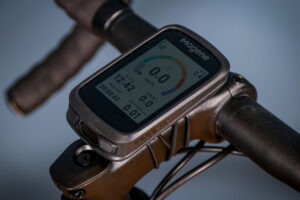
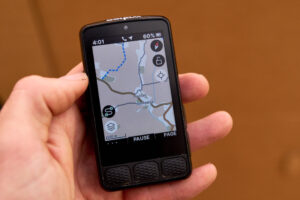
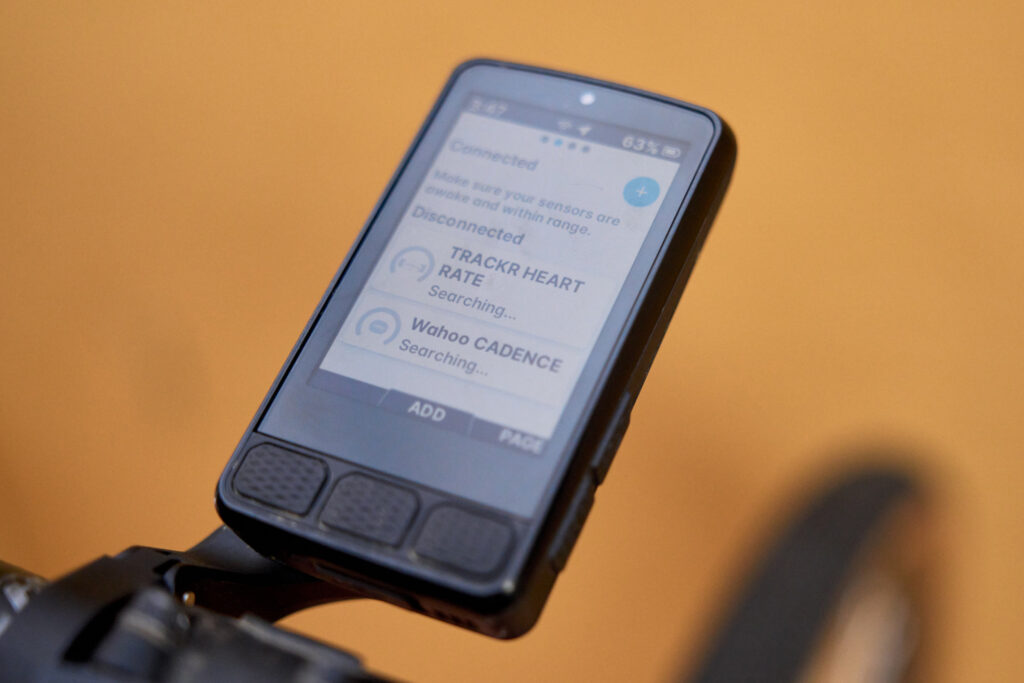
I used the Wahoo Elemnt Roam 3 during my attempt at racing the Trans Pyrenees in 2025 and found it a reliable, long-lasting companion with excellent screen clarity and simple app integration. It easily connected with my Wahoo cadence and heart rate monitors, and works with a wider ecosystem of training tools too.
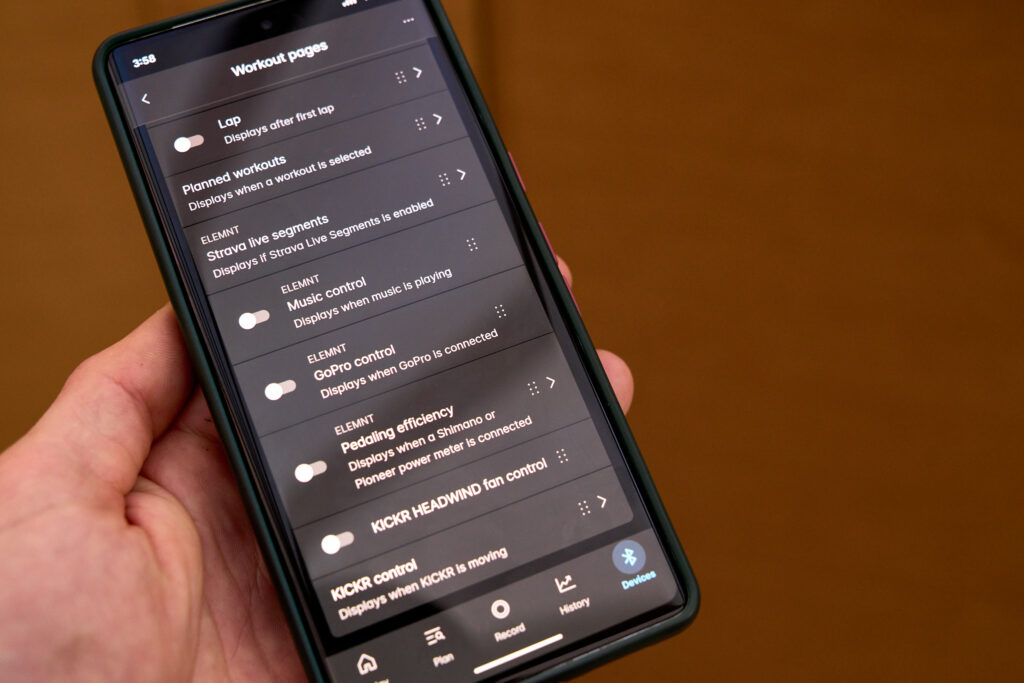
The Elemnt Roam 3 is very simple to set up, and with a fairly straightforward user interface you can get rolling quickly. My only gripe is that the latest app isn’t quite as nice to use as either the previous one, or the actual device interface either. That said, you’ll soon notice all manner of features that outweigh this.
It’s an easy process to link up all the apps for either routing or training plans – a one click sync kinda vibe – at which point it’s just a matter of waiting for your exercises and routes to download to the device.
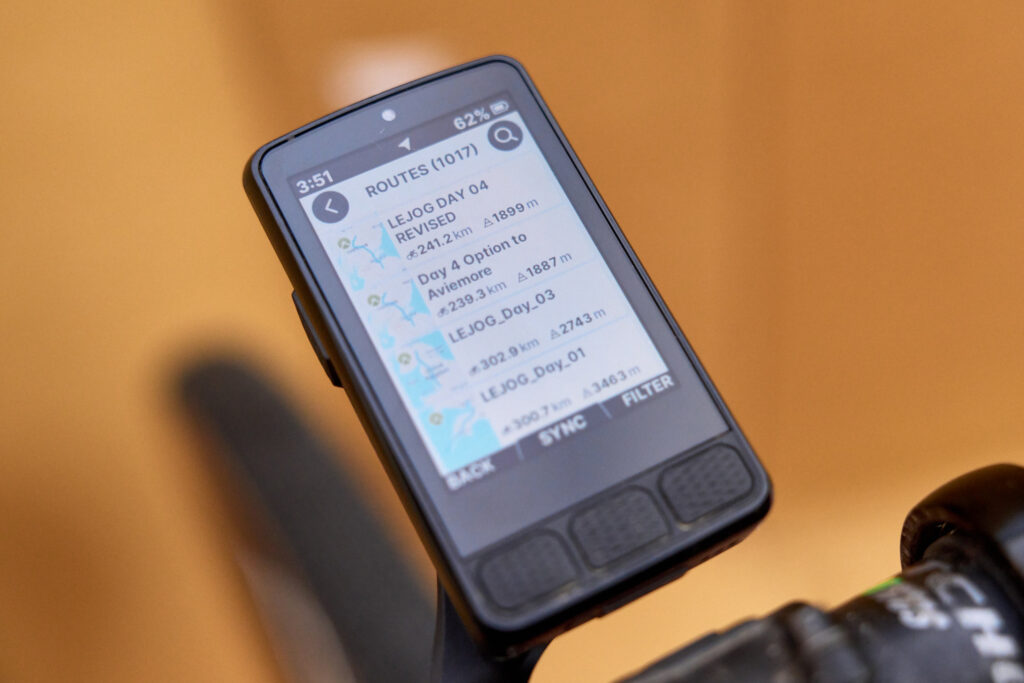
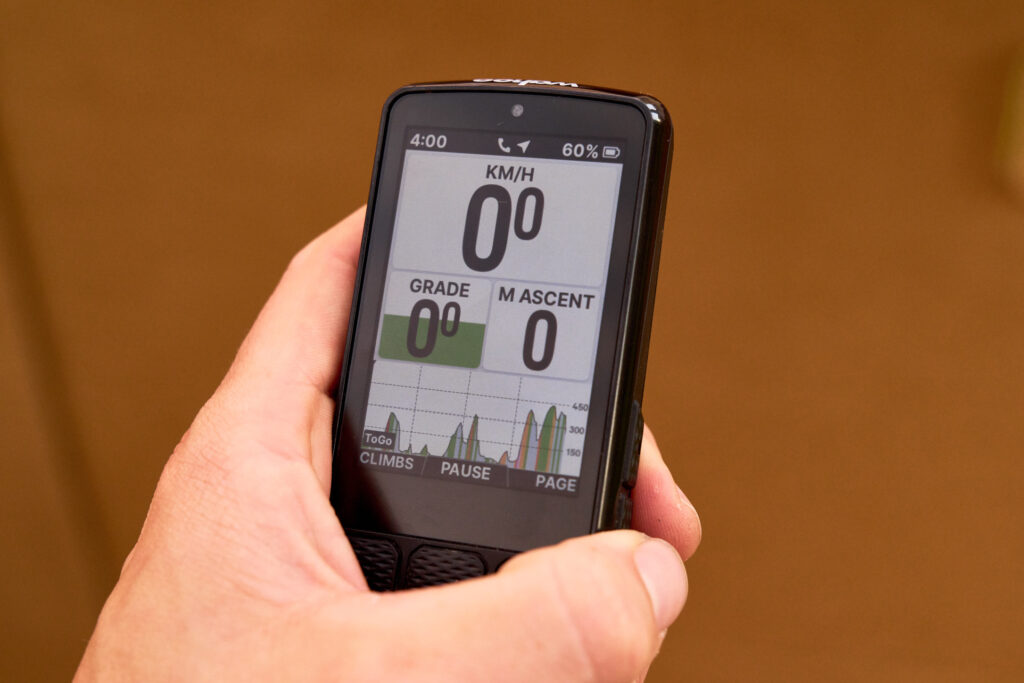
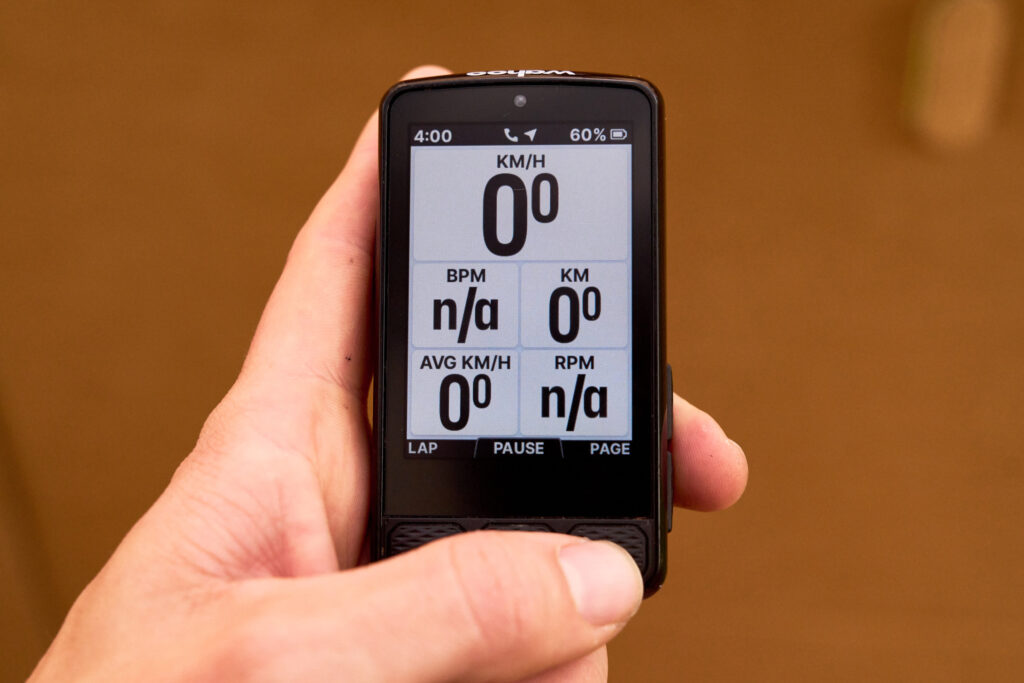
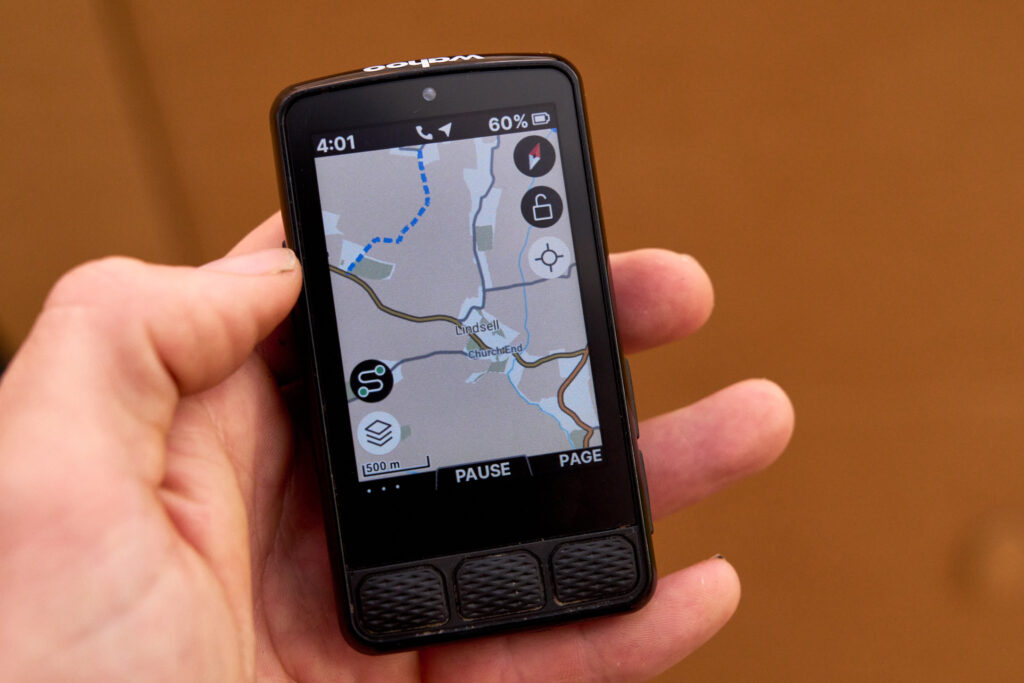
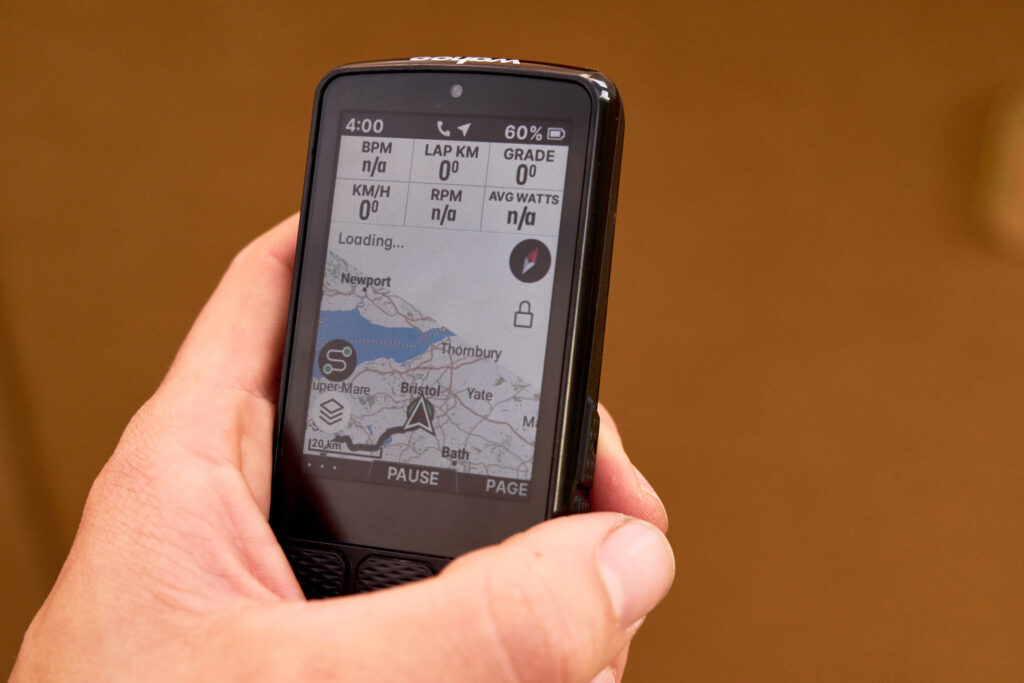
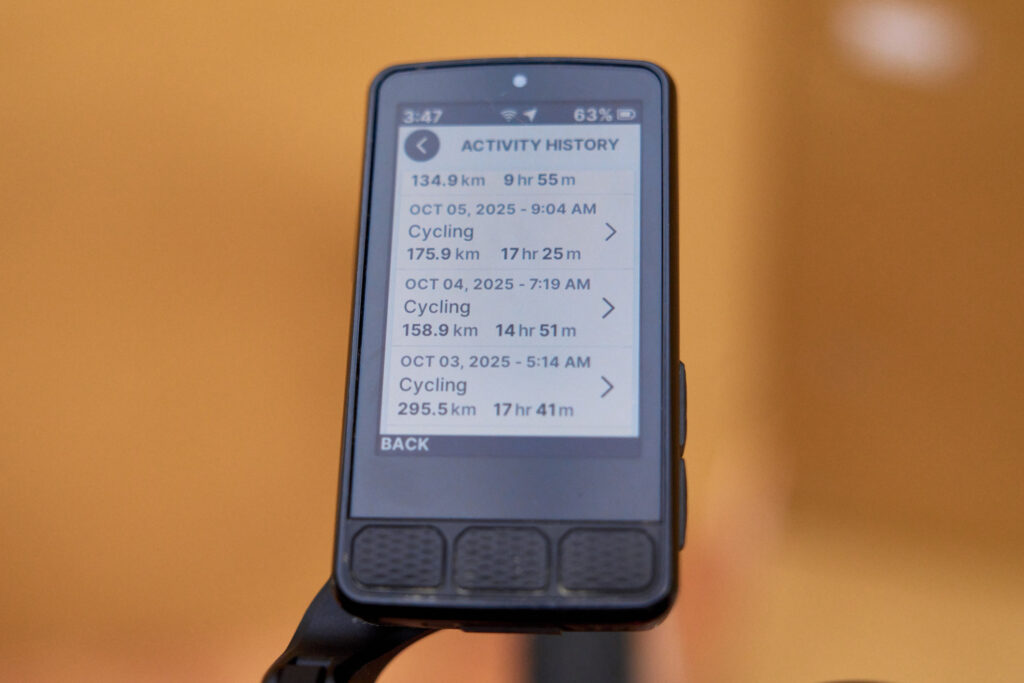
However, if like me you have a vast library of routes, races and trips on your Komoot or Strava accounts, you may find the device begins to struggle despite the hefty 64GB storage. After a little back and forth with the Wahoo tech team, it turns out the number of routes on the device is best kept below 750, ideally.
However, with no option to synch specific routes instead of the whole library, you’ve no choice but to re-organise and consolidate your files within you other apps.
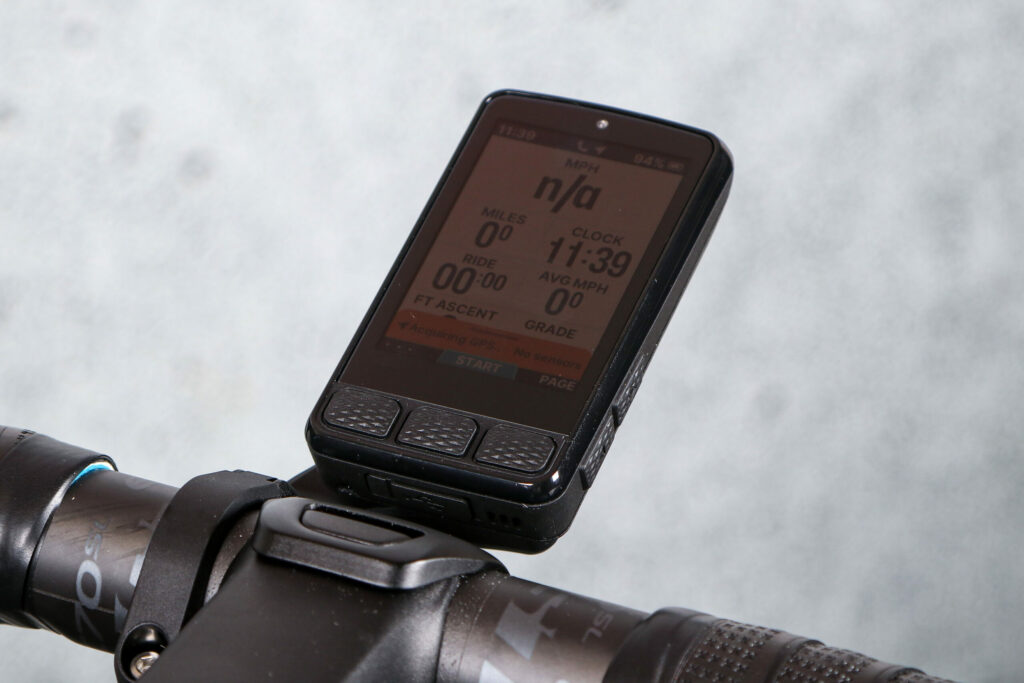
Choose a route and it’s very easy to get going, at least, as the ‘Ready to Ride Dashboard’ throws up all the vital information before you can even get clipped in, including the battery life of connected devices and the Custom Workout Profile that will be used for your ride.
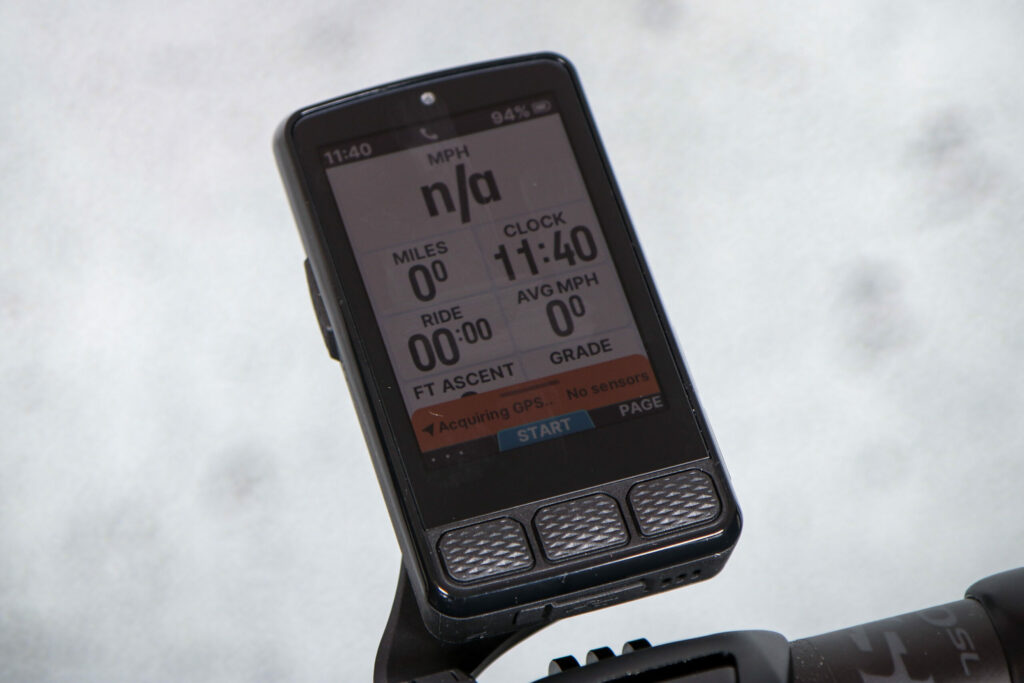
You can customise the display for various ride types, such as indoor cycling or gravel riding, so it’s easy to keep the information appropriate too. Each profile can be set as a one-click option, rather than having to repeatedly fiddle around before you start pedalling.
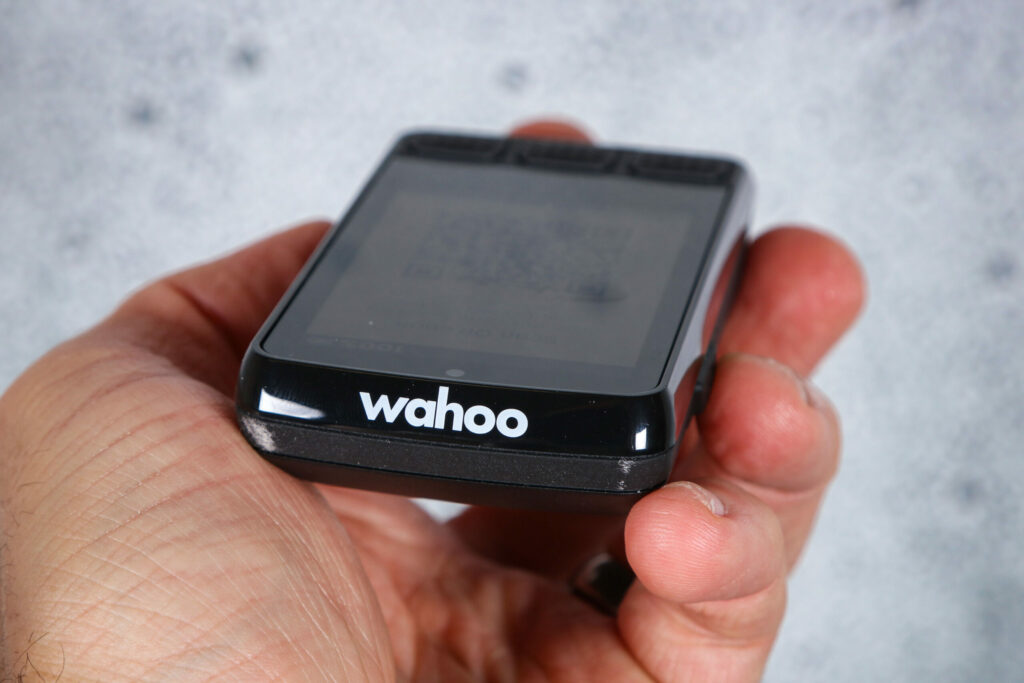
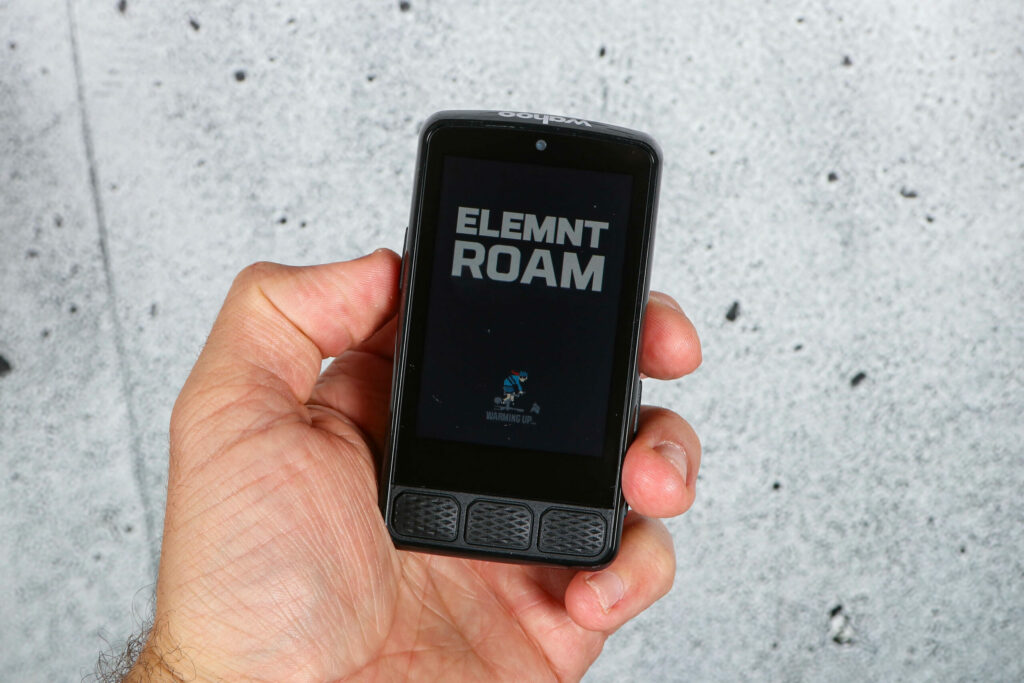
Having done away with the LEDs of the previous Roam, everything is displayed on the touchscreen. I have always been dubious of these due to the potential for rain and scratches causing issues, but it’s proved me wonderfully wrong, and there are so many benefits.
The only issue I had was with water pooling by the central button below the screen. Three or four times in the course of a great many rainy rides, the activity paused out of nowhere.
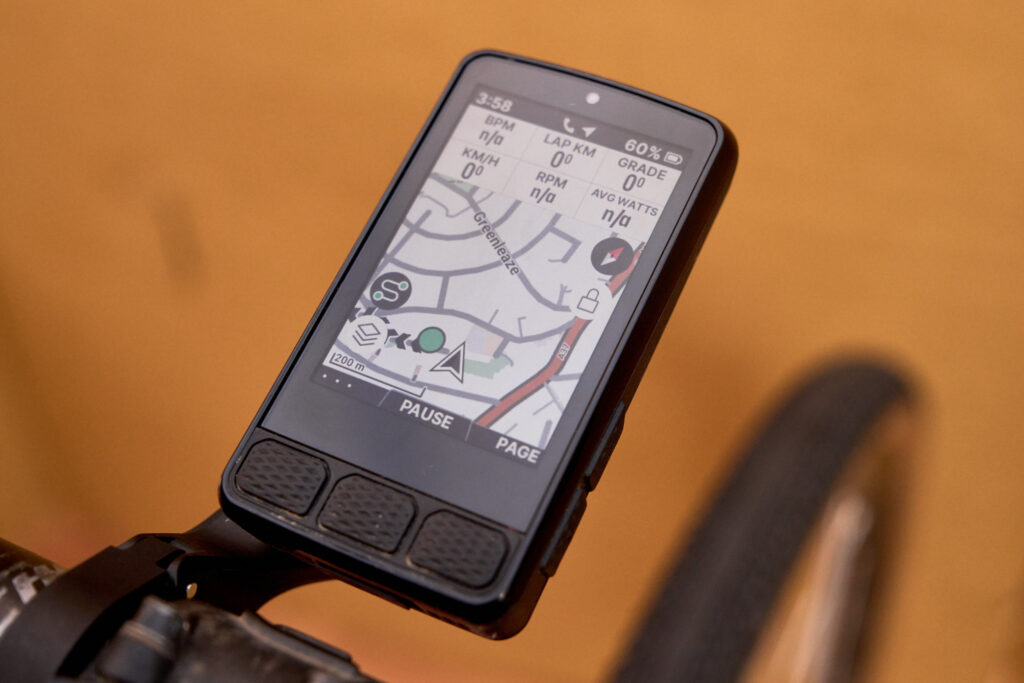
Whilst in the highly detailed ‘Map’ mode, it’s possible to unlock and scroll around, plus view various layers that can be toggled on and off. This helps you home in on landmarks, saved points of interest (POIs), custom markers and even street names. The previous iteration of the Roam didn’t offer anywhere near as much mapping detail or the ability to move through the mapped world other than by zooming out, so this is an excellent and well executed upgrade.
The screen can be adjusted to come on automatically, or to remain on for up to five seconds after being used. Not only that, for night it can be set to Dark mode to reduce glare.
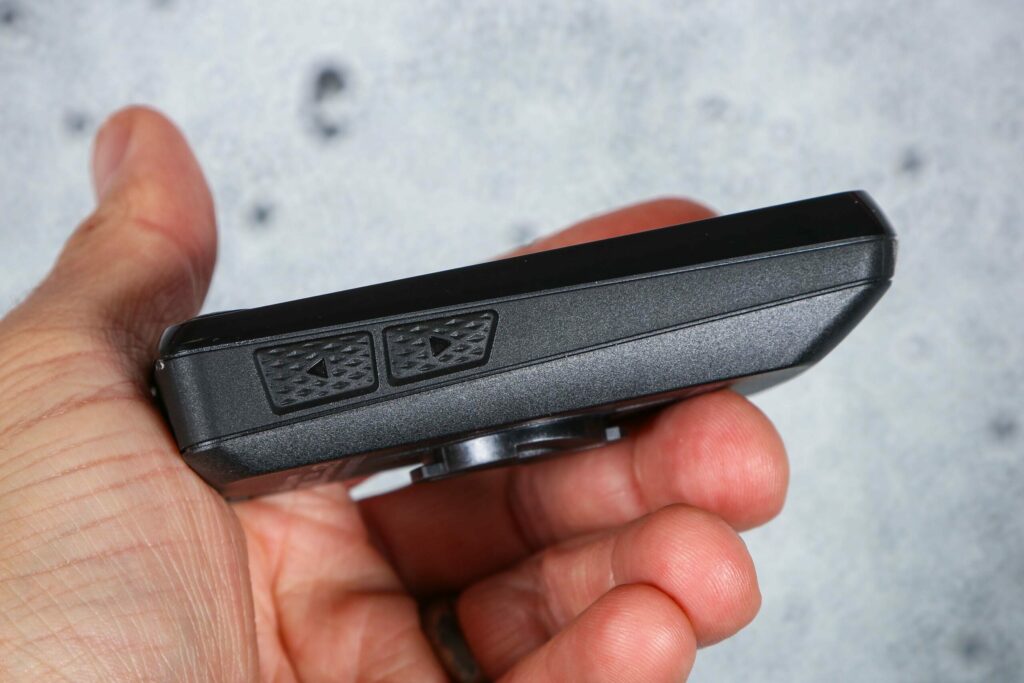
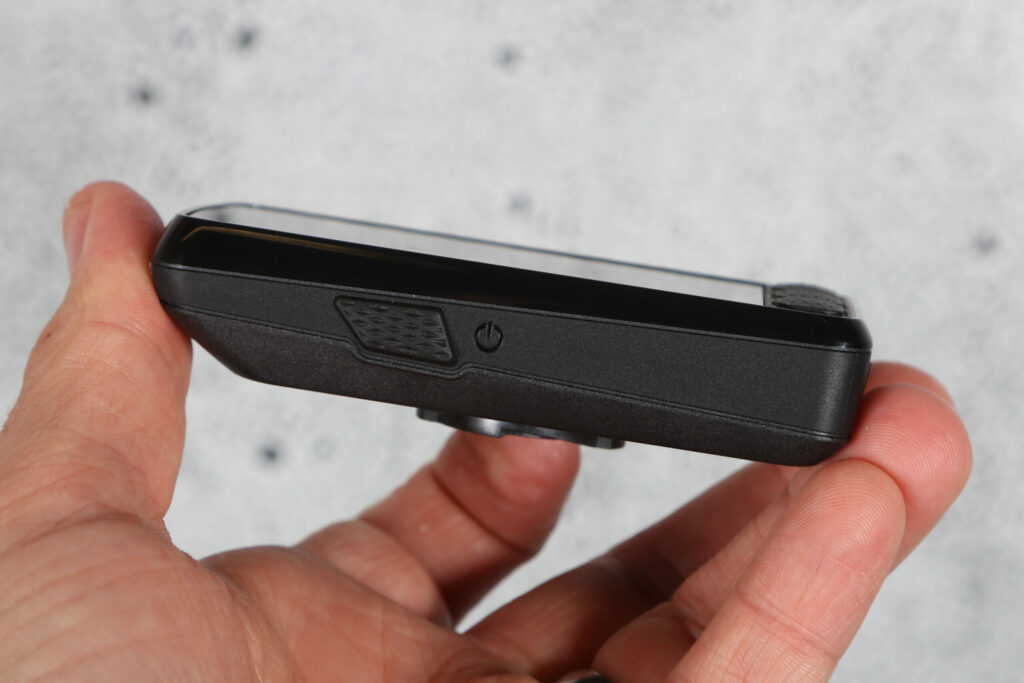
Much of the fiddling can also be carried with the six buttons, should you prefer: there are three below the screen, raised enough you can feel them through most gloves; two on the right side that are equally easy to use; and the main power/function button on the left.
All are easy to distinguish, and offer a reassuring click which is noticeable even with thick gloves or cold hands.
I was really impressed with how long the battery lasted. In cold mountains with the screen on, and with both a cadence and heart rate monitor connected, it performed very well.
More recently, riding the Dales Divide with my Wahoo TRACKR heart rate monitor attached and turn by turn directions on, I got 11 hours of riding done before I had to turn the backlight on. At this point I had 60 per cent battery, and I continued riding through the night until 5am when I had to bed down to get some vital kip and rest a very worn body. Come the morning it was an easy decision to scratch for me, but two hours to York still left me with 24 per cent.
That meant I got 23 hours riding time total, with enough juice I imagine for about another three hours – well above the factory stated 22 hours.
On the move it’s very easy to see all important elements on the large multicolour display, and you can add up to six data tabs to the Map page as well, having populated them from a colossally lengthy selection of data sets.
Even with all six tabs in use there’s a fair bit of real estate for navigating. However, if you decide to make use of the elevation profile you’ll find your navigation experience becomes a little too much like a widescreen cinema, with the map jostled out of being the star of the show.
One of the excellent new features for this third iteration of the Roam is its POI functionality. Whether you have chosen a particular waypoint in Komoot, or purposely detoured via a late night petrol station, or researched the last hotel in town, it will show up as a pretty little pink waymarker.
For me this feature is absolutely essential when taking part in ultras, or audaxes and ensures you don’t miss key controls when you’re tired or have your head down in the zone. You can also set up alarms to remind you to hydrate, take a break or eat something.
While not necessarily new some of these features are really smart, and they’re easier to access in the new app via a dedicated panel.
For the most part, I ride with the Map page as my base, with two or three data slots up top and the elevation profile showing, and you can tap to see the next 2km, 20km, the remaining route, or the whole thing. This is really helpful – previous editions of the Roam required you to navigate away from the Map display for it.
In addition to the normal elevation profile, the Summit feature details each climb, offering a guide time that responds to your current pace, along with the gradient, the distance remaining and the elevation still to complete.
If you’re not following a loaded route, it still shares information on what’s to come down the road and around the next bend.
Value
At £399.99 the Roam 3 is up against the like of the recently-launched Garmin Edge 850 Touchscreen Edition at £469.99, the older Edge 840 for £379.99 or the Edge 840 Solar at £449.99.
If you want that extra long battery life and solar recharging on a budget, the £249 Coros Dura Solar that Steve reviewed may deliver. It’s nowhere near a match for the Roam on useability, however.
Also undercutting the Roam 3 considerably is the £249.99 Bryton Rider S810, and while it does a lot of things right for he price it has a fair few small(ish) flaws and is noticeably less sophisticated than the Wahoo and Garmin offerings.
Amazingly, some of the older computers have actually fallen in price since we reviewed them. Who knew that happened anymore?
Overall
After a solid 5,000km or so with the Wahoo Elemnt Roam 3, I’m impressed with its durability, accessibility and ease of use.
The USB-C charging and hi-res touch screen are modern essentials and the battery life, while not topping out at 40hrs like the Garmin, is nevertheless very useable in the real world. This is a brilliant bit of kit that I believe stands alongside the best on the market.
Test Report
What does the manufacturer say about this product?:
Wahoo says: “Powerful, robust and adventure ready, the all-new ELEMNT ROAM combines a large, anti-glare display with touchscreen convenience and dynamic ride intelligence to make every ride effortless. With crisp, easy-to-read mapping, intuitive navigation, and smart features that handle the details before, during, and after your ride, the ELEMNT ROAM keeps you focused on the road ahead.”
Tell us some more about the technical aspects of this product:
USB-C charging
64gb internal storage
16 million colour touch display
Built-in speakers for directions and bell
Bluetooth and Ant+ connectivity
Seamless app connectivity for routes and training
25 Hours battery life
Any further comments on quality?:
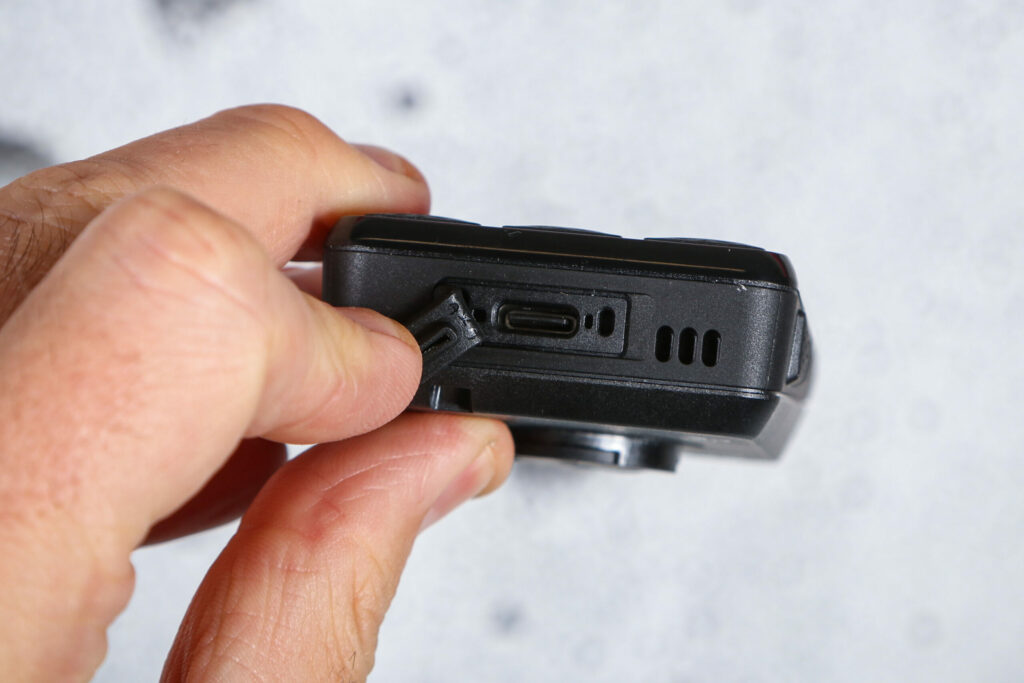
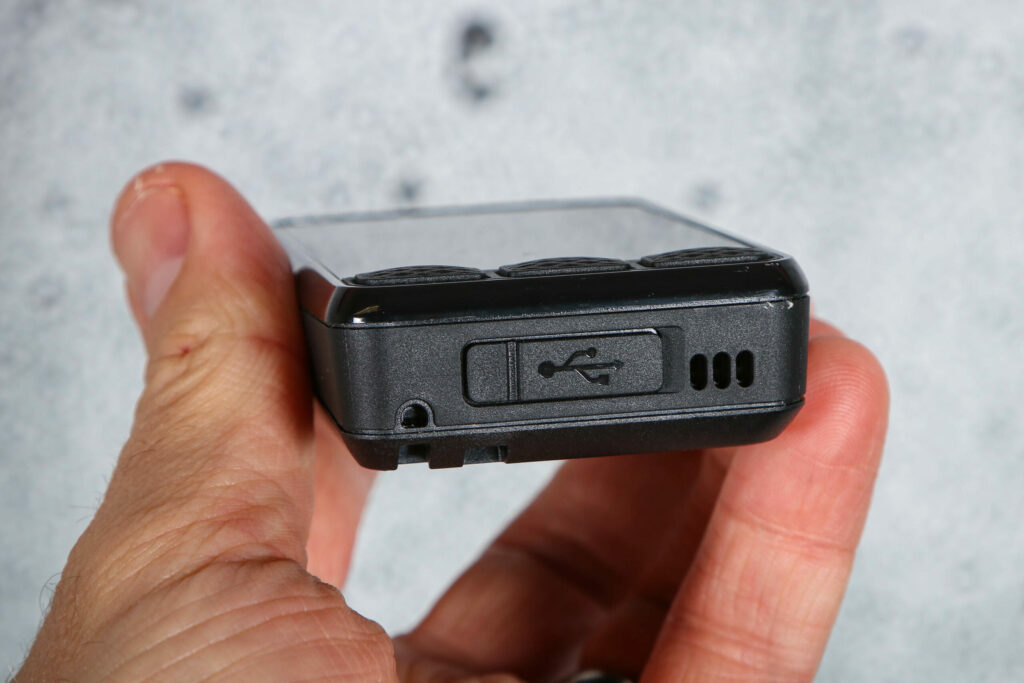
Sturdy with reliable weatherproofing on the USB-C port.
How does the price compare to that of similar products in the market, including ones recently tested?:
It’s priced close to a fair few lower-end units, but outperforms most of them in significant ways.
Any further comments on battery life and recharging?:
Fast recharging and very effective, if not exceptional, run times.
Did you enjoy using the product? Yes
Would you consider buying the product? Yes
Would you recommend the product to a friend? I have!
Use this box to explain your overall score
The battery life is impressive, the touchscreen is great and it’s extremely easy to use both for navigation and in combination with training apps. GPX uploads could be improved if you have a particularly big library of routes (and future app updates could do just that), but otherwise there’s little to really criticise.
About the tester
Age: 37Height: 178cmWeight: 79kg
I usually ride: Specialized Diverge Gravel BikeMy best bike is: Specialized Diverge Gravel Bike
I’ve been riding for: 5-10 yearsI ride: Every dayI would class myself as: Expert
I regularly do the following types of riding: Bikepacking